4. CONTROLS
4.1 USING THE CONTROLS
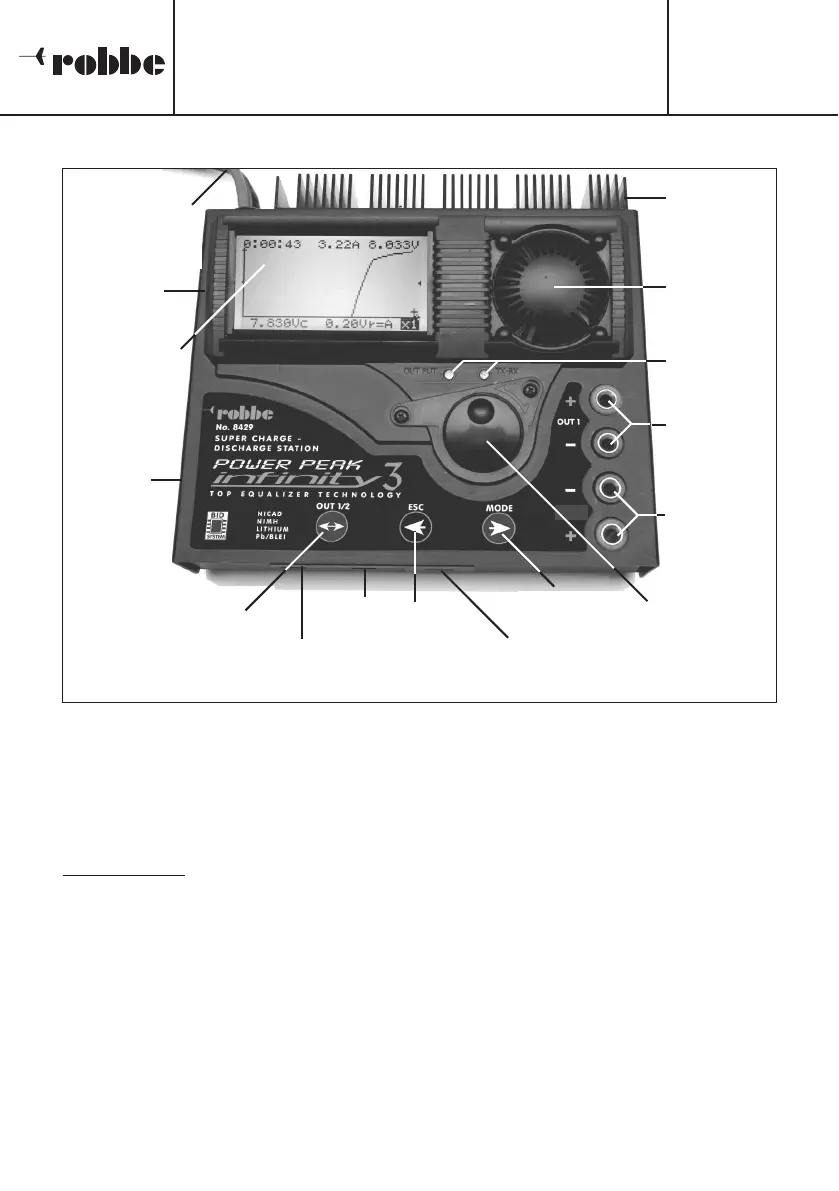
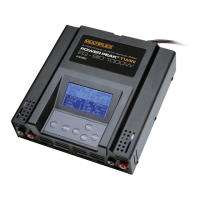
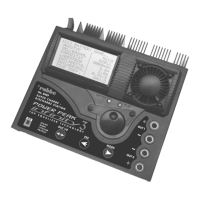
The three buttons and the ‘3-D hotkey’ on the POWER PEAK Infinity 3 are multi-purpose
controls, as indicated by the printed legends. Particular button-presses perform different
actions depending on the selected mode of operation.
• 3-D HOTKEY
The digital rotary control has three functions:
1. Turn clockwise
The arrow symbol scrolls down line by line to mark the desired menu or menu line.
Within the menus, turning the hotkey clockwise increases the charge or discharge
parameter value by one incr
ement.
2. Turn anti-clockwise
The arrow symbol scrolls up line by line to mark the desired menu or menu line. Within
the menus, tur
ning the hotkey anti-clockwise decreases the charge or discharge para-
meter value by one increment.
3. Pr
ess
Activates or disables the marked menu (indicated by the cursor).
Operating Instructions
POWER PEAK Infinity 3
No.
8429
7
12 V power
supply lead
Graphic scre-
en, 128 x 64
dot matrix
20 A fuse
PC interfa-
ce socket
Heat-sink
Temperatur
e-controlled
cooling fan
Status LED
(outputs)
Output 1
3-D hotkey
‘Mode’
button
‘ESC’ button
Temperature
sensor socket
Equalizer
socket
BID chip socket
Output select
button
Tx / Rx
output






 To Next Page