‘MODE’ BUTTON
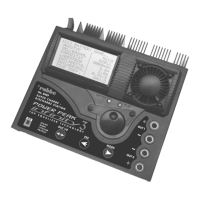
This button is used to navigate through the main menus in the following order:
• Battery select and charge / discharge parameter programming ([0] MEMORY NAME)
• Basic settings (USER SETTINGS)
• Charge / discharge data for the current process (BATTERY DATA)
• Charge / discharge data for a battery revival process (CYCLE DATA)
• Display of individual cell voltages in a LiPo pack (EQUALIZER DATA)
• Display of BID chip data when a BID chip is connected (BID SYSTEM)
‘ESC’ button
• Calls up the main menus in reverse order (endless loop)
• Disables the cursor
• Confirms and deletes error messages and charge / discharge process termination
messages
‘OUT 1/2' BUTTON
• Switches the screen display between outputs OUT 1 and OUT 2
• Pressing this button allows the user to see the values for each output separately when
programming and when a process is running
STATUS LEDs
• These LEDs show the status of the outputs ? red = OUT 1, green = OUT 2
• Glowing constantly = charge function or discharge function active
• Flashing = charge or discharge process terminated; error message
5. USING THE CHARGER FOR THE FIRST TIME
Locate the crocodile clips attached to the charger, and
connect them to a suitable 12 V power source. The Start
display appears, indicating that the power-on process is
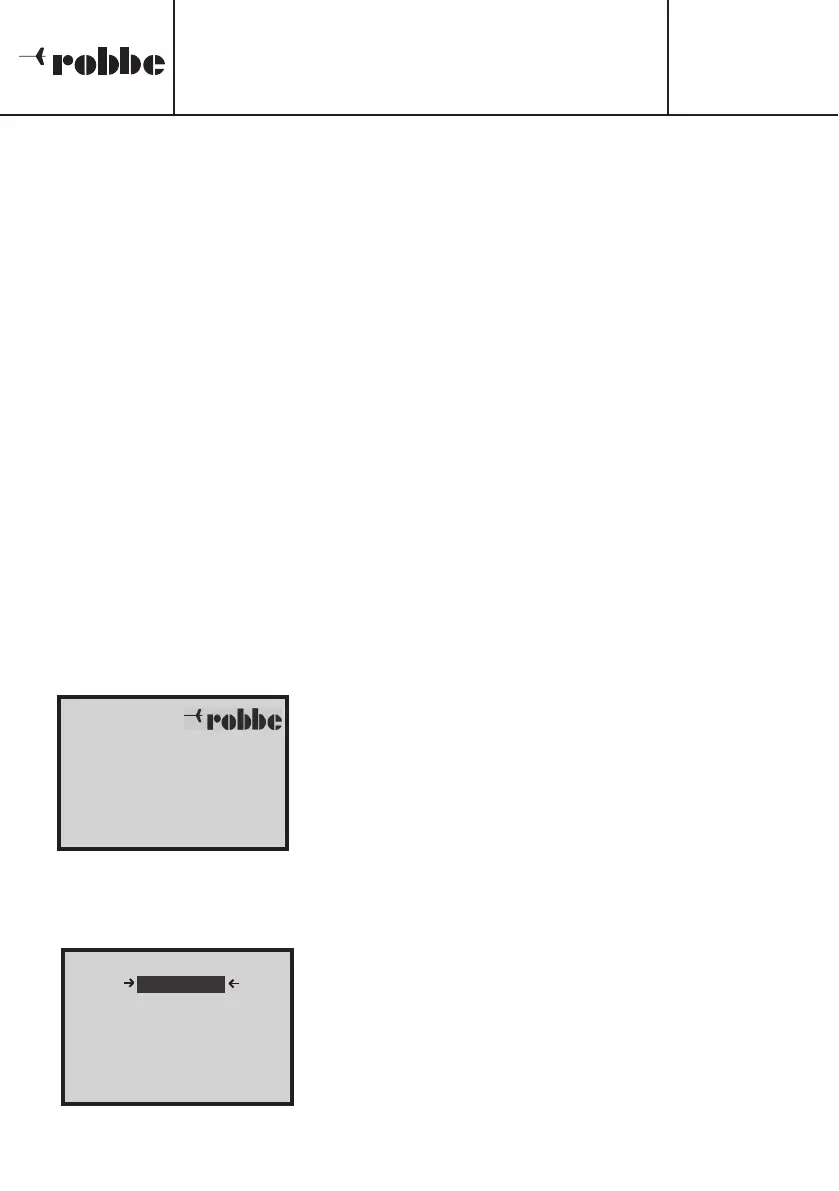
complete. The screen shows the company logo and the
device name, as well as the installed software version and
the user’s name. The charger carries out a self-test which
lasts a few moments.
5.1 SELECTING THE MENU LANGUAGE
The POWER PEAK Infinity 3 features a multi-lingual menu
guidance system. To select your preferred language, hold
the ‘MODE’ button pr
essed in while you connect the input
voltage. Y
ou will now see the scr
een display printed her
e,
where you can select your preferred menu language.
Rotate the ‘3-D hotkey’ to move the cursor up or down,
and mark the language you wish to use. Hold the ‘3-D
hotkey’ pressed in to activate and store the new langua-
ge.
Operating Instructions
POWER PEAK Infinity 3
No.
8429
8
[
[
L
L
A
A
N
N
G
G
U
U
A
A
E
E
S
S
E
E
L
L
E
E
C
C
T
T
]
]
DDEEUUTTSSCCHH
F
F
R
R
A
A
N
N
C
C
A
A
I
I
S
S
I
I
T
T
A
A
L
L
I
I
A
A
N
N
O
O
E
E
S
S
P
P
A
A
N
N
I
I
O
O
L
L
P
P
O
O
W
W
E
E
R
R
P
P
E
E
A
A
K
K
I
I
N
N
F
F
I
I
N
N
I
I
T
T
Y
Y
-
-
I
I
I
I
I
I
V
V
e
e
r
r
s
s
i
i
o
o
n
n
1
1
.
.
0
0
<
<
R
R
O
O
B
B
B
B
E
E
N
N
A
A
M
M
E
E
.
.
.
.
>
>
ENGLISH





 To Next Page