24
Display backlight
When your radio is powered by the AC mains using the supplied mains adaptor
the display backlight will always be on.
When using the radio powered from the batteries, the display backlight will
be switched on for approximately 8 seconds when any button is pressed.
Zoom function
Your Opus radio has a zoom button which can be used to enlarge the size of
the fonts on the display.
1. Press the Zoom button to enlarge the upper line of the display.
2. Press the Zoom button again to enlarge the lower line of the display.
3. Press the Zoom button once more to return to the normal display.
Setting the clock
Normally your radio will set its clock automatically using the DAB radio signal.
If no DAB signal is available and you need to set the time manually please
follow the procedure shown below.
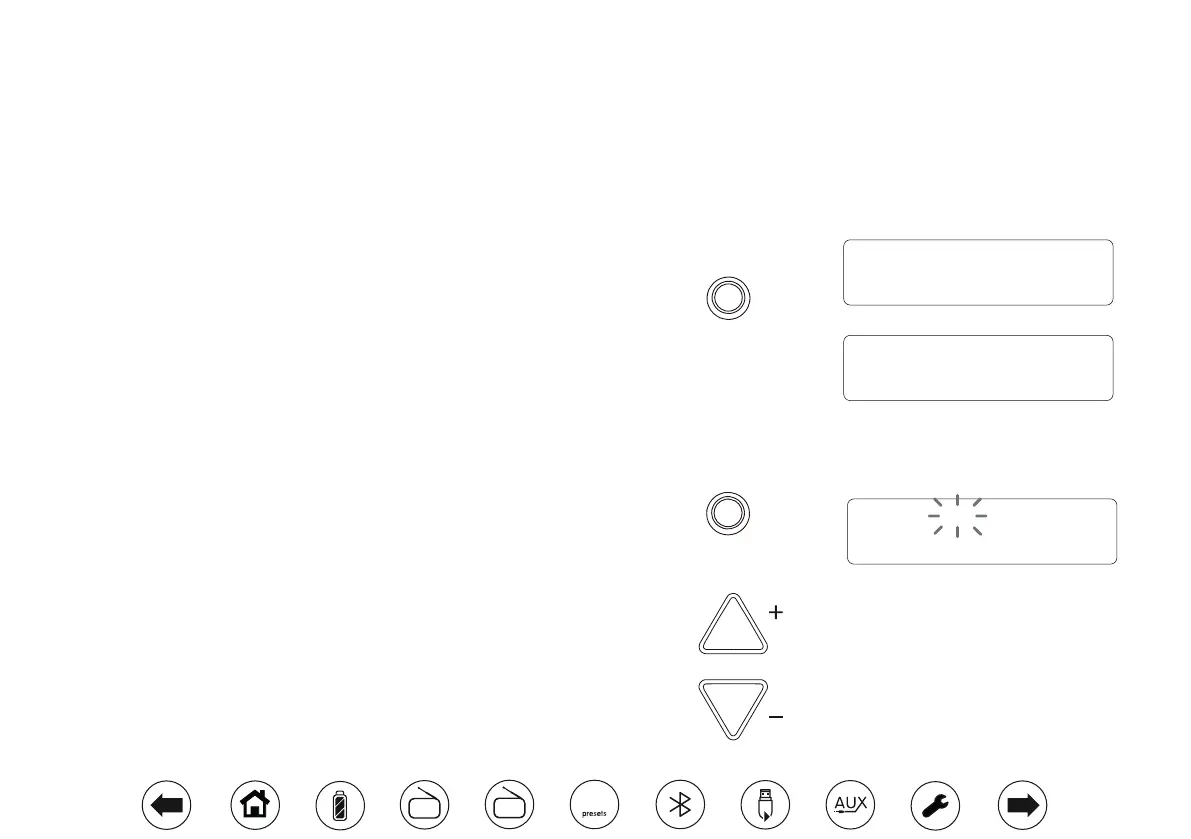
1. Press On/Off if needed to switch your radio into standby.
2. Apply a long press on the Time Set button until the hour digits ash on
the display.
3. Press the Tuning Up or Down buttons to set the desired hour.
4. Press the Time Set button to conrm the hour setting. The minute digits
will ash.
5. Use the Tuning Up, Tuning Down and Time Set buttons to set the minute,
day, month and year as needed.
Zoom
Home of the beat
Time Set
Repeat
& Intro
Tuning / Album
09:30
03-JAN-2018
BBC Radio 2
Home of the beat
DAB
FM
10


 To Next Page