Chapter 2-11
Base Station and Perimeter Wire Setup
2.8.1 Determining Perimeter Switch Location
Consider the following in order to install the Perimeter Switch at its optimal
location:
P Perimeter Switch is installed outside the perimeter of the non-Base zone.
P Select an easily accessed spot.
P Prefer a dry and sheltered location.
P The Perimeter Switch is to be mounted vertically.
The vertical mounting maintains Perimeter Switch water resistance
qualities.
P The Perimeter Switch is supplied with an indoor power supply. Chose a
location close to the electrical outlet.
2.9 Perimeter Switch placing options:
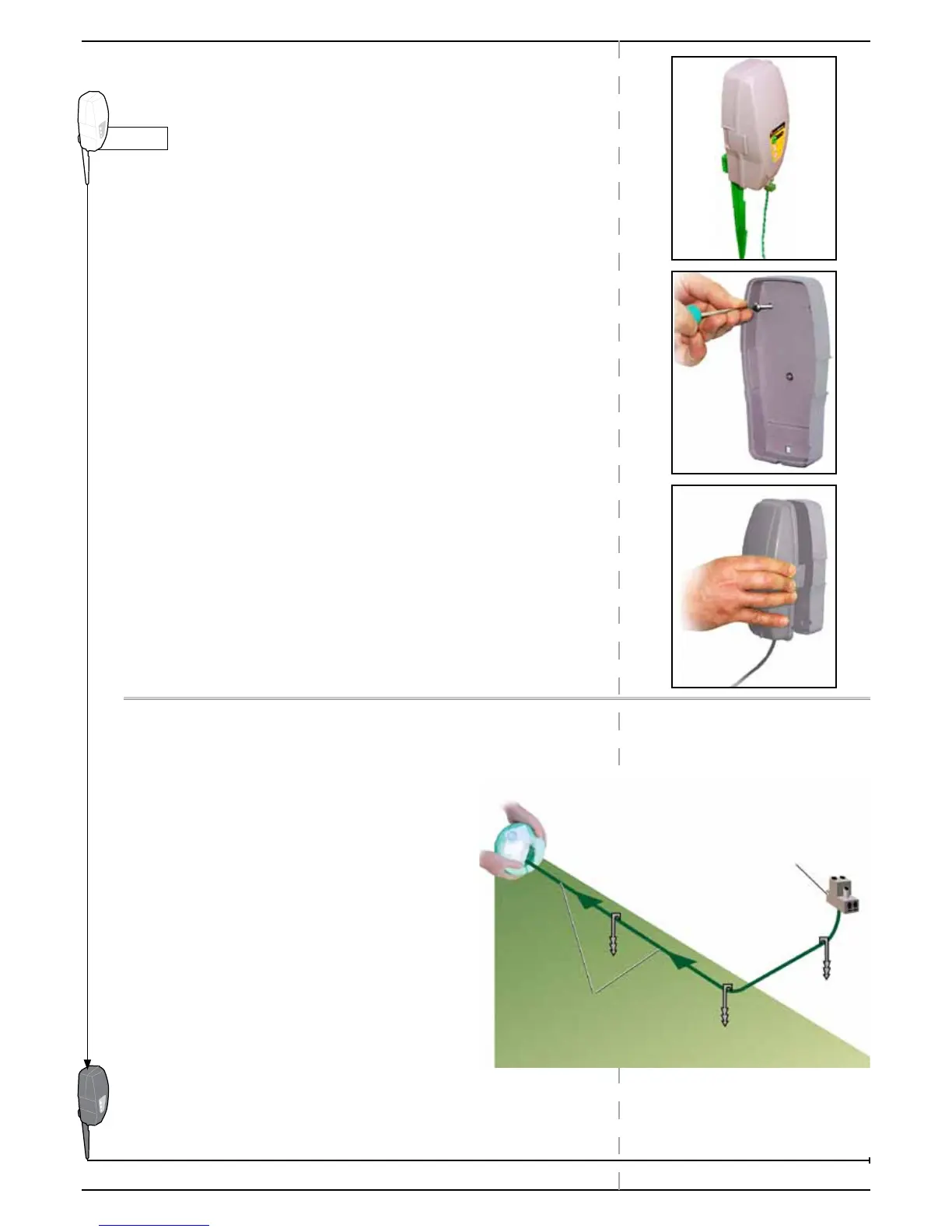
P The Perimeter Switch connector is easily mounted and dismounted.
This allows for quick switching from one zone to another.
P You may use the large stake attached to the back of The Perimeter
Switch to easily insert it and pull it out of the ground.
P You may mount the Perimeter Switch on a vertical surface, such as
a wall or deck railing. Use the three small bosses on the back of the
switch cover.
2.10 Laying Out the Perimeter Wire
The perimeter wire setups in a Base and non-Base zone are almost identical.
Still, there are some special instructions for
connecting Perimeter Switch to the Perimeter Wire.
Q At Perimeter Switch’ location:
P Peg/fix the beginning section of wire near the
Perimeter Switch.
Q Lay the Perimeter Wire from the Perimeter Switch
to the lawn.
Remember to leave some loose wire at the
beginning, in order to close the loop later.
Q Start laying the wire in a counterclockwise
direction.



 To Next Page