Chapter 5-2
Robomow RL555, RL855, RL2000
5.2 Setting the current time
After setting the weekly program is completed, the system asks you
automatically to set the current time.
c Important c Robomow’s clock works in a 24-hours time scale. For
example, 2PM is 14:00, 7AM is 07:00 etc.
Serious injury hazard!
The automatic departure times will be correct, only if the current
date and time are set accurately. If the current time is inaccurate,
or is not set at all, the times scheduled for automatic departure
will not be correct.
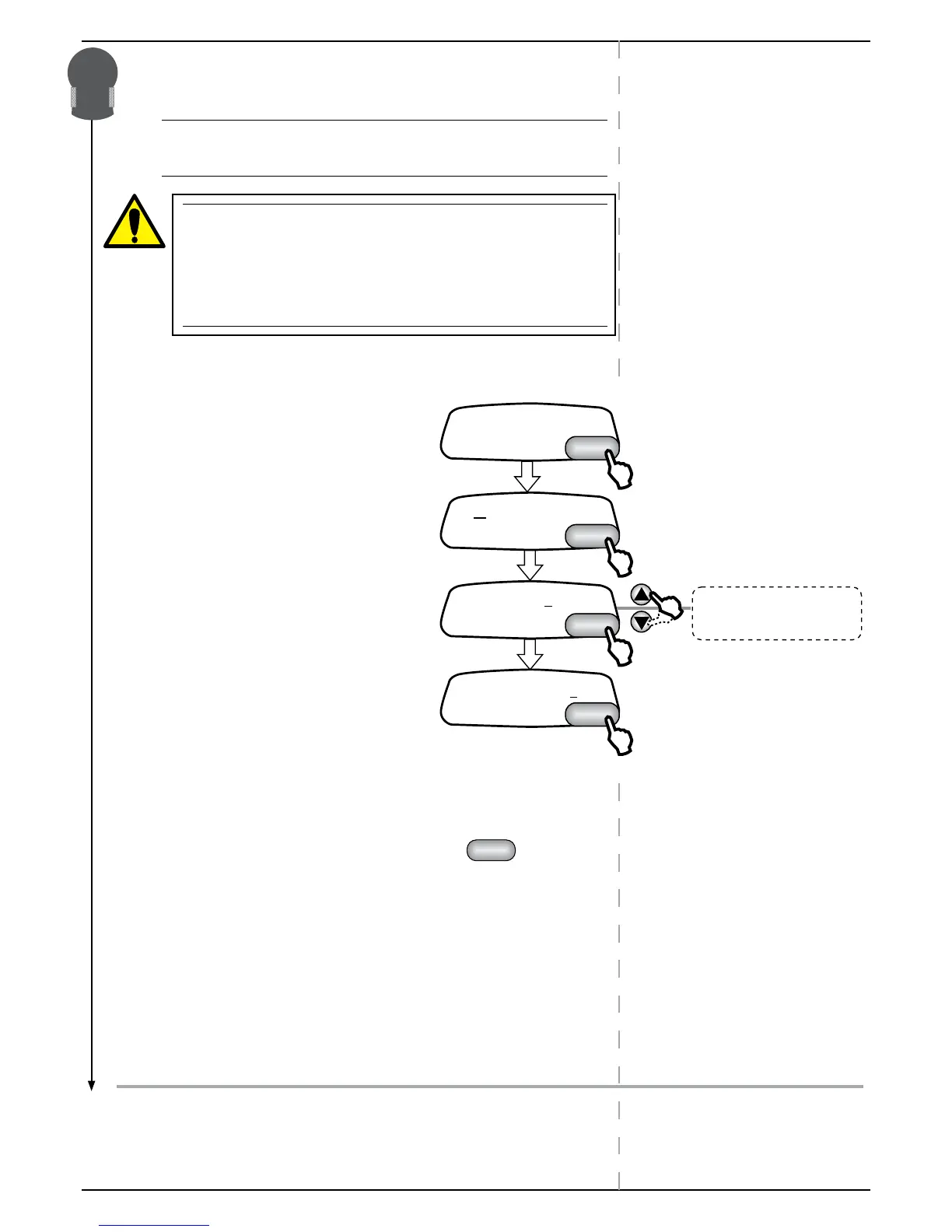
P Follow the following steps to set current time and day of the week
5.3 Canceling an active day
There are two ways to cancel an active day:
P Go to Weekly Program menu
P Scroll to the day you want to cancel and press
.
Option 1:
) Go to ‘Mode’
) Select “None” to cancel.
Option 2:
) GO to “Depart”
) Change the time to 00:00


 To Next Page