Chapter 6-2
Robomow RL555, RL855, RL2000
6.2 Charging the Power Pack through an indoor power
socket
The Power Pack may be re-charged with an indoor power supply connected
directly to Robomow’s charging socket.
P Before taking Robomow for operation, disconnect the charging plug
from the Manual Controller holder.
) The following message displays as the plug is
disconnected.
) Press any button on the Manual Controller to go to Manual
User Options screen.
P Connect the Power Supply to a regular household receptacle, 230/120
volts.
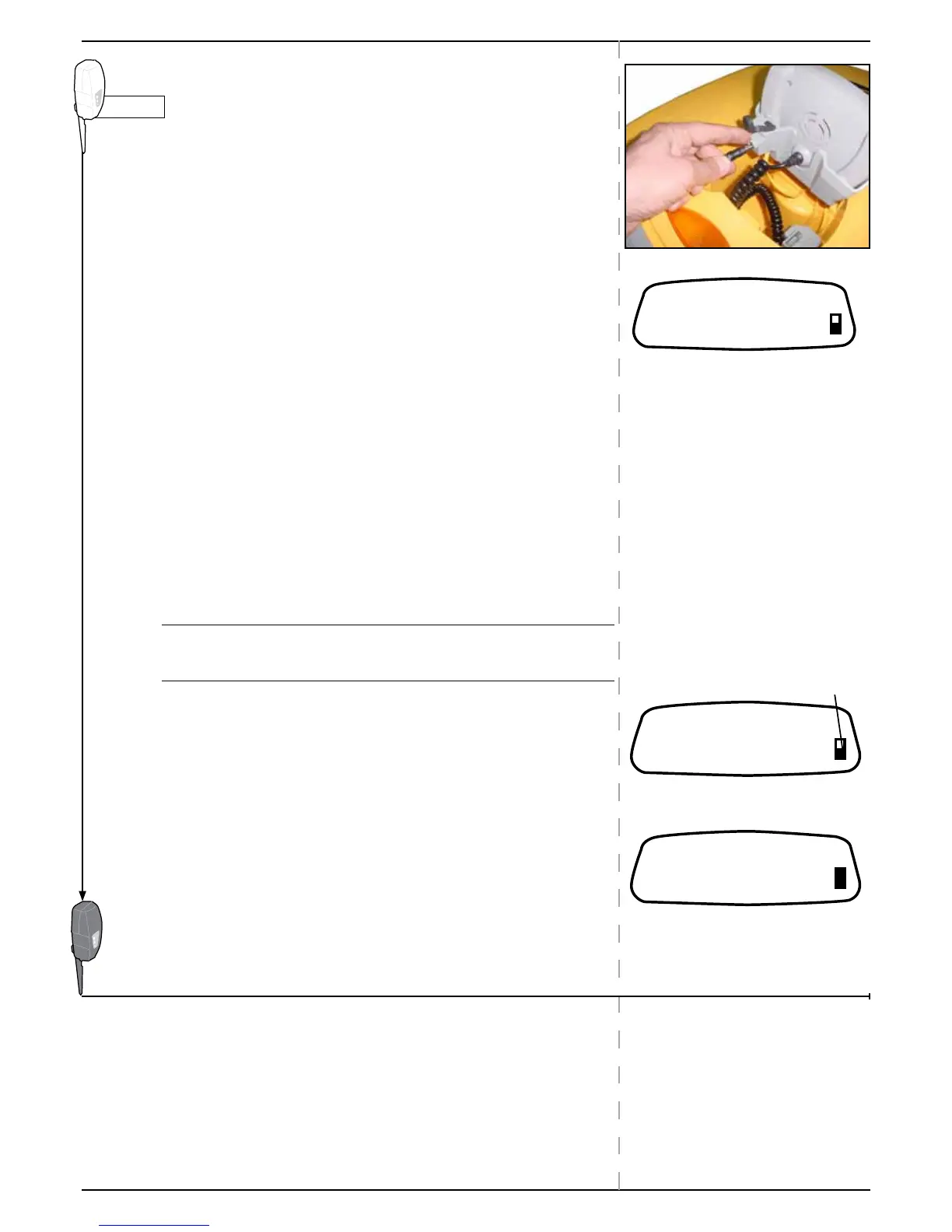
P Connect the output lead of the Power Supply into the charging socket
on the bottom the Manual Controller.
P Lightly, put the Manual Controller down to rest on the charging cord.
c Important c Do NOT attempt to push it all the way into its holder. It
should just loosely rest there.
) The Charging message is displayed as soon as charging
starts:
The battery icon gets darker as charging continues
) Once the battery is full the message changes: reminding
you to keep it connected to the Power Supply until the next
use.


 To Next Page