Chapter 10-5
Maintenance and Storage
10.9.3 Storing the Perimeter Switch
P Disconnect the Perimeter Switch, remove the batteries and store it in
a dry place.
10.9.4 Storing the Base Station
It is recommended to remove the Base Station for the winter:
P Disconnect the power supply from the power receptacle.
P Disconnect the 15m extension cord from the Base Station Board.
P Remove the extension cord and place it in dry place.
If it is not practical to remove the extension cord (15m cable): disconnect if from
the board and protect it for the winter to prevent oxidation.
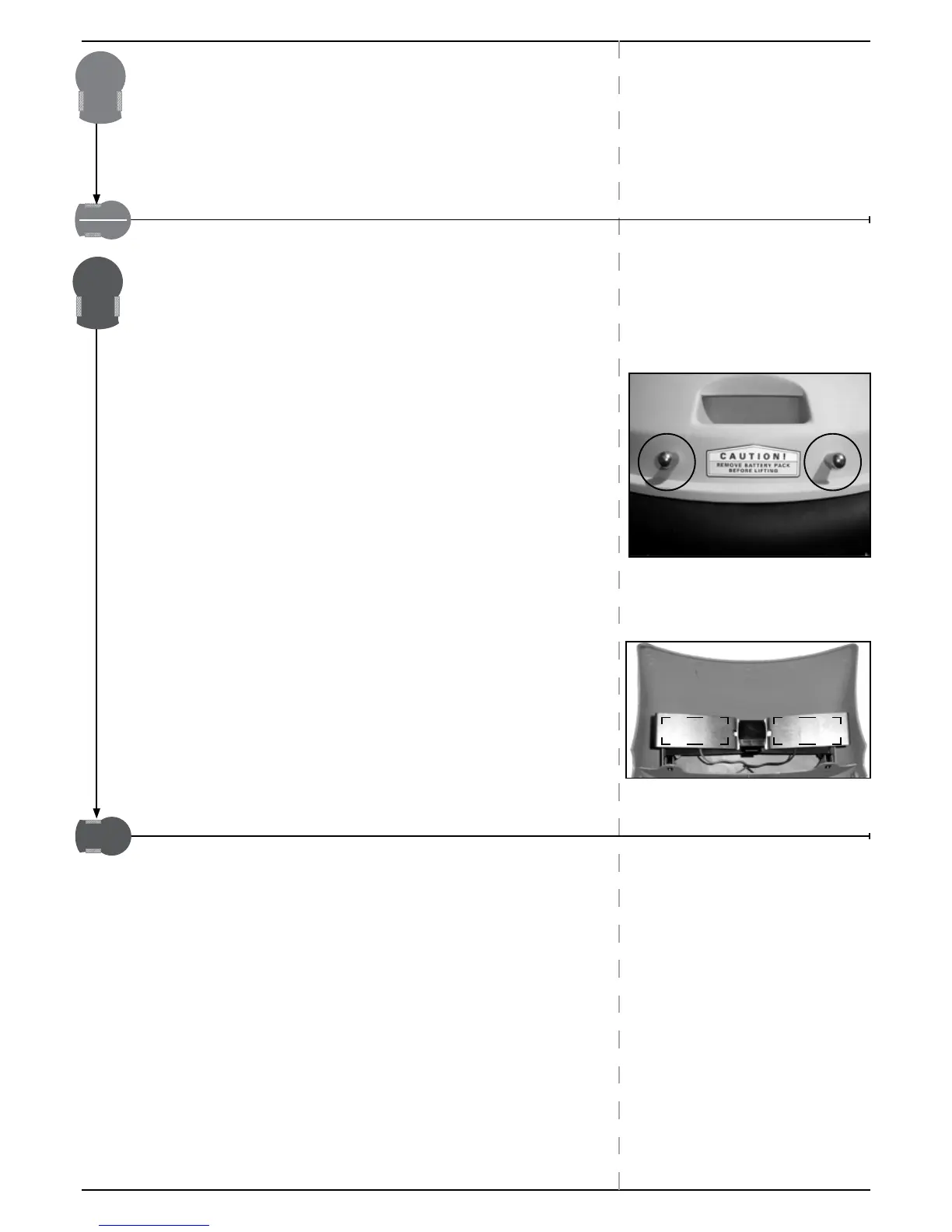
P Unscrew the two screws holding the Base Station Cover.
P Disconnect the green plot connector (between the perimeter wire and
the Charging board).
P Disconnect the green plot connector and place a water proof wire
connector over the two free perimeter wire ends.
This prevents wire corrosion while not connected to the station.
P Store all other parts in a dry place.
P Getting ready for the new season
) Before the new mowing season starts, lightly polish the
charge contacts on the Robomow and the Base Station
with a small piece of fine sandpaper, 200 grit or higher or
with steel wool of ‘00’ or higher grade.
This will remove any oxidation and allows optimal contact.
) Before the first operation of the new season, reconnect
Base Station setup (see chapter 2).


 To Next Page