Robotiq Hand-E Gripper Instruction Manual
Changing the ModbusSlave ID
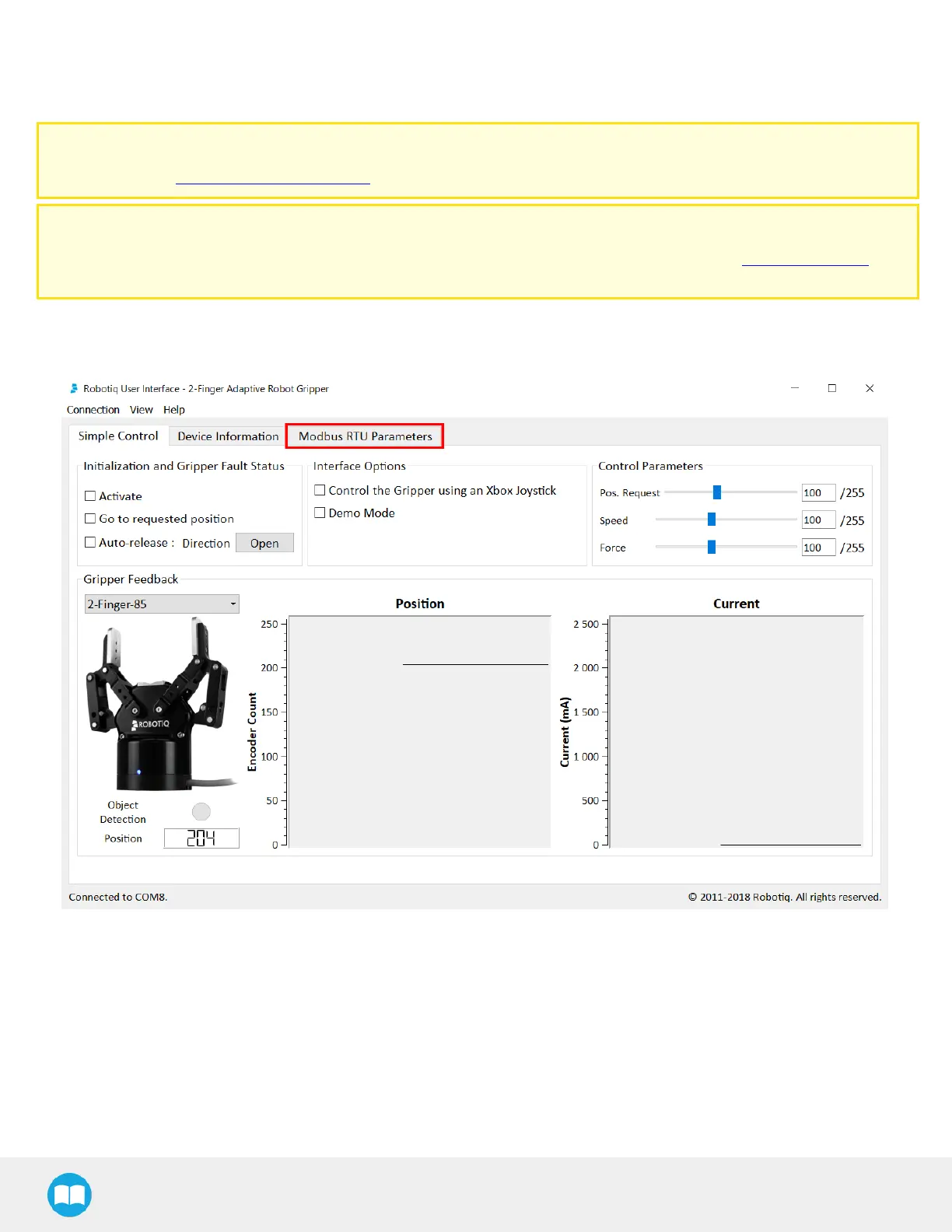
The user can change the ModbusSlave IDof a Robotiq Gripper via the Robotiq User Interface.
Installer
Browse to the support page of the Gripper in the Software section to download the RUI installer (.exe).
Robotiq User Interface
Browse to the support page of the gripper, in the Documents section, to access or download the instruction manual of
the Robotiq User Interface (RUI) for information on the installation and control of the RUI.
1
First, click on the Modbus RTUParameters tab
76



 To Next Page