Robotiq Hand-E Gripper Instruction Manual
CHANGEGRIPPERComponent
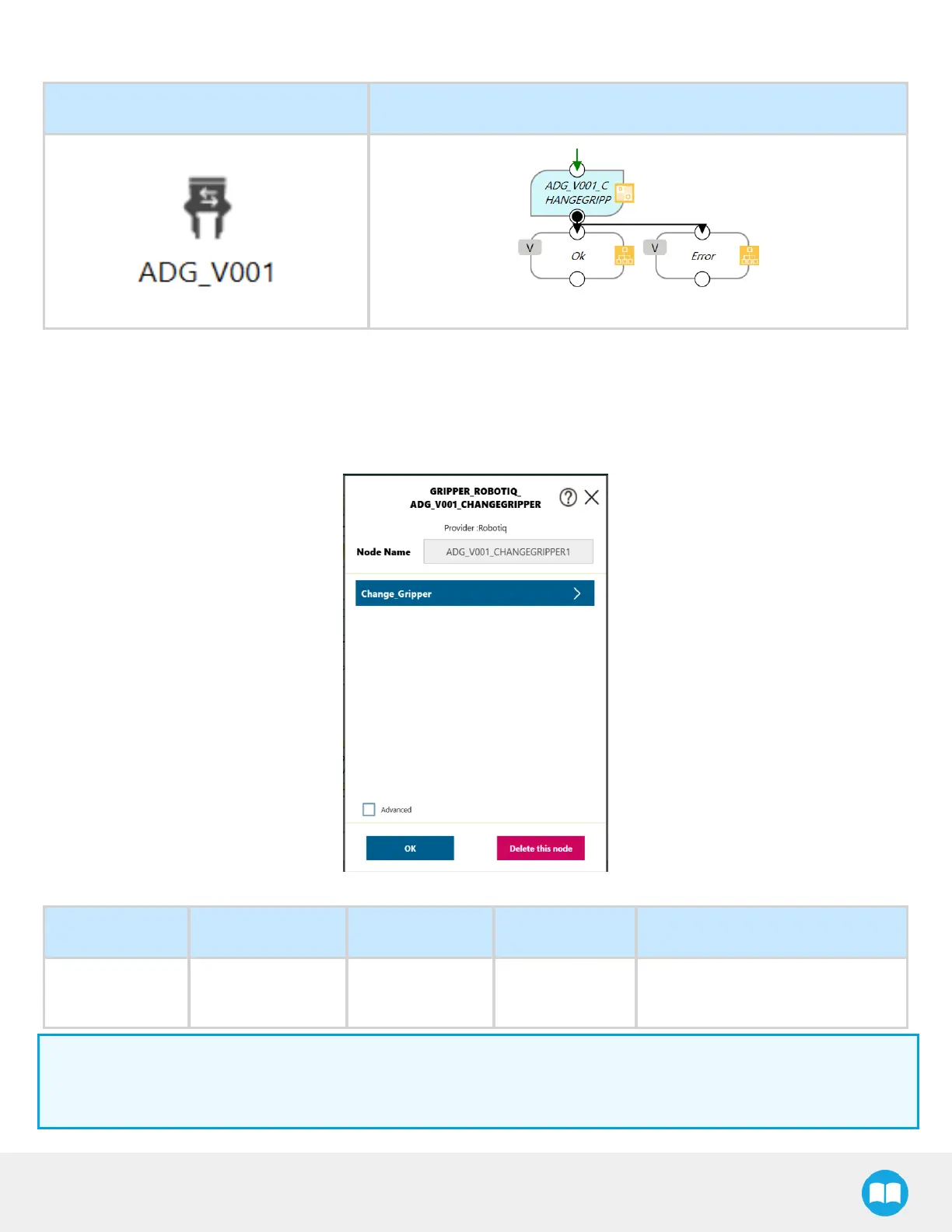
Component Icon Component Node
1
Drag and drop the CHANGEGRIPPERComponent icon after a program Gateway to place a CHANGEGRIPPERprogram
node
(ADG_V001_CHANGEGR)
2
Tap the CHANGEGRIPPERnode to highlight it and click on the pencil to edit the settings
Fig. 4-6: CHANGEGRIPPER Node Settings Menu
Setting Variable Type Default Description
Change_Gripper Var_Slave_ID int 9
Select the Slave ID as the current
gripper
Info
Use the Robotiq User Interface to change the Modbus Slave ID Address of the second gripper when using a dual gripper
(Default = 9).
75



 To Next Page