Robustel GoRugged M1000 User Guide
RT_UG_M1000 Standard_v.2.0.0 20.12.2013 46 / 83
Confidential
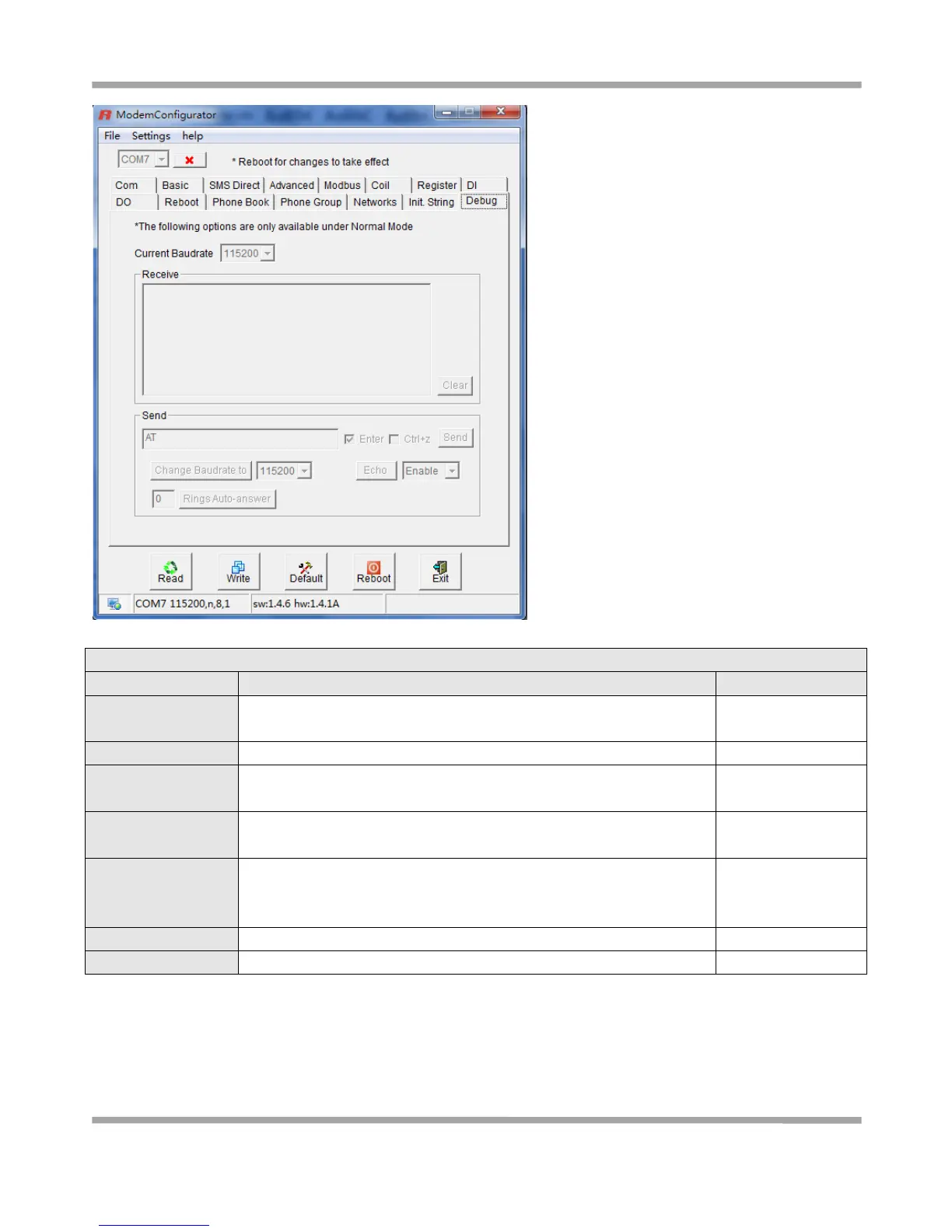
Display the command replied by the cellular module after sending the
AT commands
Input the AT commands in this windows
The same as “Enter” in windows Hypter Terminal, click to enable or
disable
The same as “Ctrl+z” in windows Hypter Terminal, click to enable or
disable
Enable or Disable the Echo.
Note: 2-wire RS-485 uses half-duplex communication. For this reason,
the modem’s local echo should be disabled.
Click to send out the AT commands and in “Send” windows
Click to clear the “Receive” windows
1. Select 19200 bps, then click “Change Baudrate to”, after that Current Baud Rate will also auto change to 19200
bps (it will auto display “AT+IPR=19200” and “OK” in Receive windows);



 To Next Page