W W W.ROCCAT.ORG / SUPPORT
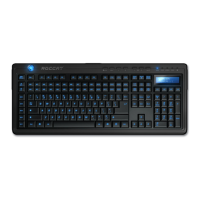
bRiGhTNESS CONTROL
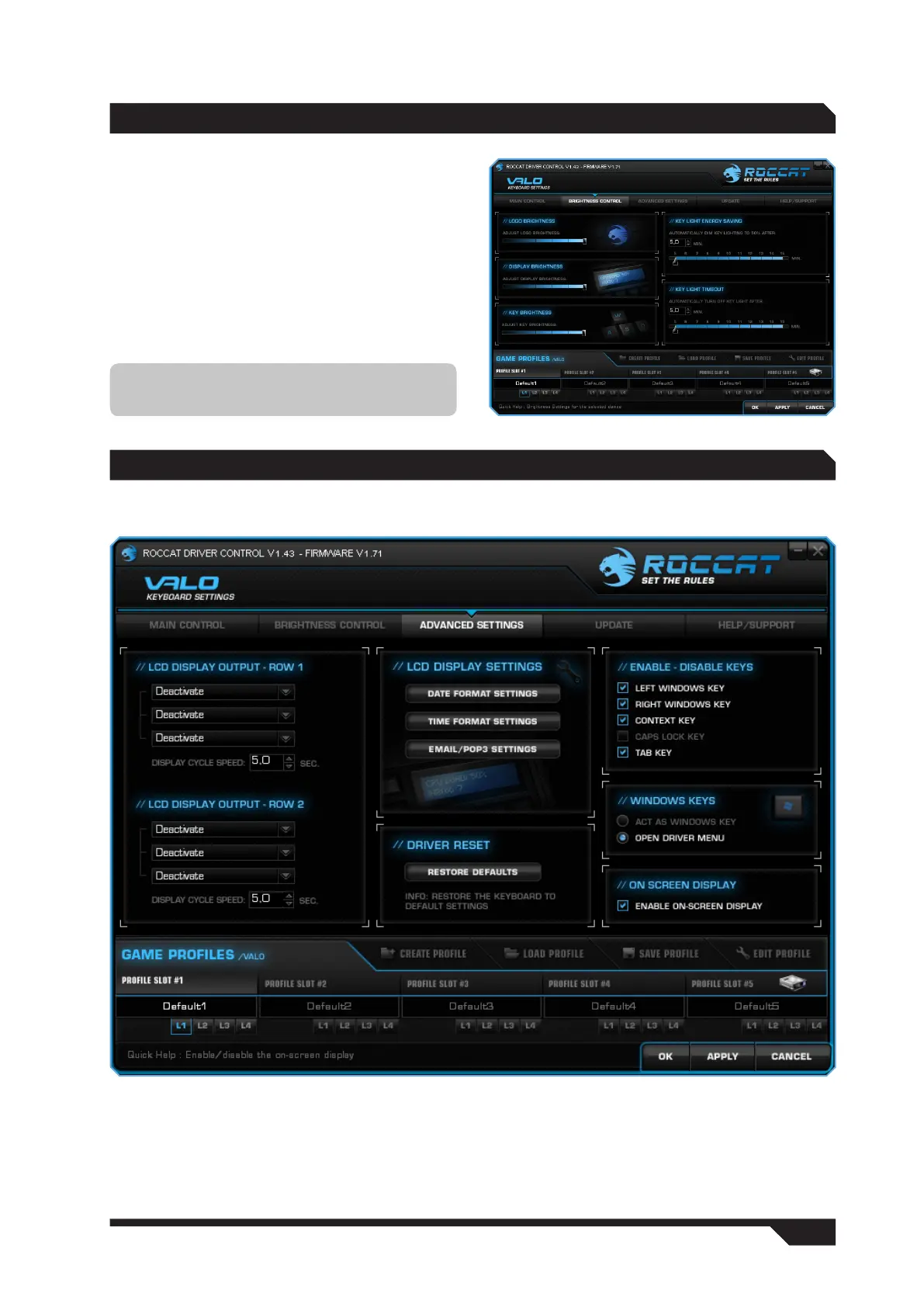
You can adjust the brightness of the ROCCAT logo,
the LCD and the keys in five stages under this
tab. Slide the controller to the right to increase
brightness, and to the left to decrease brightness.
In addition, you can also save energy by using
the ‘Key Light Energy Saving’ and ‘Key Light Time
Out’ options. With ‘Key Light Energy Saving’ you
can set the illumination to dim by 50% after 5
to 15 minutes. With ‘Key Light Time Out’, the
illumination will switch off completely after the
defined time.
Note: Don’t forget to confirm changes by
clicking ‘Apply’.
AdVANCEd SETTiNGS
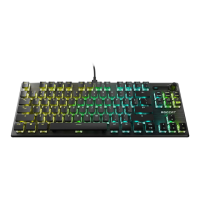
The Advanced Settings tab offers you numerous additional configuration options.


 To Next Page