W W W.ROCCAT.ORG / SUPPORT
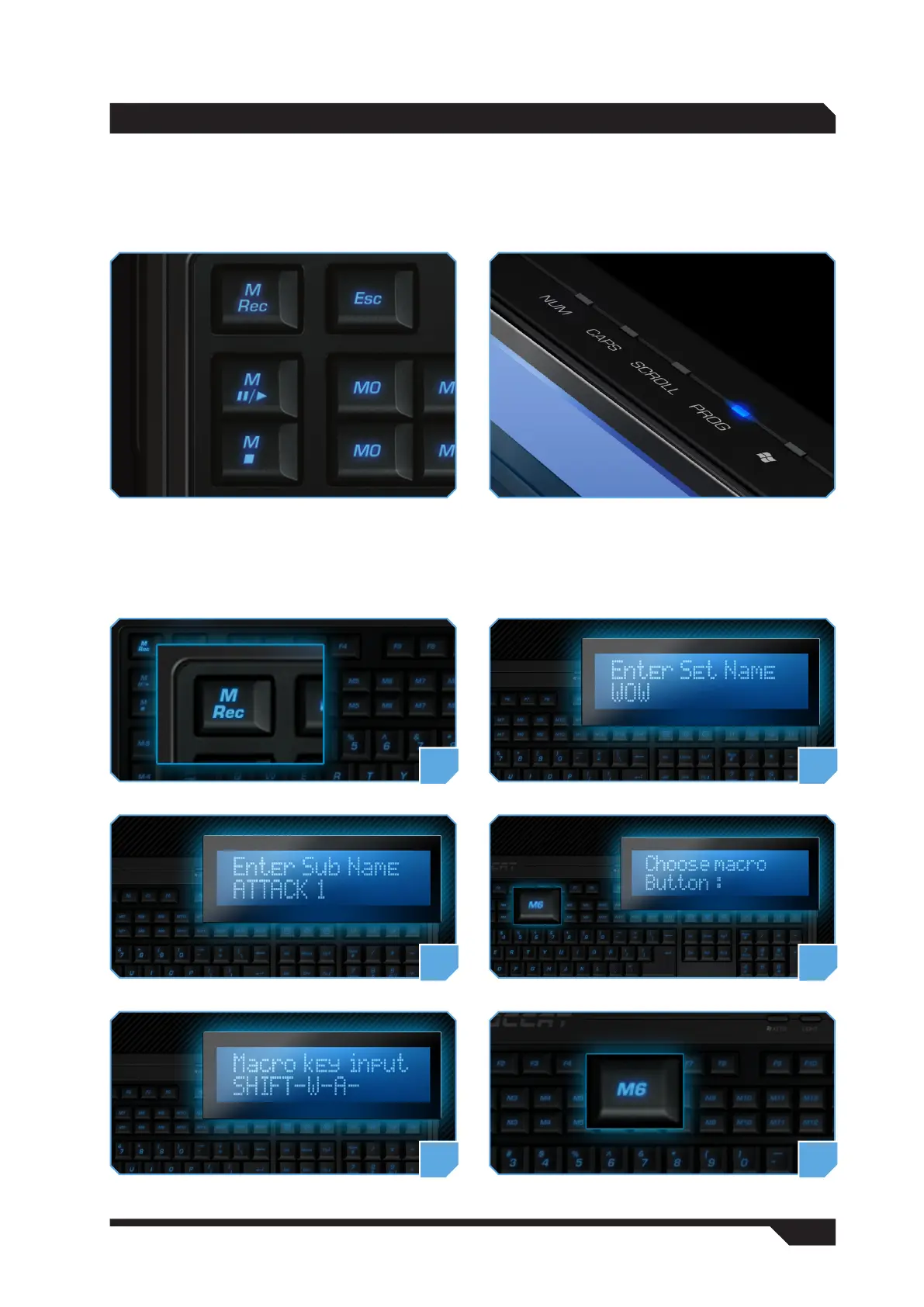
In-game Macro Recording (Mrec key)
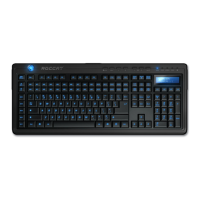
The LEDs above the LCD indicate which functions are currently activated. Along with the standard LEDs
for Num, Caps and Scroll Lock, there is also a PROG LED. This illuminates when you press the Mrec key
and the keyboard is ready to record a macro.
The LCD guides you through the process of recording a macro. First of all, enter a name for your macro
(Enter set name) and confirm this by pressing ‘Enter’. Then enter a sub name (Enter sub name) and press
‘Enter’ again. Now choose a macro key (Choose macro key) and enter the key combination (Macro key
input) which the macro should contain. To confirm, press the relevant macro key again. The macro is now
saved to the key. To cancel macro recording, press the Esc key.
1 2
mANUAL CONfiGURATiON
3 4
5 6


 To Next Page