W W W.ROCCAT.ORG / SUPPORT
AdVANCEd SETTiNGS
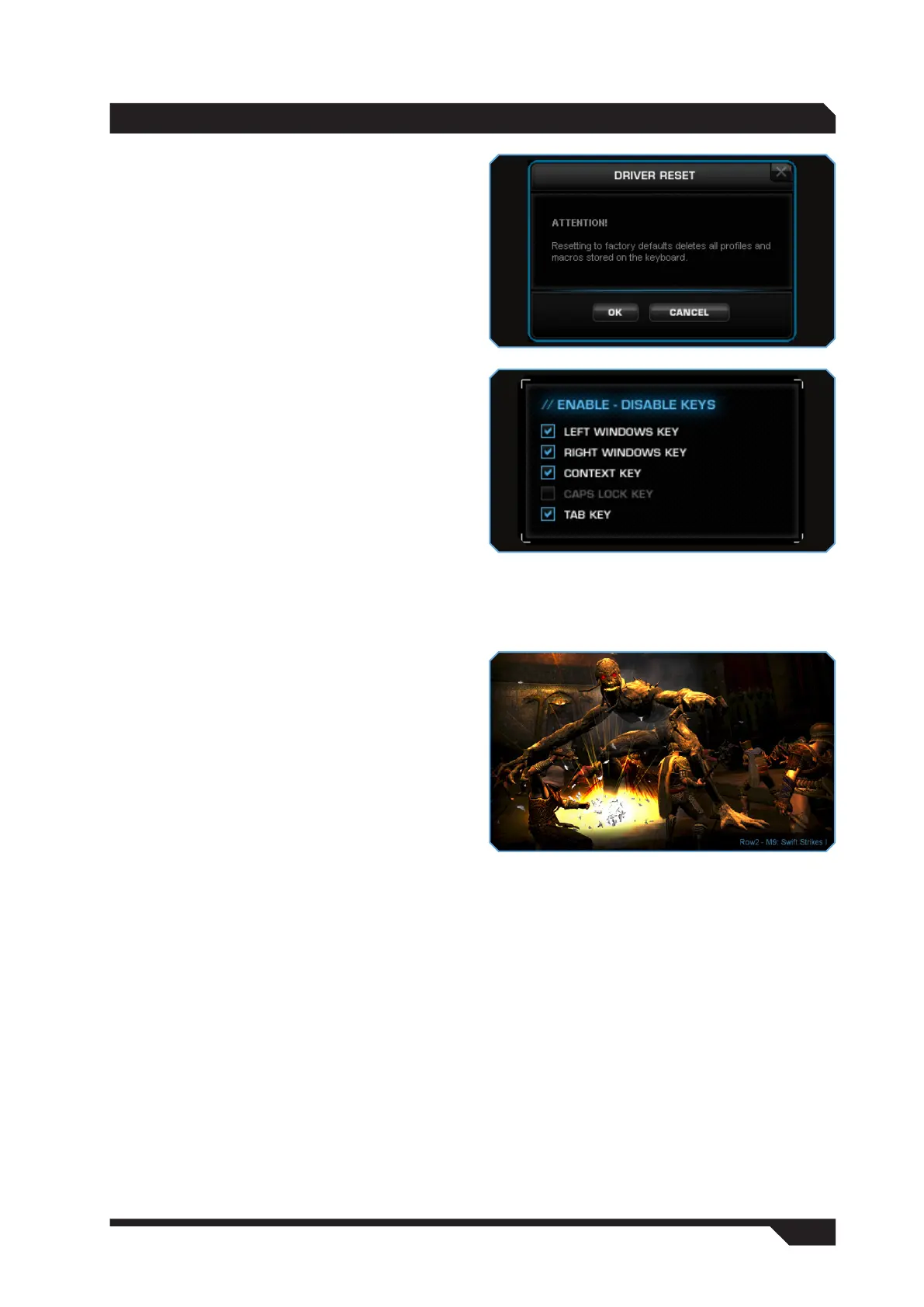
Restore Defaults
This option resets the keyboard back to its default
settings. Every single profile, macro and setting
saved on the keyboard will be deleted.
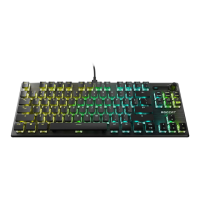
Enable/Disable Keys
This option allows you to deactivate the keys
that you like to press accidentally while gaming.
Uncheck the relevant box to disable the key’s
function. You can select from the following:
Left Windows Key
Right Windows Key
Context Key
Caps Lock Key
Tab Key
Windows Keys
The Windows keys aren’t just able to execute their
standard function or be deactivated; you can also
use them to open the Valo driver. Select ‘Open
Driver Menu’ and confirm your selection by clicking
‘Apply’. Now, the Valo configuration menu will open
when you click one of the Windows keys.
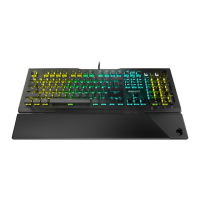
On-screen display
If you check ‘Enable On-Screen Display’, the profile
and layer you’re currently in, and which macro
you’re currently executing, will always be displayed
directly on the bottom right-hand side of the
monitor whenever your press one of the profile
keys M-1 to M-5, the layer keys L1 to L4 or one of
the macro keys.
Profile and layer information will also be displayed
on the LCD at the same time, as many games
block on-screen displays.


 To Next Page