W W W.ROCCAT.ORG / SUPPORT
0
UPdATE
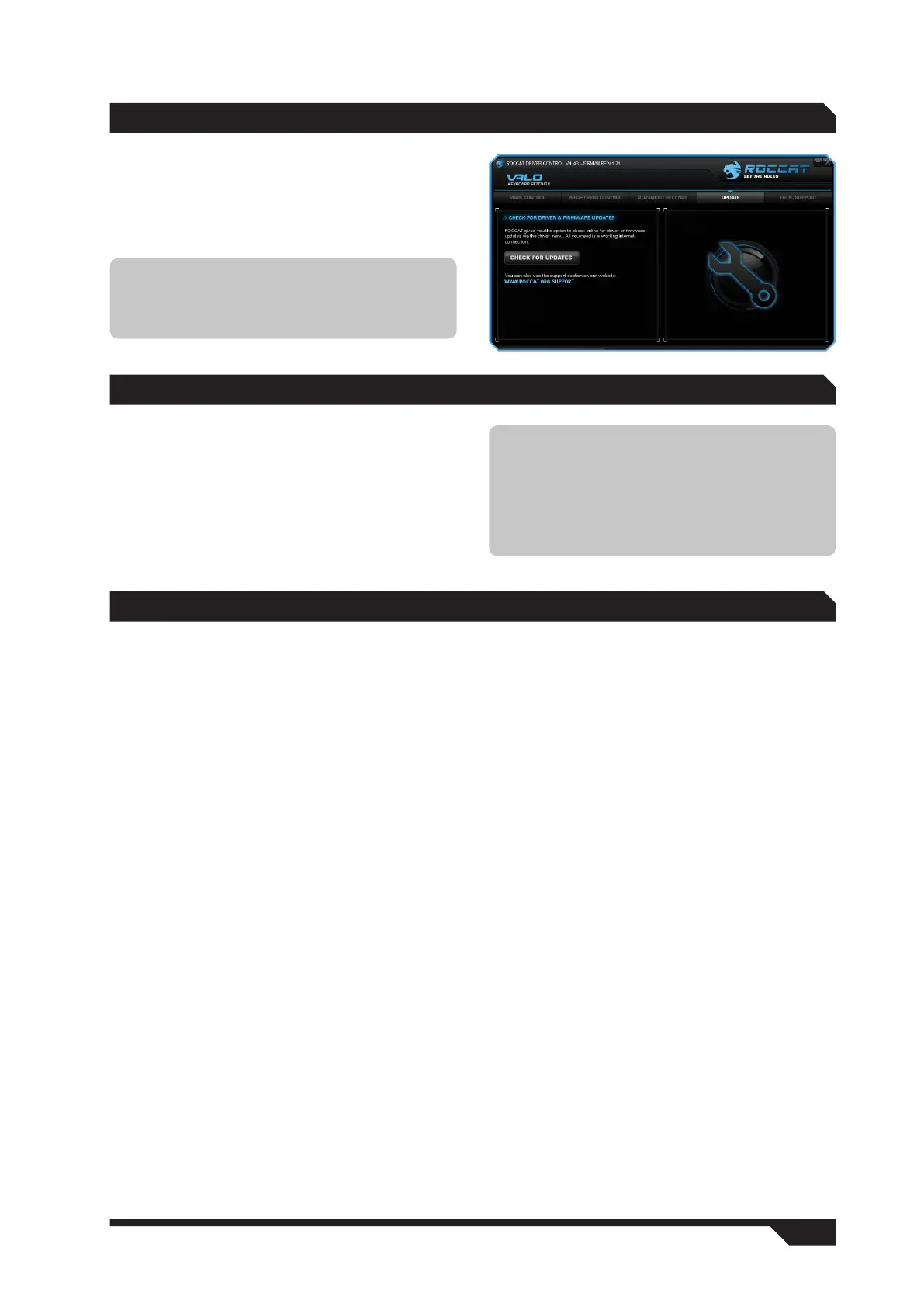
You can update your ROCCAT™ Valo Maximum
Customization Gaming Keyboard at any time.
By clicking ‘Check for Updates’, you can check
whether new software is available for your
keyboard.
WARRANTy/SUPPORT
We warrant the ROCCAT™ Valo Maximum
Customization Gaming Keyboard to be free of
defects in material and workmanship from the
original date of purchase for a period of two (2)
years. If you need additional help, just send us an
e-mail. Our Support Team will be pleased to help
you with any technical questions you might have.
Send the e-mail to: support@roccat.org
Note: All keyboard settings will be reset if
you install new firmware on your computer.
However, macros stored in the Profile-2-Go will
be kept.
Note: A ROCCAT™ ID Card is included with
every ROCCAT™ hardware product. The
number on this card grants you access to our
online ROCCAT™ World insider zone – and
with that access to a whole world of valuable
pro-gamer info, fantastic server discounts and
exclusive competitions.
TROUbLEShOOTiNG
I’m unable to open the configuration menu.
If the configuration menu doesn’t open via the
taskbar or Start menu, open the folder where you
installed the driver and click on ValoOption.exe.
My keyboard is not detected.
Plug the keyboard into the same USB port it
was connected to when you first installed the
driver. This ensures the computer can detect the
keyboard.
I can’t switch between profiles within an
application/game.
You can’t switch from one profile to another while
inside a running application. You can, however,
define four layers in each profile. It’s possible to
switch between these when in a game.
My on-screen display is no longer displayed in
games.
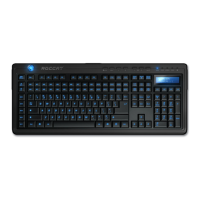
Many games block the on-screen display. However,
the same information provided by the OSD is also
displayed on the LCD.
The changes I’ve made have not been saved.
Be sure to confirm every change in the
configuration menu by clicking ‘Apply’.


 To Previous Page