RK3566 EVB2 User Guide
Copyright 2021 @ Rockchip Electronics Co., Ltd. 7
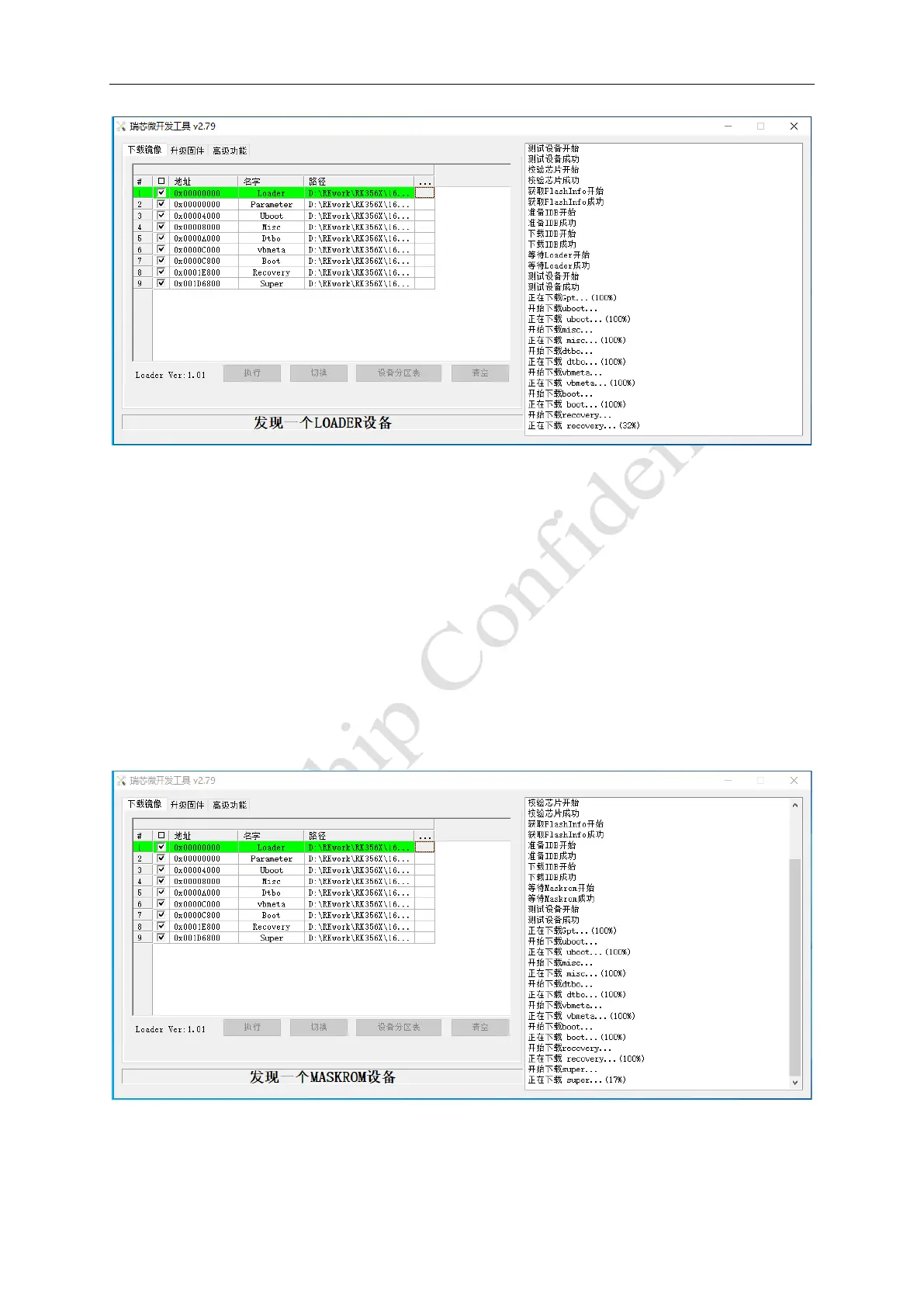
Figure 1-6 Loader Flashing Mode
Maskrom upgrade mode:
Before the system is powered on, eMMC_D0 is connected to ground, causing eMMC to fail to boot and
enter the Maskrom state.
Detailed steps are as follows:
1. Connect the USB2.0 OTG port to a PC, press and hold MASKROM key on the EVB.
2. The EVB is powered by 12V. If it has been powered on, press the reset button.
3. After the flashing tool shows that a Maskrom device is found, release the MASKROM key. Note that in
the Maskrom state, you need to select the corresponding Loader options to finish the upgrading.
4. Select Loader, Parameter, Uboot, Kernel, Resource, System and other files on the flashing tool.
5. Click Execute to enter the upgrade state. The right side of the tool is the progress display bar, which
displays the download progress and verification status.
Figure 1-7 Maskrom Flashing Mode



 To Next Page