USER'S MANUAL
17 of 28
7.8 WI-FI
This menu allows you to connect to the Internet page via
smartphone/tablet and to view and set the various param-
eters online without using the machine's button panel.
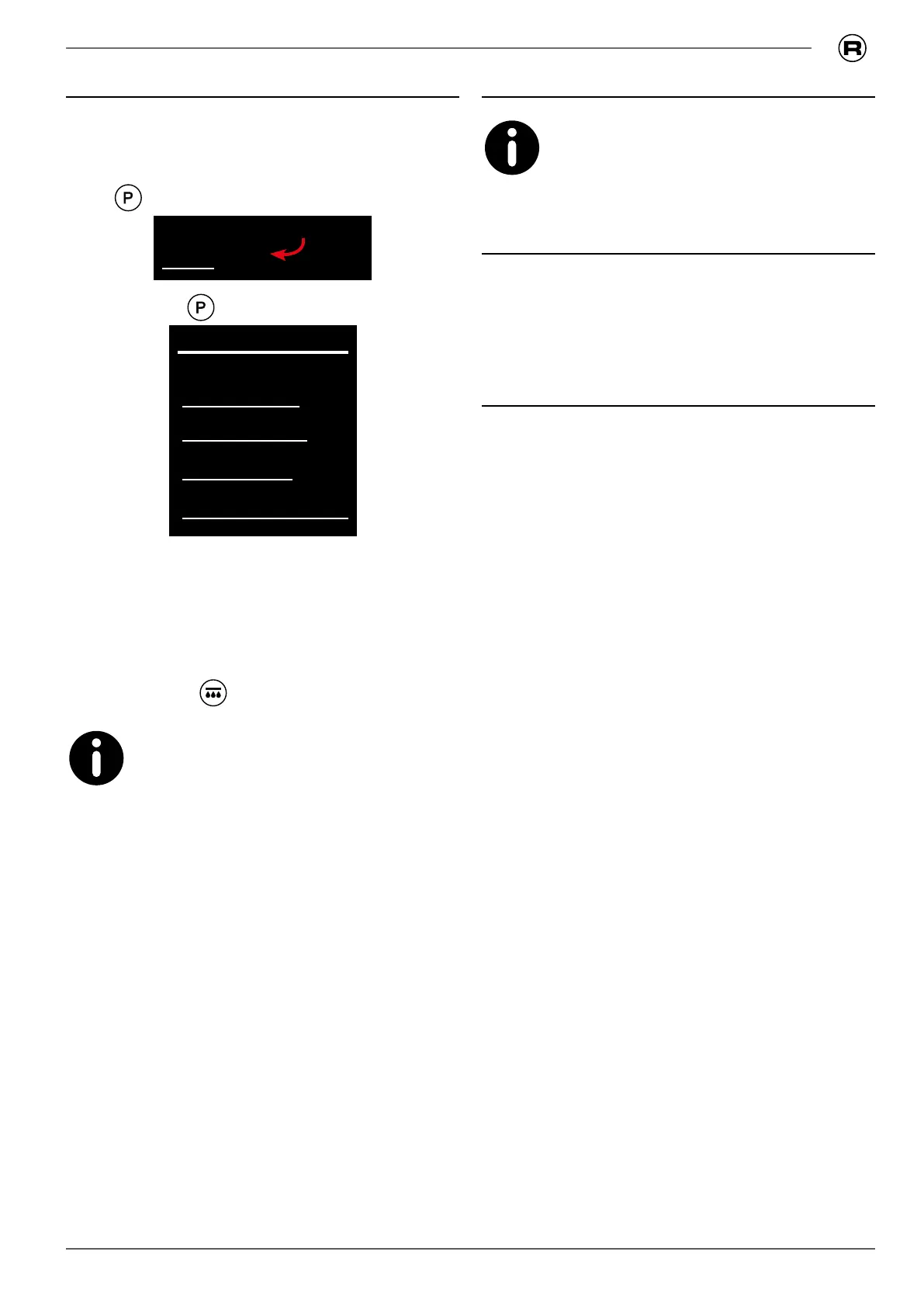
• Enter programming and scroll through the menu by press-
ing
until highlighted on the display:
WI-FI
• Press and hold to enter the WI-FI item;
WI-FI
name
status •
ready •
logged in user
• if the 'status' and 'ready' lights are on with a green
light, it is possible to connect via the Internet to page
_____________ and use the name provided in the wi-
menu to access the machine's programming;
• If the connection is correctly established, the 'user con-
nected' light turns green, otherwise it remains red;
• exit by pressing
, the parameters entered are auto-
matically saved.
IT IS only possible to connect one device at a
time.
7.9 Settings
This menu is the responsibility of the techni-
cian, who can access it using a password.
7.10 Loading default data
To restore the factory settings, contact Technical Support.
7.11 Tips for good coffee
Wash the lters and lter holders daily as described at 8.5.2
on page 21. Failure to clean leads to a downgrade in the
quality of the coffee dispensed.
In order to obtain quality coffee, it is important that the
degree of hardness of the water used has a value of 6-7 °f
(French degrees). If the hardness exceeds these values, it
is recommended to use the water lter or a water softener.
Avoid using the softener in cases of water hardness values
below 4 °f.
Should the chlorine taste in the water be particularly notice-
able, it is recommended to install a specic lter.
It is recommended not to store large stocks of coffee beans.
When changing the type of coffee, we recommend that you
contact your technician to adjust the water temperature and
the grinding.
After a relatively long period of inactivity of the machine (2-3
hours) make a few no-load dispensing operations. Carry out
regular cleaning and maintenance.



 To Next Page