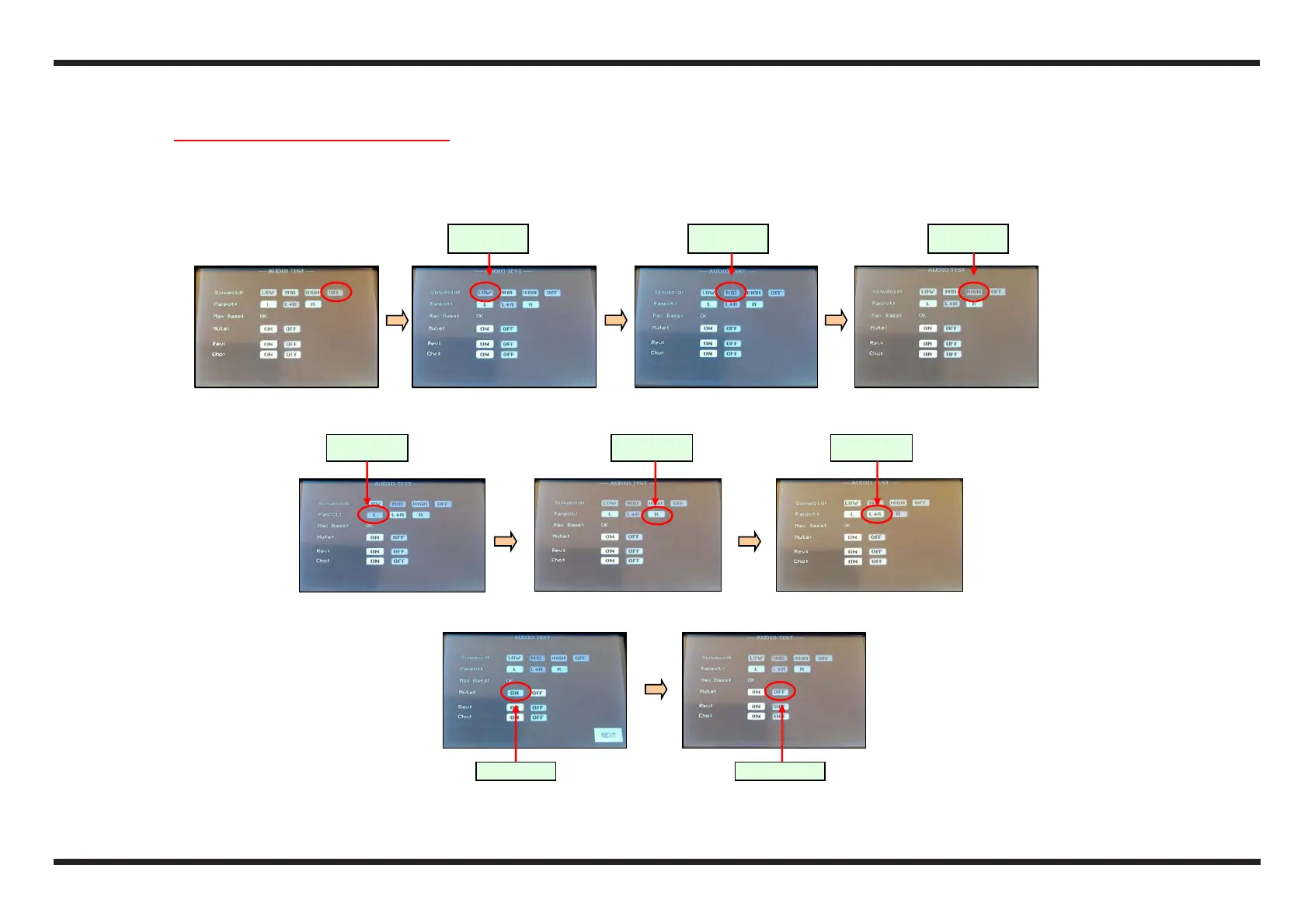
Mute on Mute off
Left channel
only
Right
channel only
Both
channels
Low
Fre uenc
y
Medium
Fre uenc
y
High
Fre uenc
y
1.15 Audio Checks and Measurements
1.15.1 Audio Chec on the Spea ers
c With the VOLUME potentiometer at maximum, check that no noises or bruises can be hear from the speakers
d Press the icons LOW, MID, HIGH to listen to the notes with different frequencies from the four speakers; at the end press the icon MID
e Press the icons L, R to chekc the separation of the two channels (2 left or right speakers); at the end press the icons LR
f Activating/disactivating the MUTE (press the icons ON and OFF), check that the sound is immediately cancelled and then returns after 1-2 seconds respect.ly
g Leave the MUTE in the OFF position.



 To Next Page