EasyManua.ls Logo

Roland SUPER JX - Page 20

Roland SUPER JX
88 pages
Print Icon
To Next Page IconTo Next Page
To Previous Page IconTo Previous Page
Loading...
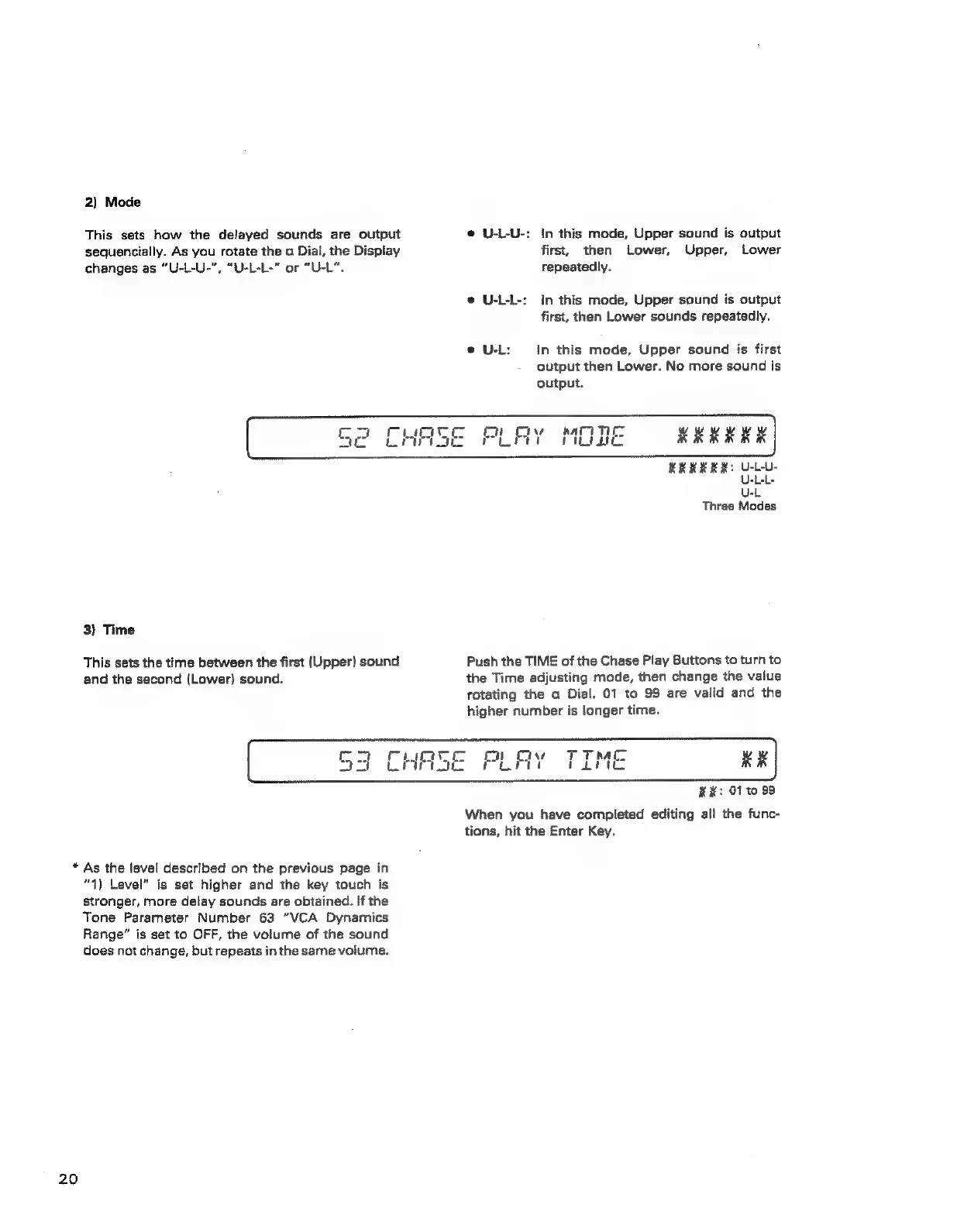
2)
Mode
This
sets
how
the
delayed
sounds
are
output
sequencially.
As
you
rotate
the
a
Diai,
the
Dispiay
changes
as
“U-L-U-",
“U-L-L-"
or
“U-L".
@
U-L-U-:
In
this
mode,
Upper
sound
is
output
first,
then
Lower,
Upper,
Lower
repeatedly.
e@
U-L-L-:
In
this
mode,
Upper
sound
is
output
first,
then
Lower
sounds
repeatedly.
e
U-L:
in
this
mode,
Upper
sound
is
first
output
then
Lower.
No
more
sound
is
output.
3)
Time
This
sets
the
time
between
the
first
(Upper)
sound
and
the
second
(Lower)
sound.
REKERK:
U-LU-
U-L-L-
U-L
Three
Modes
Push
the
TIME
of
the
Chase
Play
Buttons
to
turn
to
the
Time
adjusting
mode,
then
change
the
vaiue
rotating
the
a
Dial.
01
to
99
are
valid
and
the
higher
number
is
longer
time.
*
As
the
level
described
on
the
previous
page
in
“1)
Level”
is
set
higher
and
the
key
touch
is
stronger,
more
delay
sounds
are
obtained.
If
the
Tone
Parameter
Number
63
“VCA
Dynamics
Range”
is
set
to
OFF,
the
volume
of
the
sound
does
not
change,
but
repeats
in
the
same
volume.
20
##:
0110
99
When
you
have
completed
editing
all
the
func-
tions,
hit
the
Enter
Key.