EasyManua.ls Logo

Roland SUPER JX - Other Useful Functions; Tuning

Roland SUPER JX
88 pages
Print Icon
To Next Page IconTo Next Page
To Previous Page IconTo Previous Page
Loading...
re
9.
Other
Useful
Functions
a.
Tuning
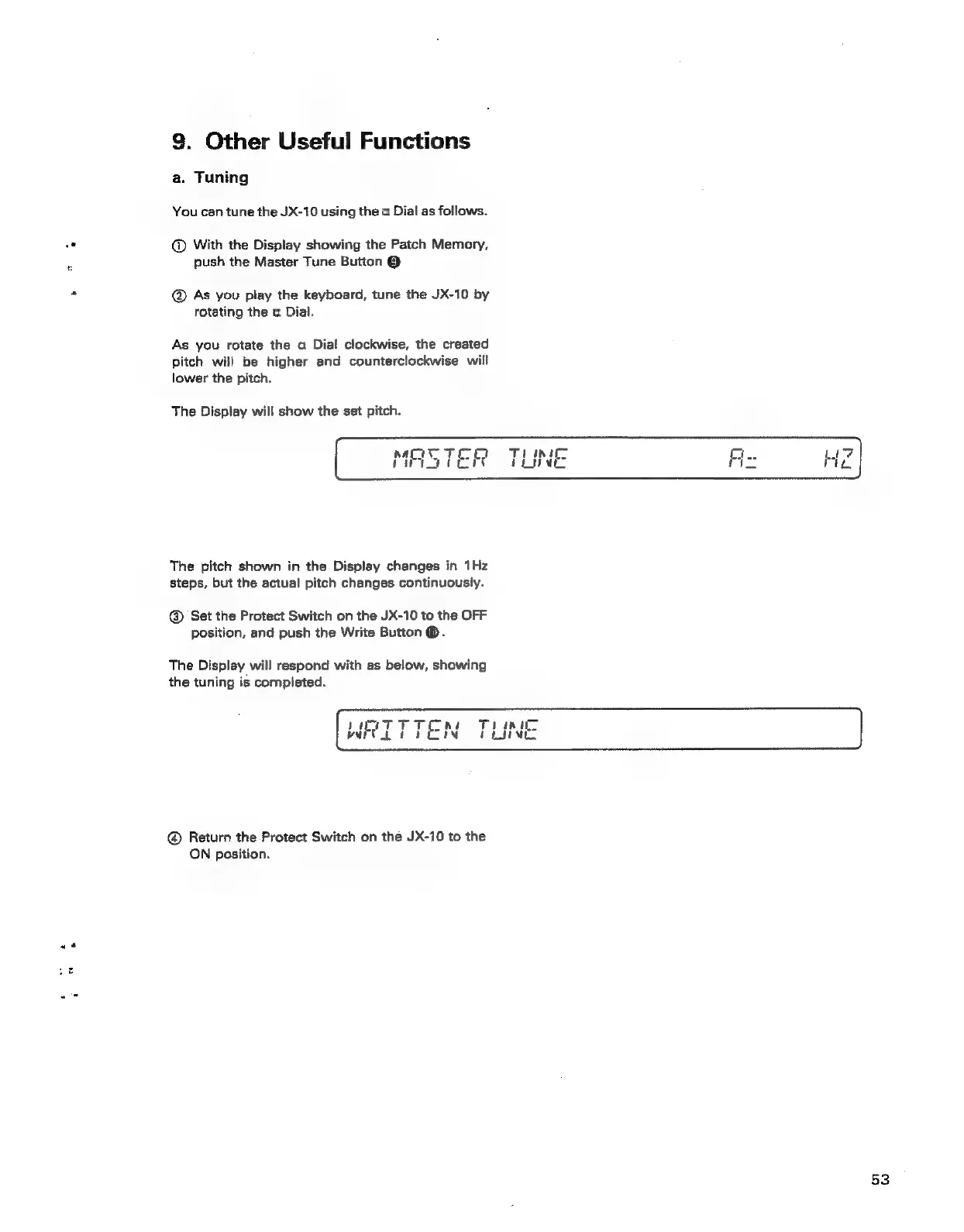
You
can
tune
the
JX-10
using
the
a
Dial
as
follows.
@
With
the
Display
showing
the
Patch
Memory,
push
the
Master
Tune
Button
@
@
As
you
piay
the
keyboard,
tune
the
JX-10
by
rotating
the
a
Dial.
As
you
rotate
the
a
Dial
clockwise,
the
created
pitch
will
be
higher
and
counterciockwise
will
lower
the
pitch.
The
Display
will
show
the
set
pitch.
The
pitch
shown
in
the
Display
changes
in
1Hz
steps,
but the
actual
pitch
changes
continuously.
@
Set
the
Protect
Switch
on
the
JX-10
to
the
OFF
position,
and
push
the
Write
Button
@.
The
Display
will
respond
with
as
below,
showing
the
tuning
is
completed.
@®
Return
the
Protect
Switch
on
the
JX-10
to
the
ON
position.
53