EasyManua.ls Logo

Roland SUPER JX - Start;Stop Button; Playing the Recorded Data

Roland SUPER JX
88 pages
Print Icon
To Next Page IconTo Next Page
To Previous Page IconTo Previous Page
Loading...
22
@
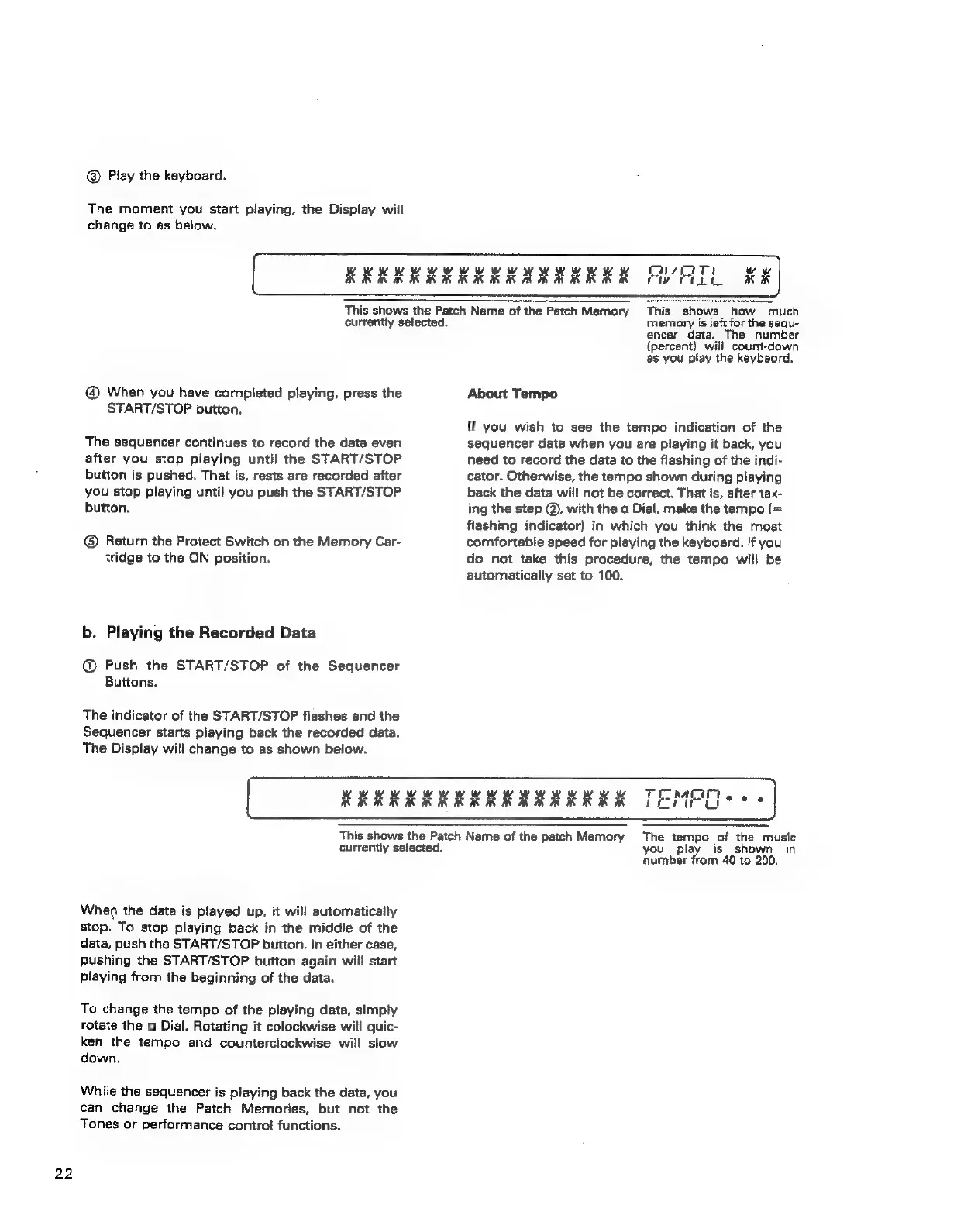
Play
the
keyboard.
The
moment
you
start
playing,
the
Display
will
change
to
as
below.
RRR
ERR
This
shows
the
Patch
Name
of
the
Patch
Memory
currently
selected.
@
When
you
have
completed
playing,
press
the
START/STOP
button.
The
sequencer
continues
to
record
the
data
even
after
you
stop
playing
until
the
START/STOP
button
is
pushed,
That
is,
rests
are
recorded
after
you
stop
playing
until
you
push
the
START/STOP
button.
@®
Return
the
Protect
Switch
on
the
Memory
Car-
tridge
to
the
ON
position.
b.
Playing
the
Recorded
Data
@
Push
the
START/STOP
of
the
Sequencer
Buttons.
The
indicator
of
the
START/STOP
flashes
and
the
Sequencer
starts
playing
back
the
recorded
data.
The
Display
will
change
to
as
shown
below.
This
shows
how
much
memory
is
left
for
the
sequ-
encer
data.
The
number
(percent)
will
count-down
as
you
play
the
keybaord.
About
Tempo
lf
you
wish
to
see
the
tempo
indication
of
the
sequencer
data
when
you
are
playing
it
back,
you
need
to
record
the
data
to
the
flashing
of
the
indi-
cator.
Otherwise,
the
tempo
shown
during
playing
back
the
data
will
not
be
correct.
That
is,
after
tak-
ing
the
step
@,
with
the
a
Dial,
make
the
tempo
(=
flashing
indicator)
in
which
you
think
the
most
comfortable
speed
for
playing
the
keyboard.
If
you
do
not
take
this
procedure,
the
tempo
will
be
automatically
set
to
100.
KRKK
RRR
This
shows
the
Patch
Name
of
the
patch
Memory
currentiy
selected.
When
the
data
is
played
up,
it
will
automatically
stop.
To
stop
playing
back
in
the
middie
of
the
data,
push
the
START/STOP
button.
In
either
case,
pushing
the
START/STOP
button
again
will
start
playing
fram
the
beginning
of
the
data.
To
change
the
tempo
of
the
playing
data,
simply
rotate
the
a
Dial.
Rotating
it
colockwise
will
quic-
ken
the
tempo
and
counterclockwise
will
slow
down.
While
the
sequencer
is
playing
back
the
date,
you
can
change
the
Patch
Memories,
but
not
the
Tones
or
performance
control
functions.
The
tempo
of
the
music
you
play
is
shown
in
number
from
40
to
200.