EasyManua.ls Logo

Roland SUPER JX - Page 52

Roland SUPER JX
88 pages
Print Icon
To Next Page IconTo Next Page
To Previous Page IconTo Previous Page
Loading...
52
2)
Copying
a
Tone
in
the
Cartridge
to
the
JX-10’s
internal
memory
@
Set
the
Protect
Switch
on
the
JX-10
to
the
OFF
position.
@
Set
the
Voice
Memory
Switch
to
the
CART
position.
@
Call
the
Patch
Memory
that
contains
the
Tone
to
be
copied.
*
In
the
Dual
or
Split
mode,
the
Tone
with
a
dot
is
copied.
In
the
Upper
Whole
mode,
the
Tone
of
the
Upper
section
is
copied.
@
Push
the
Write
Button
@.
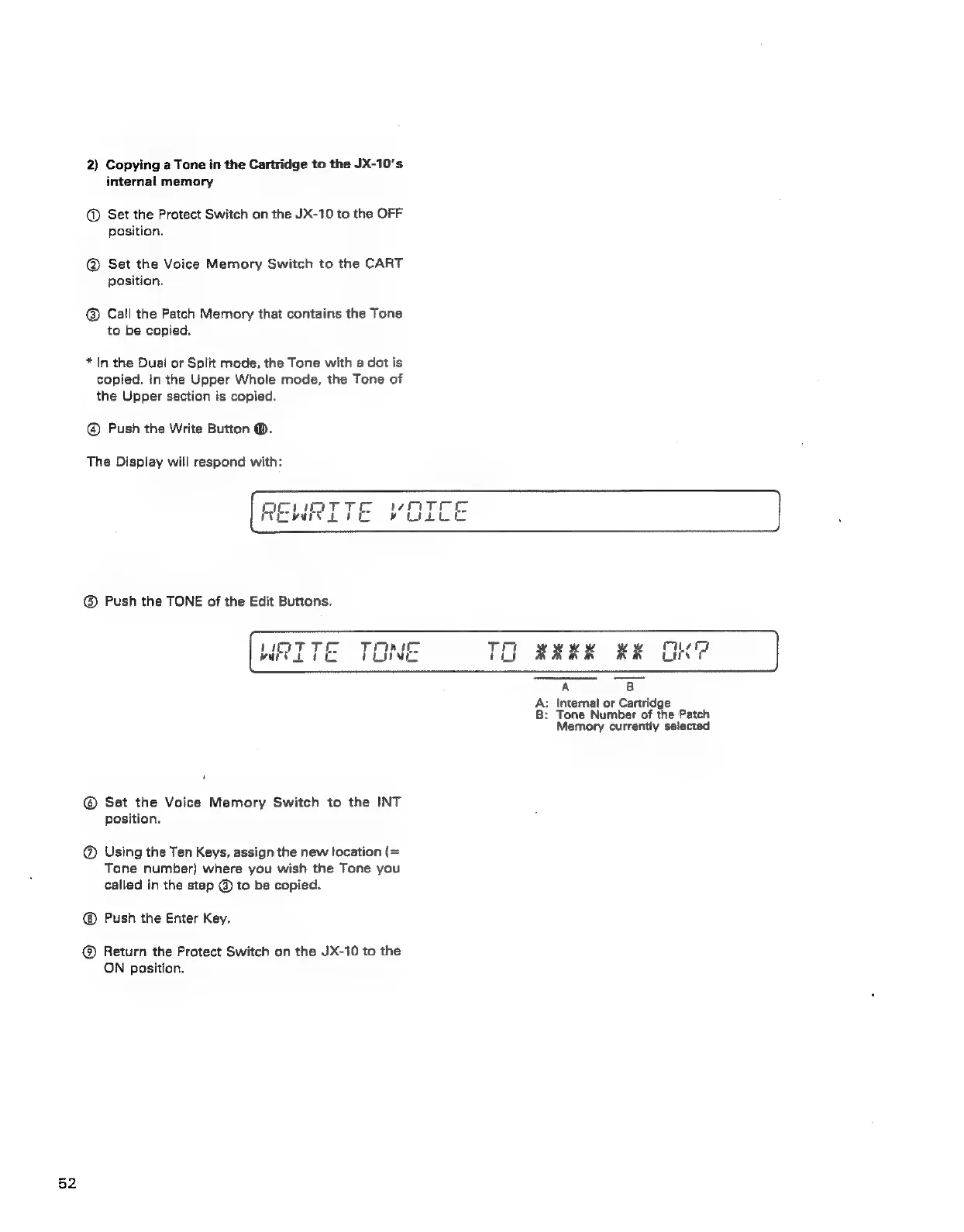
The
Display
will
respond
with:
WRITE
TONE
TO
RAKK
KK
OK
A
8B
A:
Internal
or
Cartridge
B:
Tone
Number
of
the
Patch
Memory
currently
selected
@®
Set
the
Voice
Memory
Switch
to
the
INT
position.
@
Using
the
Ten
Keys,
assign
the
new
location
(=
Tone
number)
where
you
wish
the
Tone
you
called
in
the
step
@
to
be
copied.
Push
the
Enter
Key.
@®
Return
the
Protect
Switch
on
the
JX-10
to
the
ON
position.