29
Basic Operations
Switching Using the Transformer Buttons
1. Select the channel on the opposite bus.
On the opposite, select the channel you want to output next. The indicator for the selected channel lights up.
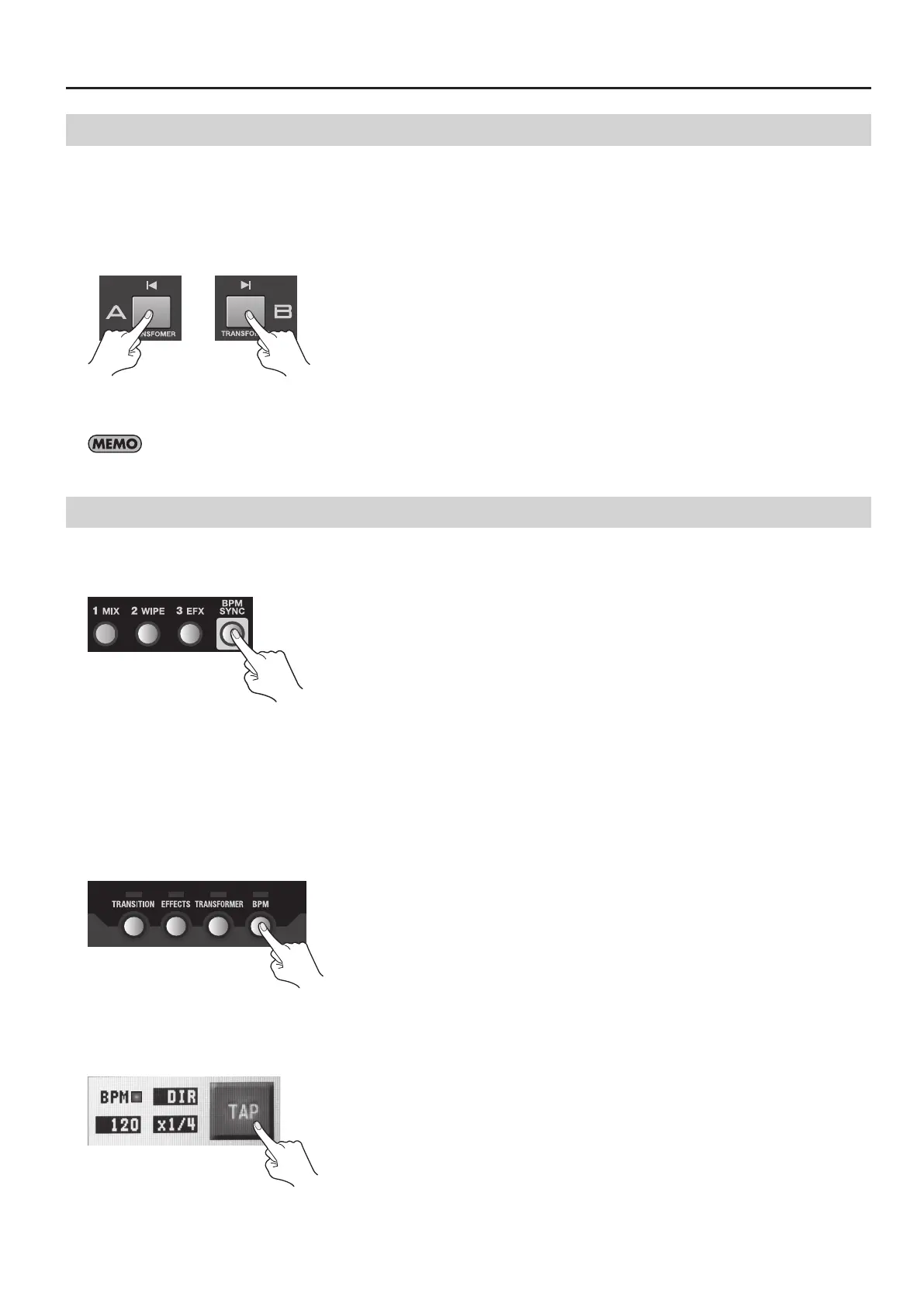
2. Use the Transformer buttons to switch the picture.
Press the Transformer button for the bus of the channel selected in step 1. The output picture is switched using a cut.
g.transformer.eps
3. Return to the output on the original bus.
Releasing the Transformer button returns the output to the picture on the original bus.
To assign a transition eect to a Transformer button, press the [TRANSFORMER] button to access the setup screen.
Switching Automatically in Time with the Musical Rhythm
Pressing the [BPM SYNC] button to make it light up causes automatic switching between A and B.
* Press the [BPM SYNC] button again and make it go dark to stop the automatic switching.
g.BMP-SYNC-button.eps
Use this feature when you want to perform switching on the rhythm of background music. By default, switching is performed at
120 BPM (beats per minute). You can use either of the following two methods to change the BPM setting.
Setting the BPM by Tapping
At times such as when the BPM value of the music is not known, set the BPM by tapping the screen with your nger.
1. Access the BPM setup screen.
Press the [BPM] button to access the BPM setup screen.
g.press-BPM-button.eps
2. Tap on the rhythm of the music.
Tap the on-screen [TAP] button on the rhythm of the background music. Tap several times to set the BPM value. The BPM indicator
starts to ash according to the BPM.
g.tap-BPM.eps
3. Exit the BPM setup screen.
Press the [BPM] button again to quit the setup screen.



 To Next Page