37
About Other Features
Aligning the Timing of Video and Audio (Lip-sync)
You can use the procedure described below to apply delay to audio and align the video/audio timing.
1. Display the audio setup screen.
Press the [AUDIO] button in the INPUT section to display the setup screen for audio.
g.audio-setup-button.eps
2. Adjust the amount of delay.
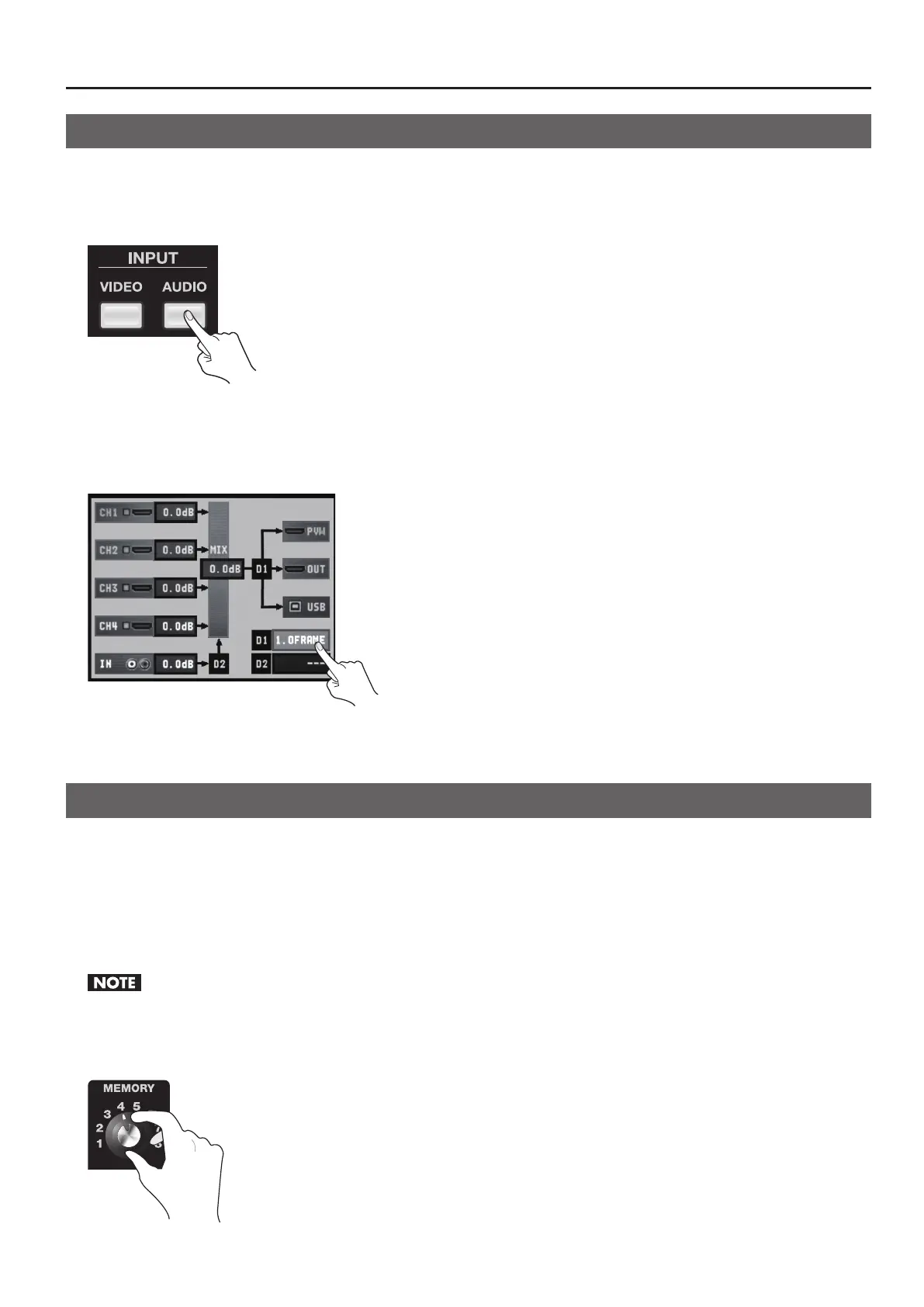
Use the touch panel to select [D1] or [D2], then operate the [VALUE] dial to adjust the amount of delay.
* [D1] is delay applied globally to the output, and [D2] is delay applied only to AUDIO IN input.
* You can set [D1] in a range of 0.0 to 4.0 frames and [D2] in a range of 0.0 to 2.0 frames.
g.adjust-delay.eps
3. Close the setup screen.
Press the [AUDIO] button in the INPUT section to return to the original screen.
Saving Settings
The MEMORY dial on the V-4EX has positions from [1] to [8]. You can save the button and dial settings described below to [2]
through [7].
• Eects assigned to A-Bus and B-Bus Eect buttons
• Settings of the A-Bus and B-Bus TRANSFORMER buttons
• Eects assigned to transition buttons (MIX/WIPE/EFX)
• The BPM SYNC setting
• The setting of the OUT FADE dial
When [1] has been selected, settings can be changed, but not saved.
1. Select the number to save to.
Turn the MEMORY dial to select a number from [2] to [8] as the destination for saving.
g.turn-memory-dial.eps



 To Next Page