32
You can apply lter eects to the video on A-Bus by using the A-Bus Eect buttons. By default, the following lter eects are
assigned to 1 through 4.
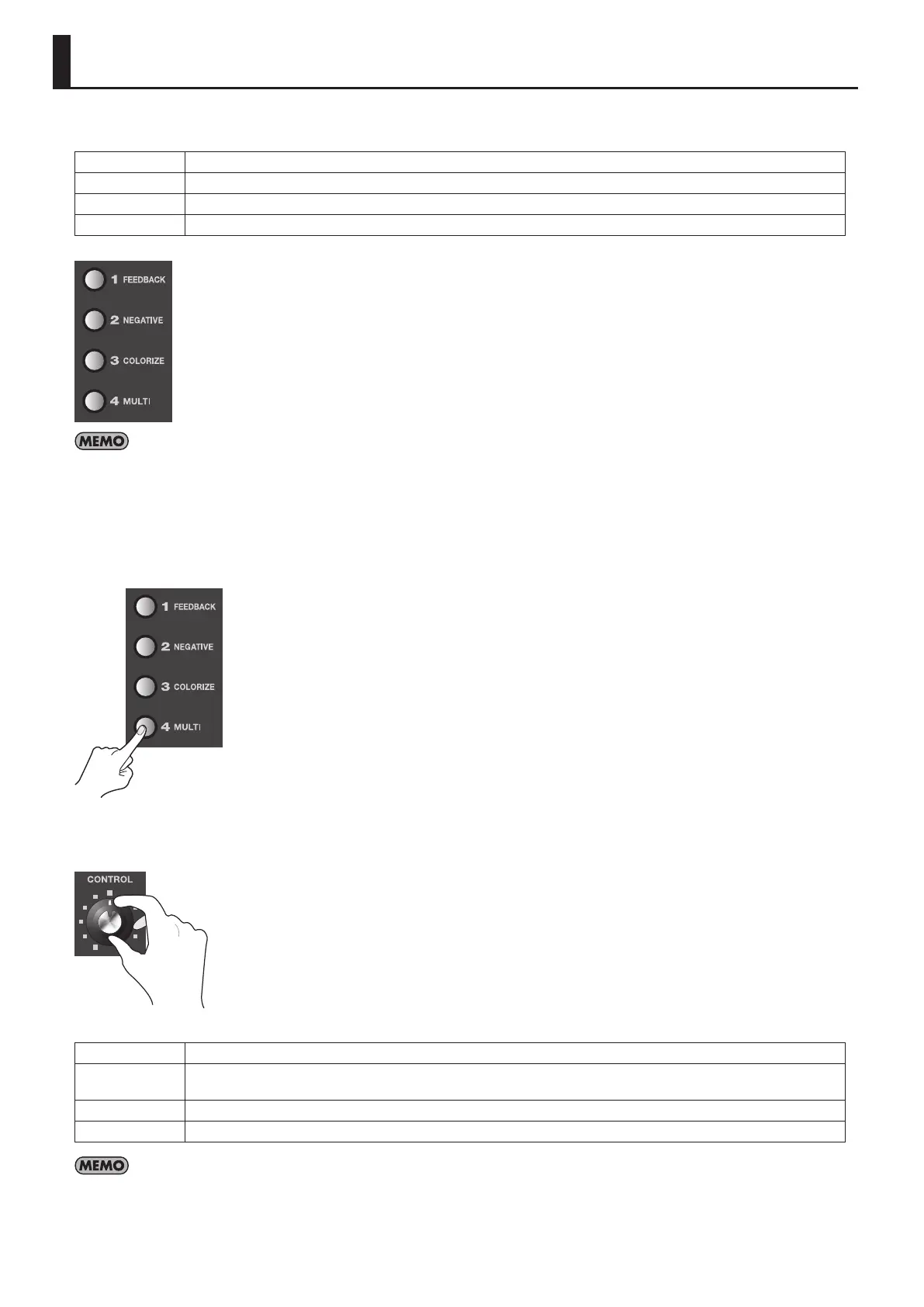
FEEDBACK This repeats layering of the picture upon itself.
NEGATIVE This inverts the colors or brightness levels of the picture.
COLORIZE This eect adds color to the picture, producing a painting-like feel.
MULTI This splits the screen and reduces the size of the pictures.
g.A-bus-eects.eps
You can display a screen for assigning other eects by pressing the [EFFECTS] button.
1. Output the video to which you want to apply an eect.
Select and output the A-Bus channel you want to apply an eect.
2. Select the eect to apply.
Use the A-Bus Eect buttons to select the eect to apply.
g.select-lter-eect.eps
3. Adjust the amount of eect.
Turn the A-Bus Eect Control dial to adjust the amount of eect.
g.A-bus-control-dial.eps
The default lter eects change as follows when you turn the Eect Control dial.
FEEDBACK Turning the control clockwise shortens the repeating interval.
NEGATIVE
Turning the dial clockwise cycles through these settings: brightness inversion -> color inversion -> brightness and color
inversion.
COLORIZE The colorization pattern varies according to the position of the dial.
MULTI Turning the dial clockwise increases the number of screen divisions.
By default, in addition to the four types of lter eects just described, [FLIP] is assigned to a B-Bus Eect button. When using this eect, select the
video on B-Bus. Pressing the B-Bus [FLIP] Eect button applies the ip eect. Also, to adjust the parameter of eect (or to change the direction of
screen ipping), use the B-Bus Eect Control dial.
Applying Filter Eects to Video



 To Next Page