45
Appendices
Eects List
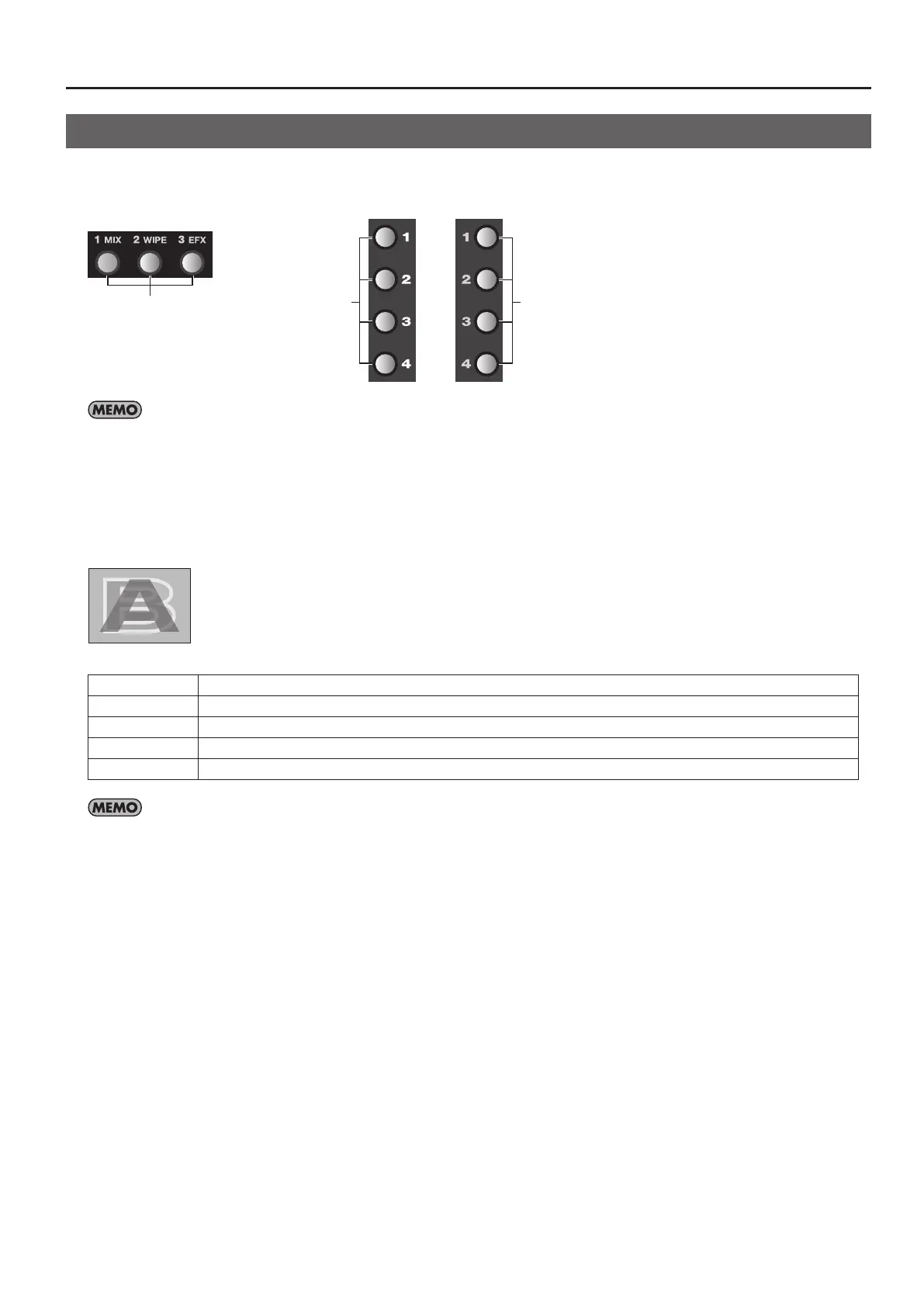
You can assign transition eects to the MIX, WIPE, and EFX buttons. You can also allocate lter eects and compositing eects to
the A-A-Busnd B-Bus Eect buttons.
g.eect-assign.eps
Transition Eects
Filter/Composition
Eects
Filter/Composition
Eects
If an eect has an “*” (asterisk) after its name, you can change its setting value in a smooth, continuous manner by turning the Eect Control dial.
Pressing a button to which such an eect is assigned makes the button ash. If no eect indicated by an “*” is assigned to the button, the button
lights up steadily when pressed. In such cases, operation of the Eect Control dial has no eect.
Transition Eects
Mix
g.MIX.eps
001 : Mix01 The A and B video is switched gradually.
002 : Fam01 This is an abbreviation of “full additive mix.” The A and B luminance levels are maintained during the transition.
003 : Fam* You can move the A/B cross point during FAM transition.
004 : Nam01 This is an abbreviation of “non-additive mix.” Display during transition starts with areas of high luminance.
005 : Nam* You can move the A/B cross point during NAM transition.
You can set the cross point (0% to 100%) by going to the SETUP menu (p. 43) and setting [NAM/FAM CROSS POINT].



 To Next Page