UKEVXXXX , Place
Map List
Filter
My Favorites My Profile
Charge Sessions Statistics
Good Afternoon Lucy
Finding Your Charging Point
Use the map to find a
charging location.
• Choose from either map or list view.
• Create an account to view, sort & save
your favourite charging locations.
Click the ‘Navigate’ button
for directions to your
chosen charging location.
UKEVXXXX
F
lte
My Favor
tes My Prof
le
Charge Sess
on
Stat
st
ood Afte
se t
c
arg
ho
rea
our
C
ic
or di
c
os
EV DRIVER APP
USER GUIDE
Download The App
or Go To EVCharge.Online
No charging sessions or vehicles connected
A charging session is active or a vehicle
is connected
1
2
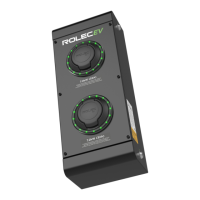
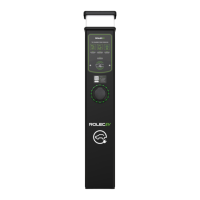
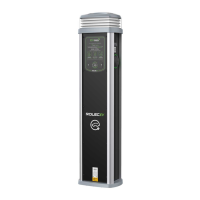
Upon arrival choose an
available socket.
3
• The current availability can be viewed
directly on the chargepoint’s LED status
indicator or within the app.
Connect your vehicle
• Plug in cable to the car.
• Plug in cable to the chargepoint.
4


 To Next Page