EV DRIVER APP USER GUIDE
UKEVXXXX , Place
Map List
Filter
My Favorites My Profile
Charge Sessions Statistics
Good Afternoon Lucy
Finding Your Charging Point
Use the map to find a
charging location.
• Choose from either map or list view.
• Create an account to view, sort & save
your favourite charging locations.
Click the ‘Navigate’ button
for directions to your
chosen charging location.
UKEVXXXX
EV DRIVER APP
USER GUIDE
Download The App
or Go To EVCharge.Online
No charging sessions or vehicles connected
A charging session is active or a vehicle
is connected
1
2
Upon arrival choose an
available socket.
3
• The current availability can be viewed
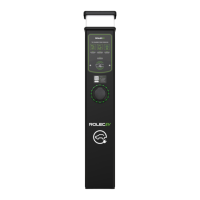
directly on the chargepoint’s LED status
indicator or within the app.
Connect your vehicle
• Plug in cable to the car.
• Plug in cable to the chargepoint.
4


 To Next Page