36
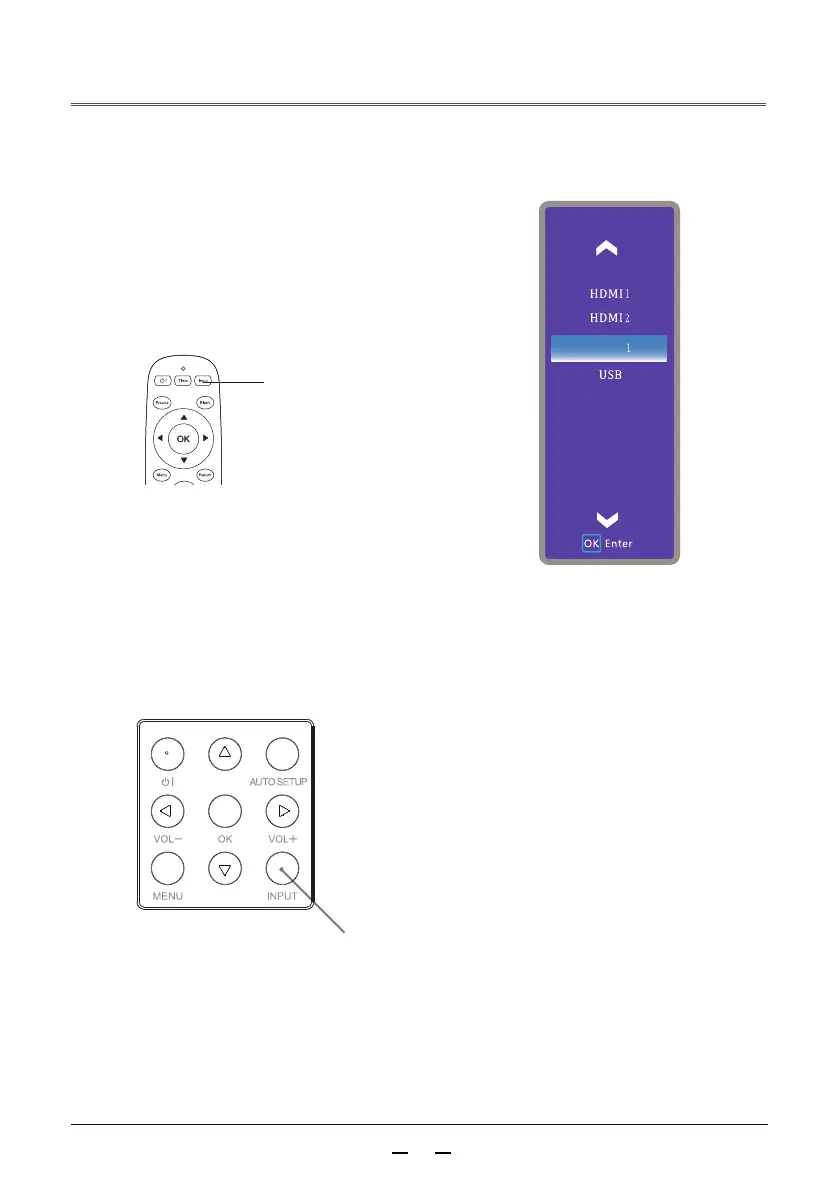
Menu operation
Press the input source button on the remote control
to display the input source menu. Press▲▼ buttons
to select the input source icon, then press button
or the OK button to select the input source VGA.
Direct operation
INPUT
button
Input source button
Remote control
Select VGA by pressing the INPUT button on the
rear control panel or by pressing the input source
button on the remote control.
VGA
Rear control panel
Input
Video
▲



 To Next Page