40
Video system selection
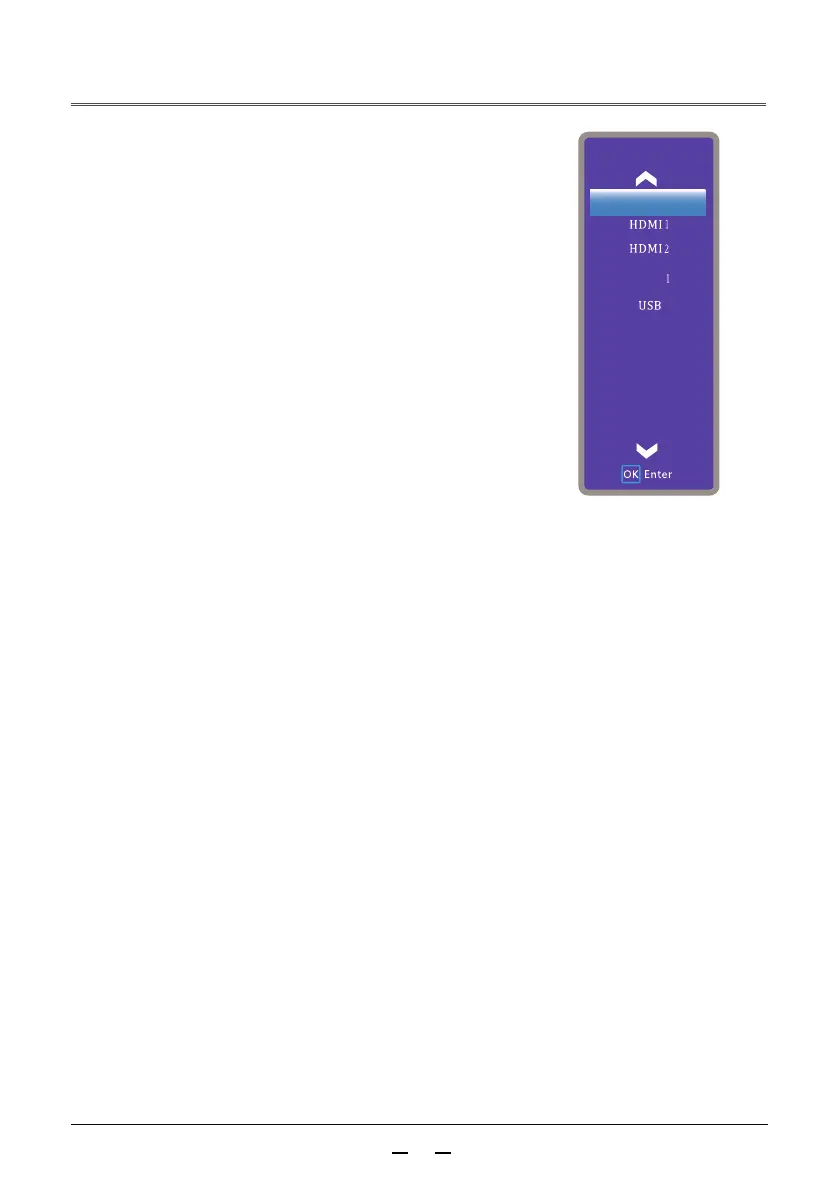
Press the input source button on the remote
control to display the input source menu.
Press▲▼ buttons to select the input
source icon, then press button or the
OK button to select the AV input.
►
The projector can automatically detect the
input video system and adjust itself to its
optimum state.
1
2
VGA
Input
Video



 To Next Page