57
部件更换
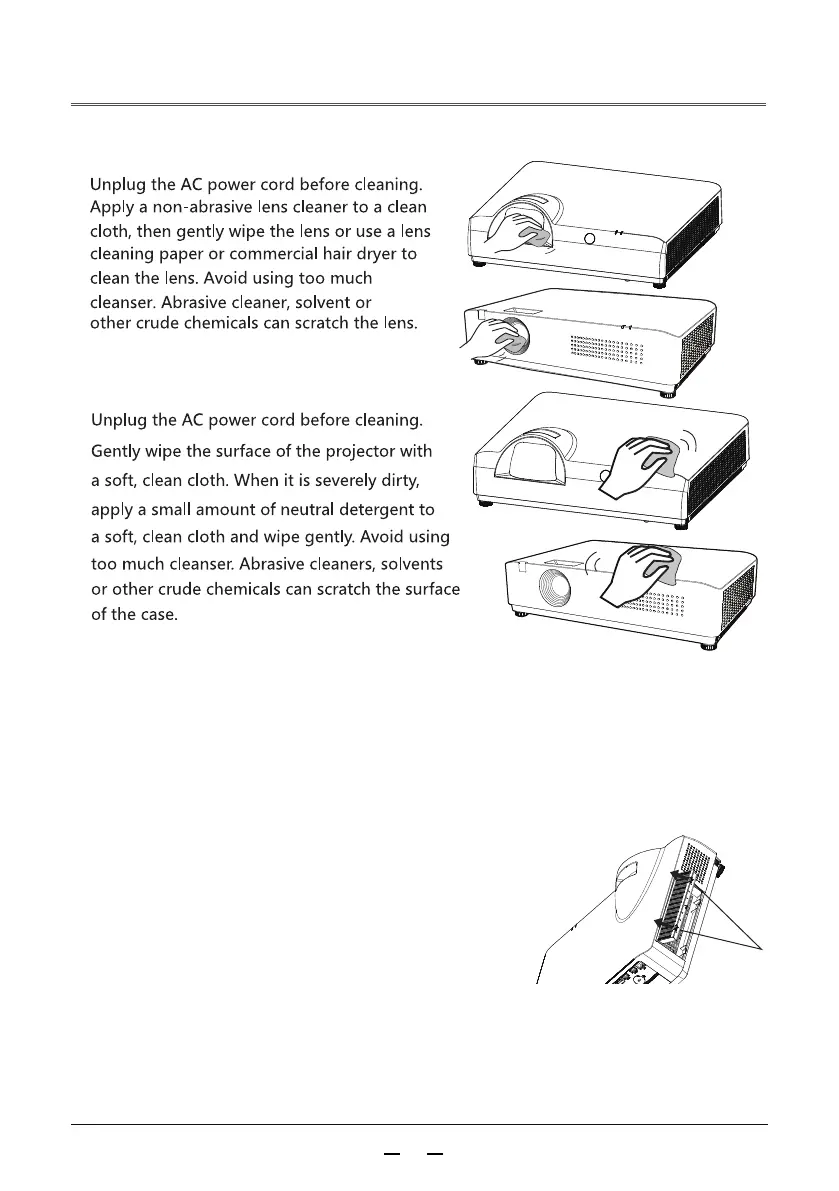
Cleaning the projector lens
Cleaning the projector enclosure
When not using the projector, put the projector
in a carrying case to avoid dust accumulation or scra
The filter is used to prevent dust accumulation on the surface of the projector's
internal lens components. If the filter is blocked by dust, etc., it will reduce the
effectiveness of cooling fans. Therefore, resulting in heat accumulation inside
projector and shortening the service life of the projector. If there
is the“ Clean Filter” icon appears on the screen, please clean
the filter or replace the filter immediately.
tches.
Please clean the filter according the following steps:
1.Turn off the projector and unplug the AC power
cord from the power socket
2.Flip the projector and removing the filter.
3.Cleaning the filter with a brush
4.Reinstall the filter



 To Next Page