37
The “Auto Adjustment” function can automatically adjust the horizontal position,
vertical position, phase adjustment, and clock adjustment to match your computer.
Auto adjustment
Menu operation
Caution:
•
The horizontal and vertical position of some computers can be adjusted
entirely by the auto computer adjustment function. If the image is not
correct after this function adjustment, adjust manually.
Press the input source button on
the remote control, press the ▲▼
button to select the input source
VGA icon, and then press
or the OK button to enter.
►
►
►
►
Storage adjustment data
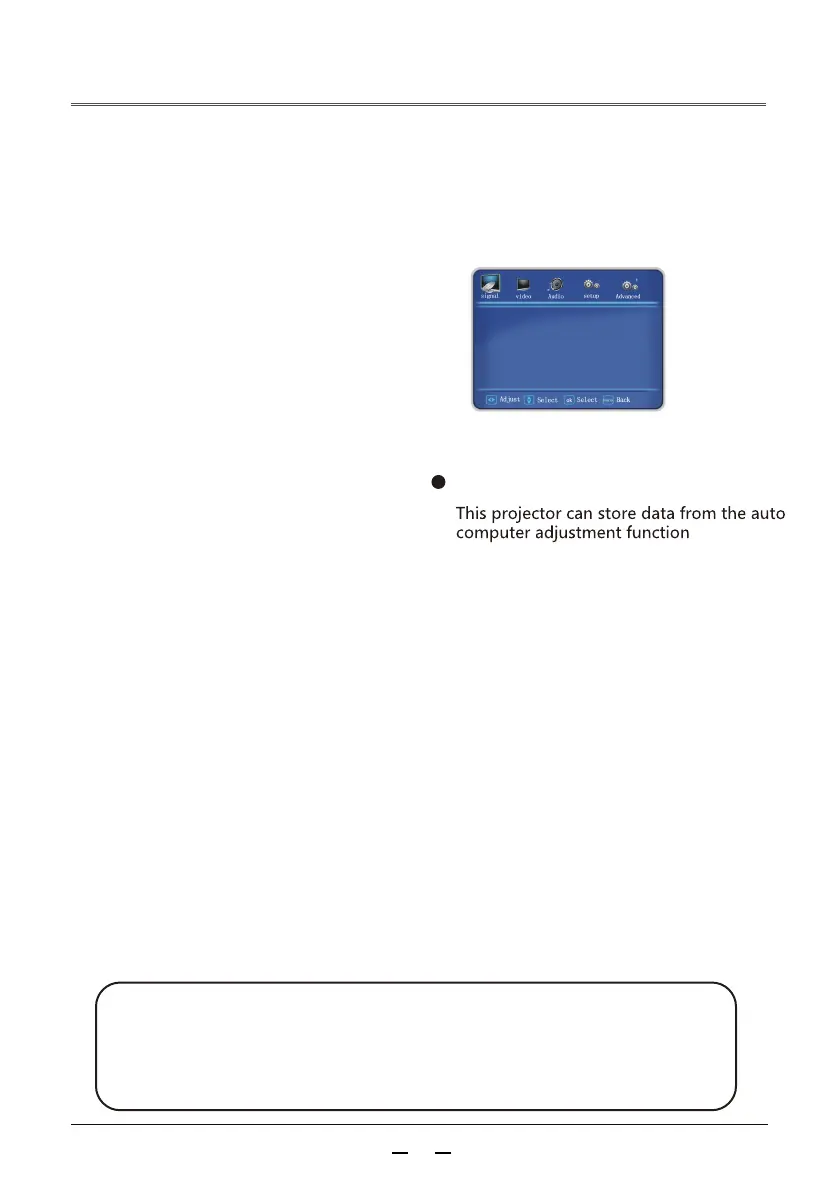
Auto computer adjustment menu
Vertical position
Horizontal position
The pictureposition can be moved horizontally
if the projected pictureposition on the screen
deviates, provided that the relative position of
the projector and the screen are set correctly.
3) Press ▲▼to adjust the horizontal picture
position. Adjustment range is 0 - 255
1)Press to select [Horizontal position].
2)Press the <OK> button。
Under the premise that the relative position of
the projector and the screen is set correctly, if
the position of the projected pictureon the screen
deviates, the pictureposition can be moved
3)Press to adjust the vertical image position.
1)Press to select [Vertical position].
2)Press the <OK> button。
Adjustment range is 0-63.
1
Press the Menu button to enter the
menu and press the button to
select the signal, then press the ▼
button or the OK button to select the
auto adjustment icon, and press the
button or the OK button to adjust
automatically.
2
H Position
V Position
Phase
Manual clock
Auto setting
picture size



 To Next Page