47
Network control use
Function: This function is applicable to remote control of the projector by a computer in
a LAN.
Preparation stage
1 Required equipment: Projector, computer, network cable;
2 Connection process: Connect the projector to a router or switch in the LAN with
a straight-through or crossover cable. If the projector and computer are directly
connected and the connection cannot be achieved using a straight-through cable,
it is recommended to use a crossover cable.
3 The indicator of the LAN interface and computer interface will flash continuously
after the computer boots up and the projector is plugged in.
Steps for usage
1 Turn on the projector.
2 Obtain the network address, set DHCP to “On”, and get the IP address automatically.
(The personnel who are familiar with the
network can manually set the IP address
by setting DHCP to “Off”.)
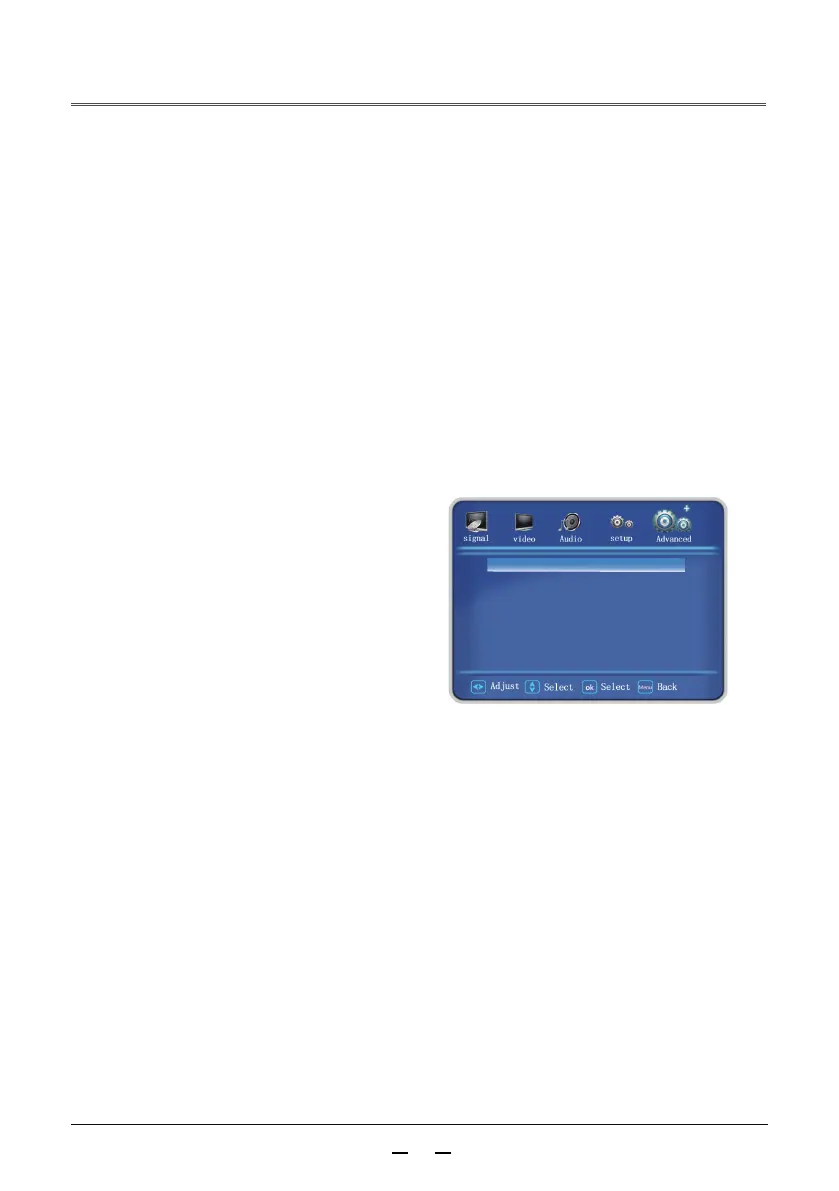
3 Enter network menu settings
(1) Press the MENU button on the remote
control or the rear control panel. Press
the buttons to select the network icon
(2) Press the <OK> button or press the
▲▼button to enter the network menu.
(3) Press the▲▼ buttons to select network settings, then press the <OK> button.
(4) Press the▲▼ buttons to set DHCP to “On”, then press the <OK> button.
(5) Press the ▲▼ buttons to select [OK], press the Select button, and the
[Please wait...] picture appears, and wait for it to disappear.
DHCP OFF
IP 192.168.001.200
Subnet 255.255.255.000
Gateway 192.168.001.001
DNS 192.168.001.001
APPLY



 To Next Page