56
USB Video play
1
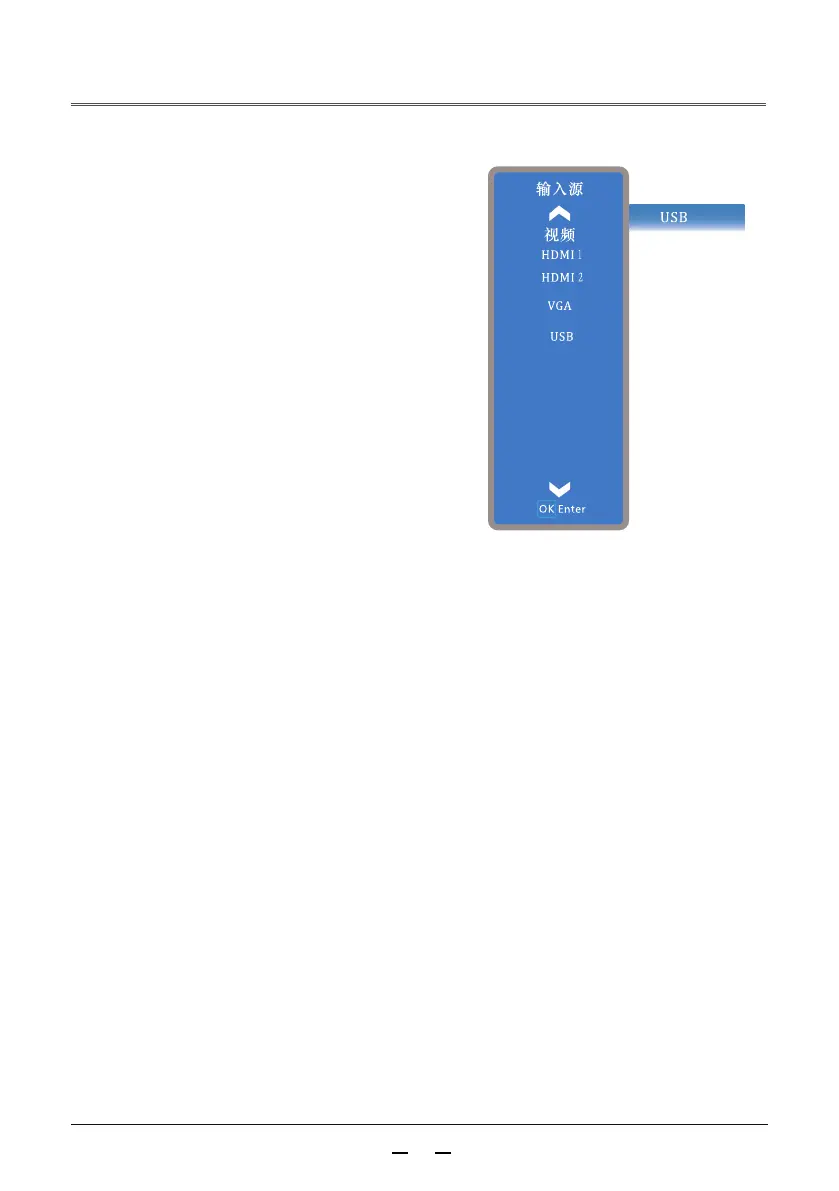
Please Press the input signal button on the
remote control to display the input source
menu.According to indicate icon ▲▼indicate
buttonto select input source (as picture
show), and then press indicate button
and OK button to choose USB input.
►
Please enter the USB document file, select
video, and then play it.
1
2



 To Next Page