54
Images broadcast
Top to bottom
Directory play 5 second
Play/pause
Switch to the previous image
Switch to the next image
Switch to the next image:
Rotating images。
Top to bottom
Directory play
5 second
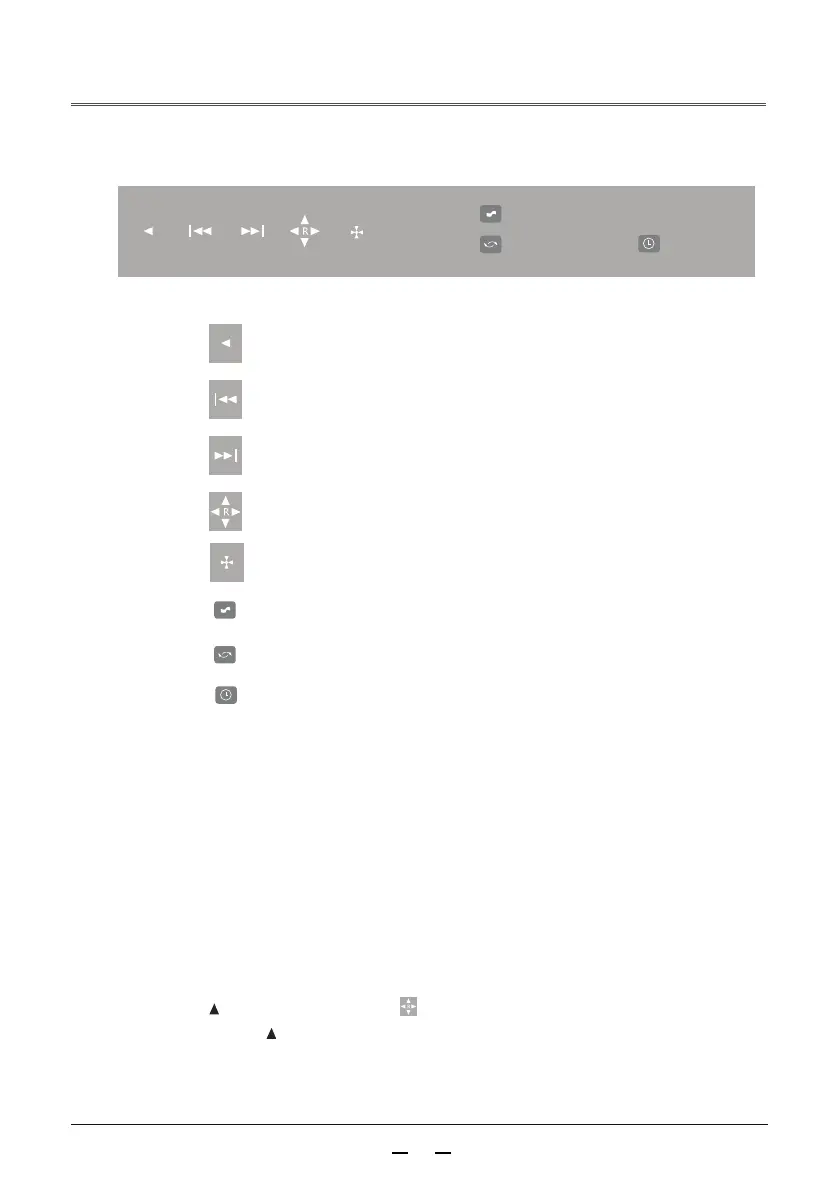
The picture playback control button is as follows:
Play/pause:
Switch to the previous image::
Select the play button, press OK to pause, then press continue to play,
Press ok to pause and loop.
Rotating images:
Display image resolution
Image resolution
Image resolution:
Right click on the control panel of the remote control to select the next picture button,
and then switch pictures
The left button of the remote control panel selects the button to switch the previous
picture, and then switch the picture.
Remote control key control panel
Press the key once and it will rotate clockwise 90 degrees.
1024X768



 To Next Page