August 2012
14
Quick Start Guide
Step 4: Verify operation
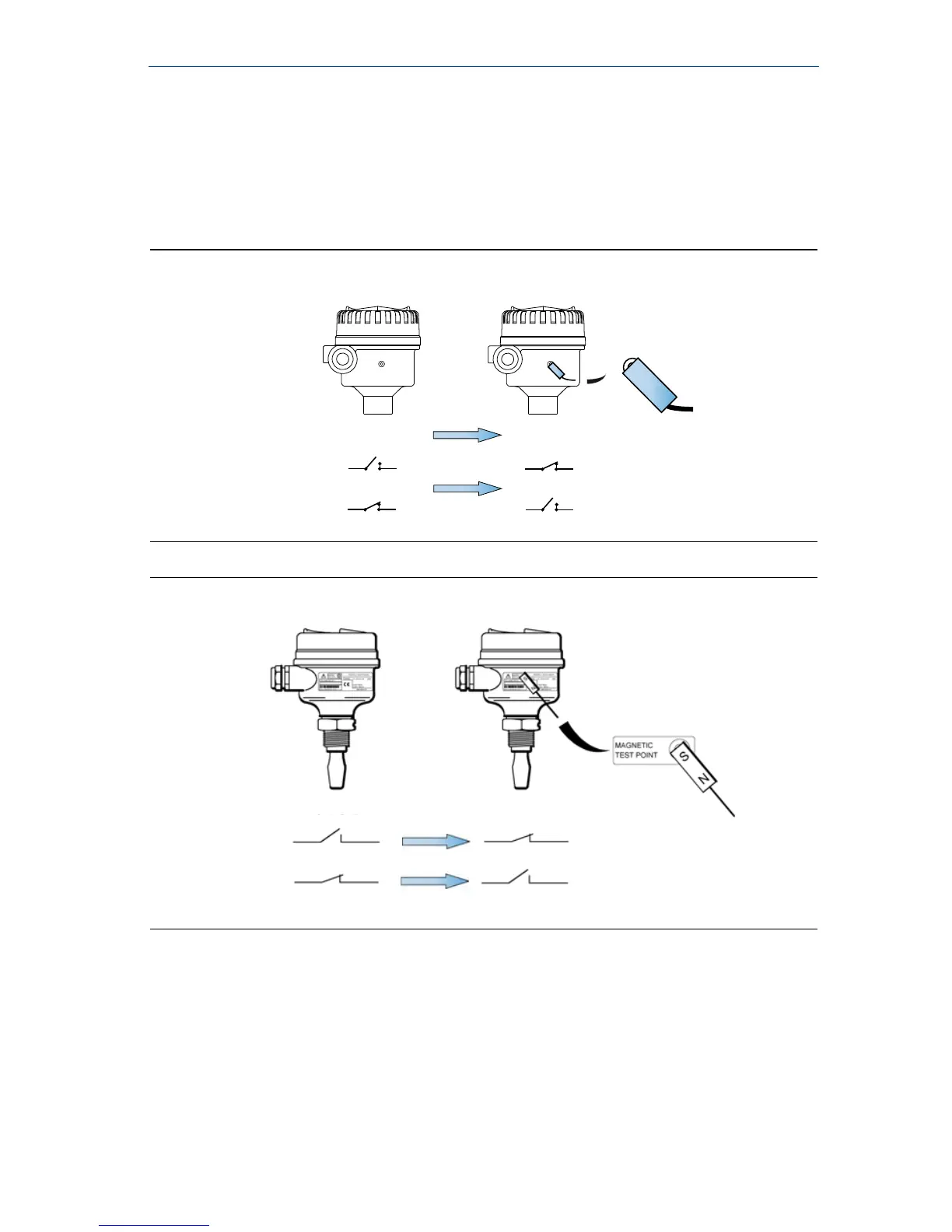
Magnetic test point
The magnetic test-point is on the side of the housing, allowing a functional test of the
2120. By touching a magnet on the target, the output will change state for as long as
the magnet is held there.
Figure 9. Magnetic test point (metal housing)
Figure 10. Magnetic test point (glass-filled nylon housing)













 To Next Page