Quick Start Guide
15
January 2017
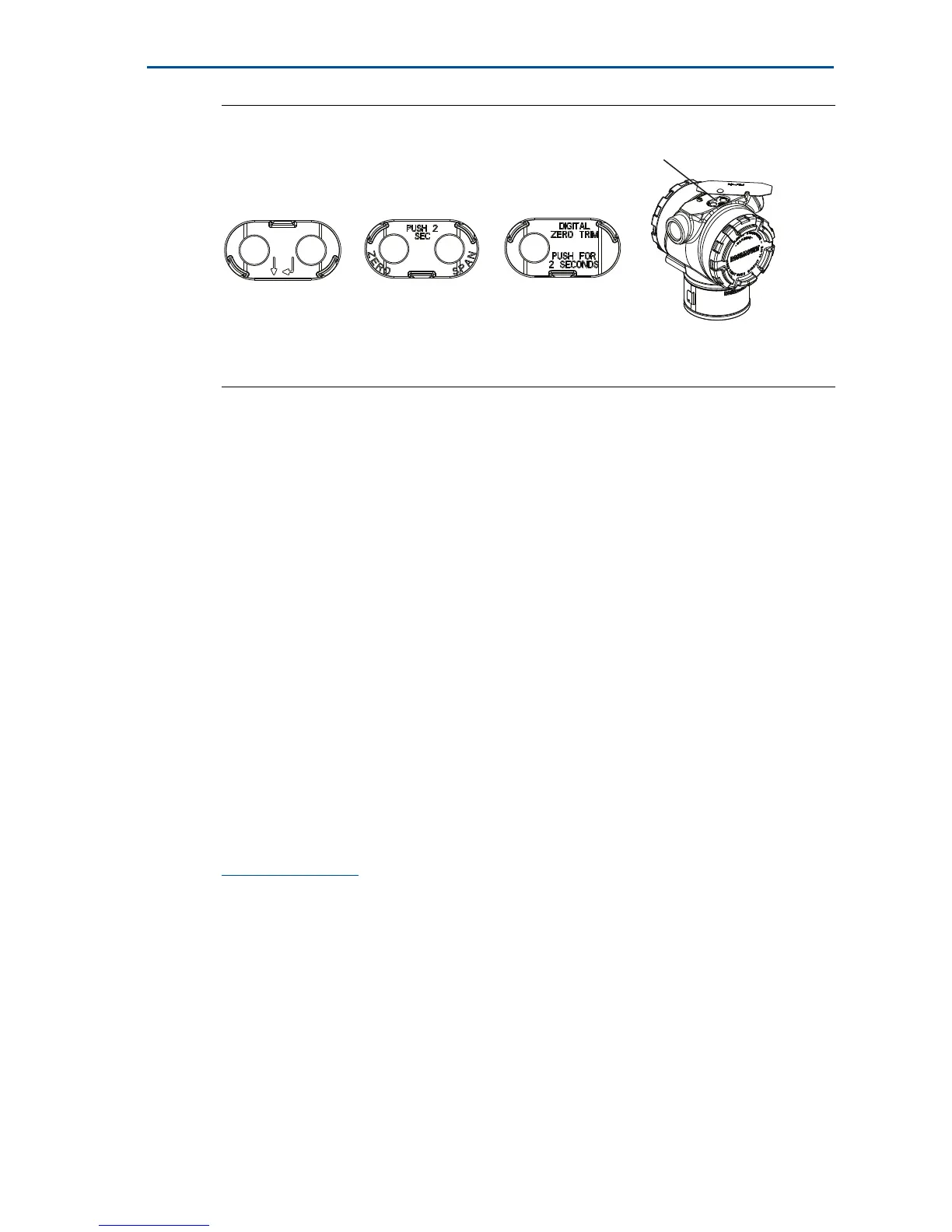
Figure 10. External Configuration Buttons
Use the following procedures to perform a zero trim:
Perform trim with LOI (option M4)
1. Set the transmitter pressure.
2. See Figure 9 on page 13 for the operating menu.
a. Perform an analog zero trim by selecting Rerange.
b. Perform a digital zero trim by selecting Zero Trim.
Perform trim with analog zero and span (option D4)
1. Set the transmitter pressure.
2. Press and hold the Zero button for two seconds to perform an analog zero
trim.
Perform trim with digital zero (option DZ)
1. Set the transmitter pressure.
2. Press and hold the Zero button for two seconds to perform a digital zero
trim.
3.0 Safety instrumented systems installation
For safety certified installations, refer to Rosemount 3051 HART Revision 5 and 7
Reference Manual for installation procedure and system requirements.
A. LOI
B. Analog zero and span
C. Digital zero
D. Configuration buttons



 To Next Page