EasyManua.ls Logo

Rosemount 8732 - User Manual

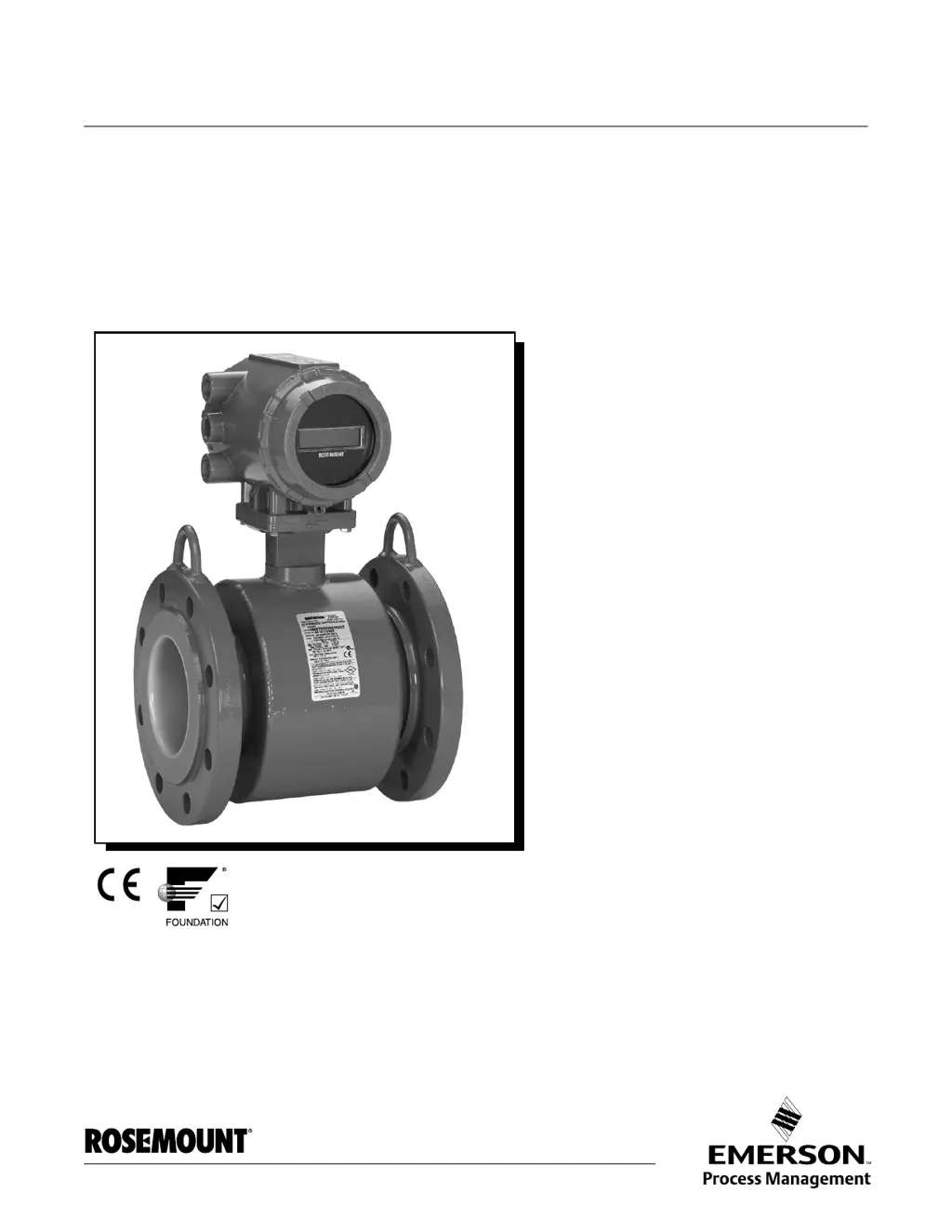
Rosemount 8732
190 pages
Print Icon
To Next Page IconTo Next Page
Loading...
www.rosemount.com
Reference Manual
00809-0100-4663, Rev BA
January 2010
Rosemount 8732
Integral Mount or Remote Mount Magnetic
Flowmeter System with F
OUNDATION
fieldbus

Table of Contents

Questions and Answers

  • J
    Joseph CollinsAug 15, 2025
    Why is my Rosemount 8732 Fieldbus not communicating?
    • V
      vcisnerosAug 16, 2025
      If the Rosemount Transmitter fieldbus is not communicating, it might be due to a disconnected fieldbus segment. Ensure the fieldbus segment is properly connected. Alternatively, the fieldbus segment power may be missing; verify the segment fieldbus voltage. In some cases, it could indicate an electronics failure, requiring replacement of the electronics.
  • M
    melissa87Aug 18, 2025
    What to do if Rosemount Transmitter Sensor Processor is not communicating?
    • K
      Kathy DavisAug 18, 2025
      If the sensor processor in your Rosemount Transmitter is not communicating, first check if the transmitter input power (AC/DC) is connected. If the LCD displays a message, the input power is applied. If the power is connected and the issue persists, it may be due to electronics failure, in which case you should replace the electronics.
  • S
    simmonspaulaAug 21, 2025
    How to fix a Coil Open Circuit on a Rosemount Transmitter?
    • J
      Jessica FreyAug 21, 2025
      If you encounter a coil open circuit error with your Rosemount Transmitter, start by checking the coil drive wiring and sensor coils, and perform sensor test A - Sensor Coil. If you are using another manufacturer’s sensor, change the coil current to 75 mA and perform a Universal Auto Trim to select the proper coil current. If the issue persists, it could be due to a circuit board failure, requiring replacement of the Rosemount 8732 Electronics. In rare cases, it may be due to a Coil Circuit OPEN Fuse, requiring a return to the factory for fuse replacement.
  • P
    Philip SullivanAug 25, 2025
    What causes 'Flow Rate > Sensor Limit' on a Rosemount 8732?
    • A
      adam38Aug 25, 2025
      If the Rosemount Transmitter displays a flow rate exceeding the sensor limit, it may be because the flow rate is greater than 43 ft/sec. Try to lower the flow velocity or increase the pipe diameter. Also, check the coil drive wiring and sensor coils and perform sensor test A - Sensor Coil. Ensure the calibrator (8714B/C/D) is connected properly and that the calibrator is set to 30 FPS. Finally, verify that the correct calibration number is entered into the transmitter, replacing it with 1000005010000001 if necessary.
  • S
    Stacy ParrishAug 28, 2025
    Why does my Rosemount Transmitter show a Universal Trim Failure?
    • A
      Amanda WolfeAug 28, 2025
      A Universal Trim Failure on a Rosemount Transmitter can occur for several reasons. Ensure there is a known flow in the sensor while performing the Universal Auto-Trim calibration, and that the flow rate is constant during the procedure. Verify the flow in the sensor and perform the calibration again. Also, check that the wiring matches the appropriate wiring diagrams. Confirm that the correct sensor calibration number is entered into the transmitter, replacing it with 1000005010000001 if necessary. Ensure the correct sensor size is selected. If problems persist, perform sensor tests C and D.
  • J
    Jillian MiddletonAug 30, 2025
    How do I resolve an Auto Zero Failure on a Rosemount 8732 Transmitter?
    • M
      Michael MarshAug 30, 2025
      If your Rosemount Transmitter is experiencing an Auto Zero Failure, ensure the flow is set to zero before performing the autozero function. Check if you are using unshielded cable and, if so, change the wire to shielded cable. Make sure that the sensor is filled with process fluid. For moisture related issues, see moisture problems in the “Accuracy Section”.
  • S
    Sarah SilvaSep 2, 2025
    What causes a Reverse Flow reading on my Rosemount 8732 Transmitter?
    • J
      joseph64Sep 2, 2025
      If your Rosemount Transmitter indicates reverse flow, first verify the wiring between the sensor and transmitter to ensure the electrode or coil wires are not reversed. If the wiring is correct, and the flow is genuinely reversed, turn ON Reverse Flow Enable to read the flow. If the sensor is installed backwards, re-install it correctly, or switch either the electrode wires (18 and 19) or the coil wires (1 and 2).
  • H
    hunderwoodSep 5, 2025
    What should I do if my Rosemount Transmitter shows 'Empty Pipe'?
    • C
      chaveznicoleSep 5, 2025
      The 'Empty Pipe' message on your Rosemount Transmitter will clear when the pipe is full. If the pipe is full and the message persists, check that the wiring matches the appropriate wiring diagrams. Perform sensor tests C and D. Ensure that the conductivity is greater than or equal to 5 microsiemens per cm. If the diagnostic is intermittent, adjust the tuning of Empty Pipe parameters.
  • C
    Cynthia SandovalSep 8, 2025
    What does Electronics Failure mean on my Rosemount Transmitter?
    • D
      David ThompsonSep 8, 2025
      If your Rosemount Transmitter is showing an Electronics Failure, and it is due to electronics self check failure, replace the electronics.
  • M
    Michael HolmesSep 12, 2025
    Why does my Rosemount Transmitter show 'Electronics Temp Fail'?
    • J
      John WeberSep 12, 2025
      If your Rosemount Transmitter displays 'Electronics Temp Fail', it means the ambient temperature has exceeded the electronics temperature limits. Move the transmitter to a location with an ambient temperature range of -40 to 165 °F (-40 to 74 °C).

Summary

Installation

Installation Procedures

Outlines the steps for physically installing the magnetic flowmeter.

Conduit Ports and Connections

Details requirements for conduit connections, sealing, and cable routing.

Conduit Cables

Discusses cable selection, preparation, and routing for signal integrity.

Electrical Considerations

Covers standards, power supply, conduit, and accessories for electrical connections.

Connect Transmitter Power

Provides step-by-step instructions for connecting power to the transmitter.

Connect FOUNDATION fieldbus Wiring

Explains how to connect the transmitter to the FOUNDATION fieldbus segment.

Transmitter Wiring Connection

Details steps to connect the 8732 to the FOUNDATION fieldbus segment.

Sensor Connections

Covers physical installation of the transmitter, including wiring and calibration.

Configuration

Local Operator Interface

Details the optional LOI for configuration and monitoring.

Basic Setup

Covers essential configuration functions for all applications.

PV URV (Upper Range Value)

Sets the upper range value for analog output, preset to 30 ft/s.

PV LRV (Lower Range Value)

Sets the lower range value for analog output zero, affecting span.

Calibration Number

A 16-digit number identifying factory-calibrated flowtube sensors.

Operation

Diagnostics

Explains how diagnostics verify transmitter function and identify errors.

Sensor Signature

Describes sensor characteristics and stores signature for verification.

Electronics Trim

Procedure for factory calibration of transmitter; requires 8714 Calibration Standard.

Universal Trim

Enables calibration of non-Rosemount sensors or sensors not factory-calibrated.

Coil Drive Frequency

Allows pulse-rate selection for sensor coils (5 Hz or 37 Hz).

Sensor Installation

Sensor Handling

Provides instructions for carefully handling and transporting sensors.

Sensor Mounting

Details physical mounting of the sensor similar to installing pipe sections.

INSTALLATION (FLANGED SENSOR)

Guide for installing flange-type Rosemount 8705 and 8707 sensors.

INSTALLATION (WAFER SENSOR)

Guide for installing the wafer-type Rosemount 8711 sensor.

INSTALLATION (SANITARY SENSOR)

Details installation procedures for sanitary sensors.

Grounding

Explains sensor grounding importance and methods.

Maintenance and Troubleshooting

Safety Information

Highlights safety precautions for maintenance and troubleshooting.

Installation Check and Guide

Provides a guide to solve common installation problems.

Diagnostic Messages

Lists diagnostic messages and their potential causes and corrective actions.

TRANSMITTER TROUBLESHOOTING

Troubleshooting table for transmitter-related issues.

QUICK TROUBLESHOOTING

Provides step-by-step solutions for common problems.

Step 3: Installed Sensor Tests

Guides troubleshooting of installed sensors using tests.

Approval Information

Diagnostics

8714 I METER VERIFICATION

Verifies flowmeter calibration without removing sensor from process.

Digital Signal Processing

Safety Messages

Highlights safety precautions for digital signal processing operations.

Auto Zero

Initializes zero function for optimum accuracy with 37 Hz coil drive.

Signal Processing

Stabilizes output using damping and signal processing functions.

Universal Sensor Wiring Diagrams

375 Field Communicator Operation

Rosemount 8732 Specifications

General IconGeneral
EnclosureAluminum or Stainless Steel
Output4-20 mA with HART
Enclosure RatingNEMA 4X, IP66
Communication ProtocolHART, FOUNDATION Fieldbus
Hazardous Area ApprovalsFM, CSA, ATEX, IECEx
Ambient Temperature Range-40 to 65°C (-40 to 149°F)

Related product manuals