EasyManua.ls Logo

Rosemount 8712C - User Manual

Rosemount 8712C
112 pages
Print Icon
To Next Page IconTo Next Page
Loading...
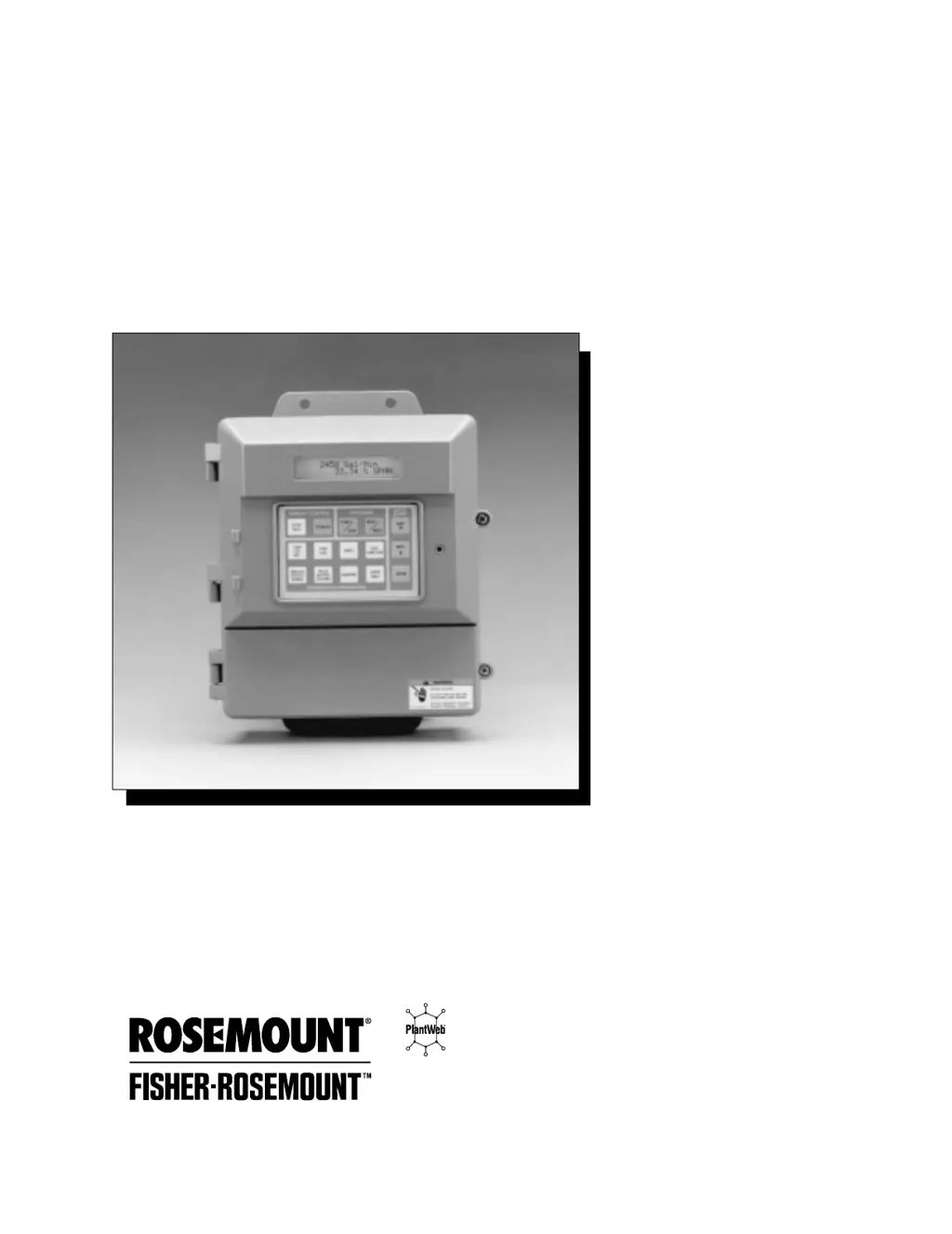
Model 8712C/U/H Magnetic
Flowmeter Transmitters
00809-0100-4729
English
Rev. CA

Table of Contents

Questions and Answers

  • B
    Brandon PopeAug 3, 2025
    What to do if the Rosemount 8712C output is at 0 mA?
    • L
      Laurie KeithAug 3, 2025
      If the Rosemount Transmitter output reads 0 mA, there could be several reasons. First, check the power source and connections to the transmitter. A blown fuse could also be the cause, so inspect the fuse and replace it with an appropriately rated one if necessary. Another potential cause is a bad transformer, which would need to be replaced. Also, the analog output might be improperly configured; in this case, check the analog power jumper for the correct settings. Finally, electronics failure may cause this problem, and in that case replace the electronics boards.
  • N
    Nicole LindseyAug 21, 2025
    How to fix a Rosemount 8712C output at 21.6 mA?
    • B
      Barbara WebsterAug 21, 2025
      If the Rosemount Transmitter output is at 21.6 mA, it's likely that the transmitter is not ranged properly. Reset the transmitter range values. Also, verify the tube size setting in the transmitter and ensure it matches your actual tube size.
  • A
    adamguerraNov 11, 2025
    Why is the Rosemount 8712C Transmitter output stuck at 4 mA?
    • J
      Jennifer BartlettNov 11, 2025
      If the Rosemount Transmitter output is stuck at 4 mA, it could be due to several reasons. Check the coil drive circuit connections at the flowtube and the transmitter. Also, the transmitter might be in multidrop mode; configure the Poll Address to 0 to take the transmitter out of this mode. A high Low Flow Cutoff setting could also be the cause; configure it to a lower setting or increase the flow above the low flow cutoff. The PZR might be activated, so open the PZR switch at terminals 9 and 10 to deactivate it. If the flow is in reverse direction, enable the Reverse Flow function. Also, check for a shorted coil by performing flowtube Test A and B. An empty pipe can also cause this issue, so ensure the pipe is filled. Finally, electronics failure may cause this problem, and in that case r...

Summary

Section 2 Installation

Pre-Installation Considerations

Outlines steps before starting installation, including mechanical and environmental factors.

Installation Procedures

Details steps for mounting the transmitter and identifying configurations.

Hardware Jumpers and Switches

Explains the function and settings of user-selectable hardware switches.

Electrical and Conduit Requirements

Covers electrical standards, conduit connections, and cable requirements.

Transmitter Input Power

Specifies power supply requirements and connections for the transmitter.

Connecting Power and Signal Sources

Provides steps for connecting transmitter power, 4-20mA loop, and auxiliary signals.

Flowtube Connections

Covers connecting the transmitter to Rosemount and other flowtubes.

Applying Power and Software Installation

Details applying system power and initial software configuration.

Installation Check and Guide

Offers a guide for checking new installations to prevent malfunctions.

Section 3 Local Operator Interface

Section 4 Device Software Functions

Diagnostics and Service

Covers tests like Analog Output Test, Pulse Output Test, and Self Test.

Calibration and Trims

Details D/A Trim, Scaled D/A Trim, Electronics Trim, Auto Zero Trim, and Universal Auto Trim.

Section 5 Troubleshooting

Safety Messages

Highlights safety precautions for troubleshooting operations.

Troubleshooting Guidelines

Provides a systematic approach to identifying and solving system problems.

Basic Transmitter Troubleshooting

Offers solutions for common transmitter output and communication issues.

Advanced Transmitter Troubleshooting

Addresses issues like inaccurate readings, noisy process, and unstable output.

Flowtube Troubleshooting

Provides charts and procedures for diagnosing flowtube issues.

Replacement Procedures

Guides on replacing the electronics module and LOI electronics.

Section 6 Specifications

Performance Specifications

Lists accuracy, vibration effect, repeatability, response time, and stability.

Rosemount 8712C Specifications

General IconGeneral
Housing MaterialAluminum or Stainless Steel
TypeTransmitter
Output Signal4-20 mA HART
Process Temperature-40 to 130°C (-40 to 266°F)
Enclosure RatingType 4X, IP66
Communication ProtocolHART
MountingIntegral or Remote
Process Pressure RangeApplication Dependent
Electrical Connection1/2" NPT or M20

Related product manuals