A-7
HART Communicator
Data Entry Some menus require data entry. Use the Alphanumeric and Shift keys
to enter all alphanumeric information into the HART Communicator. If
you press an Alphanumeric key alone from within an edit menu, the
bold character in the center of the key appears. These large characters
include the numbers zero through nine, the decimal point (.), and the
dash symbol (—).
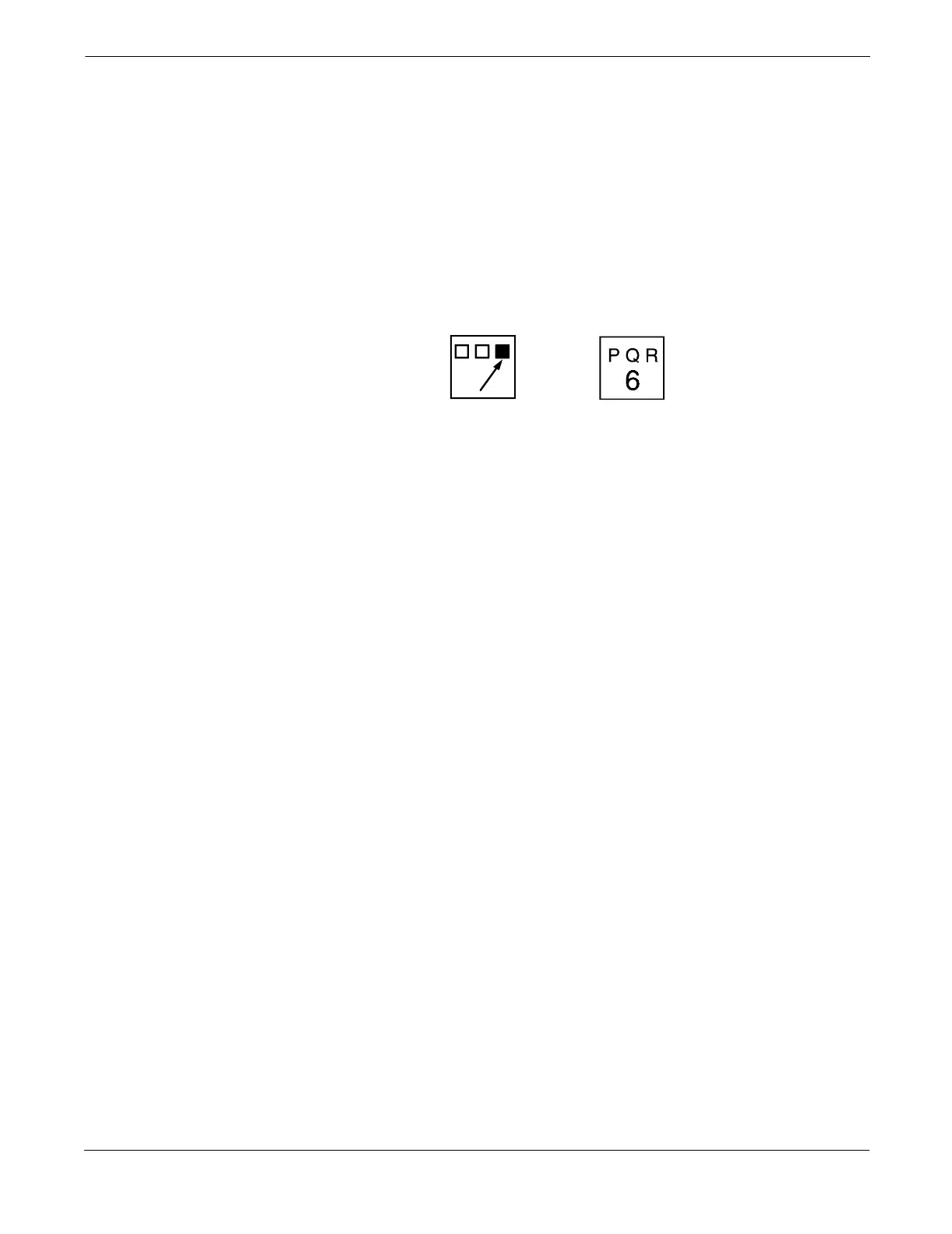
To enter an alphabetic character, first press the Shift key that
corresponds to the position of the letter you want on the alphanumeric
key. Then press the alphanumeric key. For example, to enter the letter
R, first press the right Shift key, then the “6” key (see Figure A-7). Do
not press these keys simultaneously, but one after the other.
FIGURE A-7. Data Entry Key Sequence
HART Fast Key Feature
The HART Fast Key feature provides quick on-line access to transmitter
variables and functions. Instead of stepping your way through the menu
structure using the Action Keys, you can press a HART Fast Key
Sequence to move from the Online Menu to the desired variable or
function. On-screen instructions guide you through the rest of the screens.
HART Fast Key Example The HART Fast Key sequences are made up of the series of numbers
corresponding to the individual options in each step of the menu
structure. For example, from the Online Menu you can change the
Date. Following the menu structure, press 1 to reach Device Setup,
press 4 for Detailed Setup, press 5 for Device Info, press 5 for Date.
The corresponding HART Fast Key sequence is 1,4,5,5.
HART Fast Keys are operational only from the Online Menu. If you use
them consistently, you will need to return to the Online Menu by
pressing HOME (F3) when it is available. If you do not start at the
Online Menu, the HART Fast Keys will not function properly.
Use Table A-1, an alphabetical listing of every on-line function, to find
the corresponding HART Fast Keys. These codes are applicable only to
the transmitter and the HART Communicator.



 To Next Page