Reference Manual
00809-0100-4663, Rev BA
January 2010
H-3
Rosemount 8732
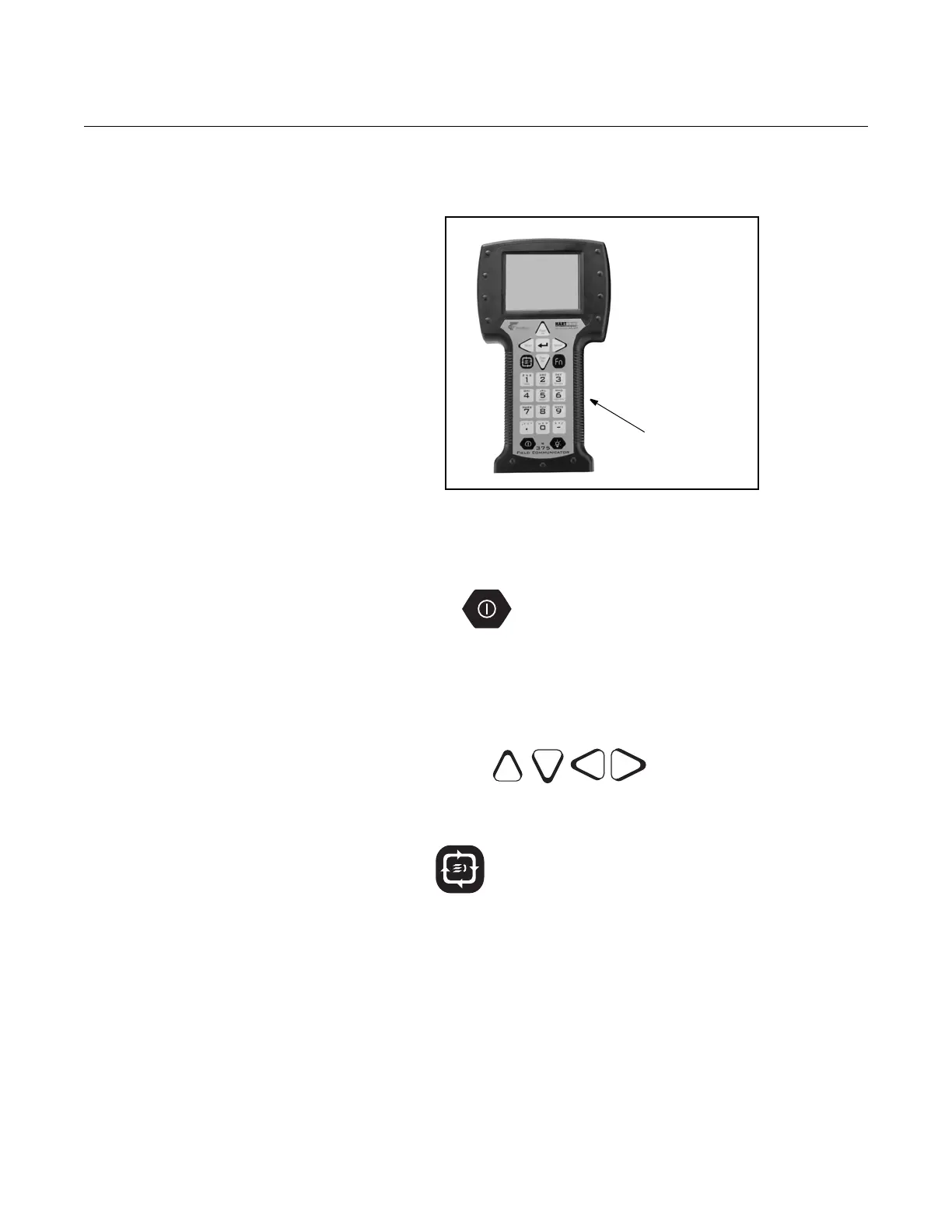
BASIC FEATURES The basic features of the Handheld Communicator include Action Keys,
Function Keys, and Alphanumeric and Shift Keys.
Figure H-3. The Handheld
Communicator
Action Keys The Action Keys
As shown in Figure H-3, the action keys are the six blue, white, and black
keys located above the alphanumeric keys. The function of each key is
described as follows:
ON/OFF Key
Use this key to power the Handheld Communicator. When the
communicator is turned on, it searches for a transmitter on the
F
OUNDATION filedbus loop.
If a F
OUNDATION fieldbus compatible device is found, the communicator
displays the Online Menu with device ID (8732) and tag (TRANSMITTER).
Directional Keys
Use these keys to move the cursor up, down, left, or right. The right arrow
key also selects menu options, and the left arrow key returns to the
previous menu.
Tab Key
Use this key to quickly access important, user-defined options when
connected to a device. Pressing the Hot Key turns the Handheld
Communicator on and displays the Hot Key Menu. See Customizing the
Hot Key Menu in the Handheld Communicator manual for more
information.
Page
Up
Bksp
Delete



 To Next Page