AC750 Wireless Dual Band Gigabit Router RNX-AC750RT User Manual
- 99 -
4.15.4 Schedule
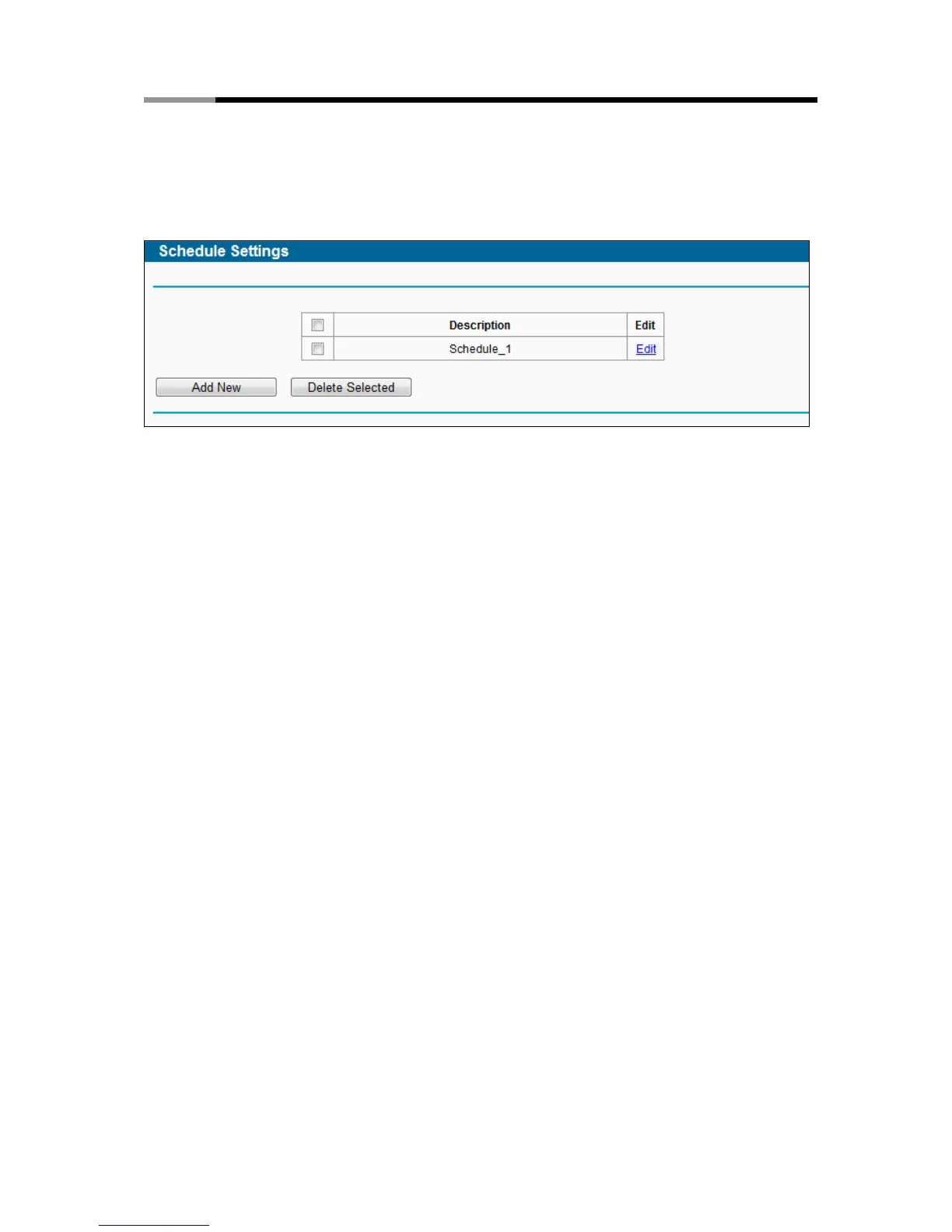
Choose menu “Access Control → Schedule”, and then you can view and set a Schedule list in
the next screen as shown in Figure 4-83. The Schedule list is necessary for the Access Control
Rule.
Figure 4-83 Schedule Settings
Description - Here displays the description of the schedule and this description is unique.
Edit - Here you can edit or delete an existing schedule.
To add a new schedule, follow the steps below:
1. Click Add New button shown in Figure 4-83 and the next screen will pop-up as shown in
Figure 4-84.
2. In Description field, create a unique description for the schedule (e.g. Schedule_1).
3. Select the Day or days from the drop-down list. And then select the Start Time and Stop
Time from the drop-down list. Click Add to save the entry.
4. Click Save to complete the settings.
Click the Delete Selected button to delete selected entries in the table.



 To Next Page