AC750 Wireless Dual Band Gigabit Router RNX-AC750RT User Manual
- 122 -
The current configuration will be covered with the uploading configuration file. Wrong process will
lead the device unmanaged. The restoring process lasts for 20 seconds and the router will restart
automatically then. Keep the power of the router on during the process, in case of any damage.
4.21.6 Reboot
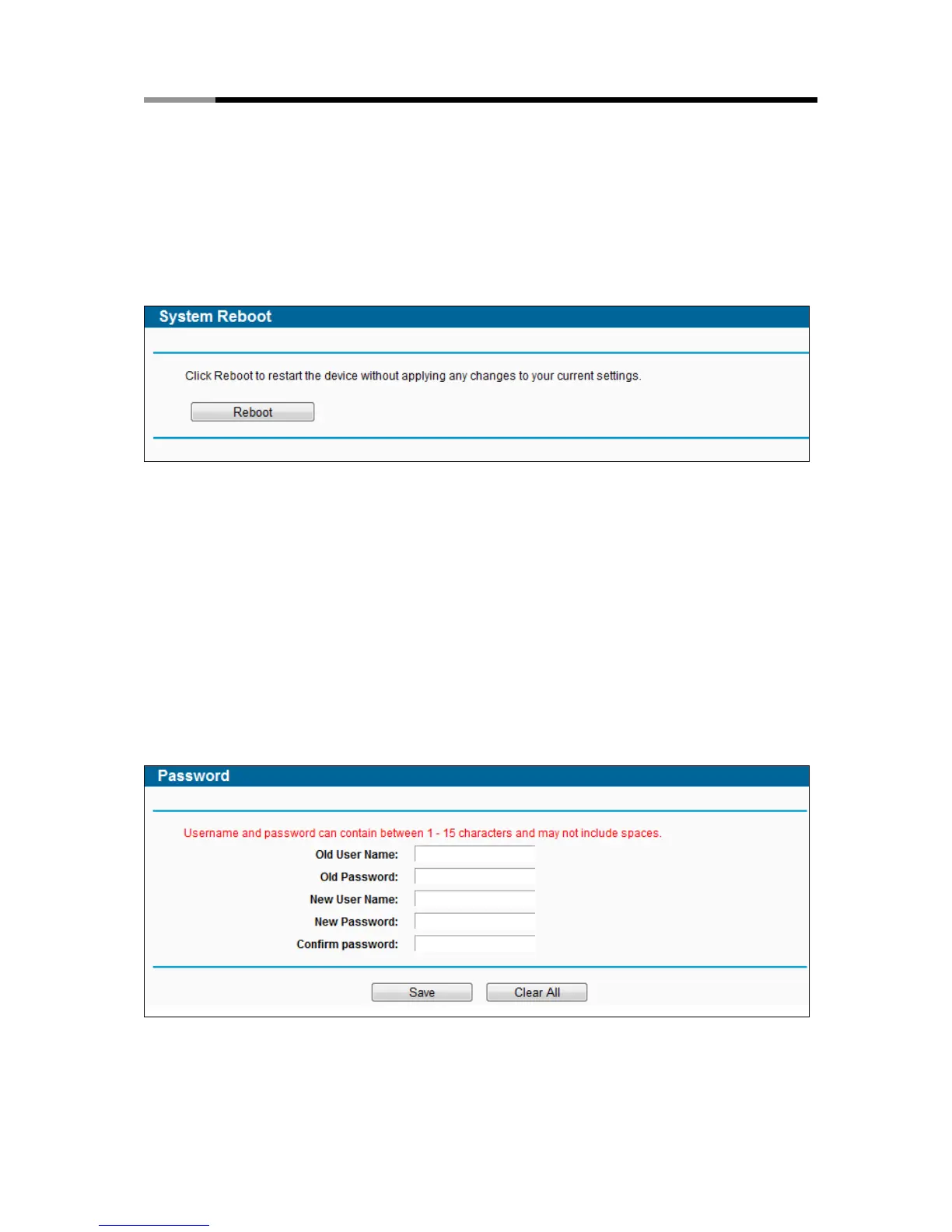
Choose menu “System Tools → Reboot”, and then you can click the Reboot button to reboot
the router via the next screen.
Figure 4-114 Reboot the router
Some settings of the router will take effect only after rebooting, which include
Change the LAN IP Address (system will reboot automatically).
Upgrade the firmware of the router (system will reboot automatically).
Restore the router's settings to factory defaults (system will reboot automatically).
Update the configuration with the file (system will reboot automatically).
4.21.7 Password
Choose menu “System Tools → Password”, and then you can change the factory default user
name and password of the router in the next screen as shown in Figure 4-115.
Figure 4-115 Password



 To Next Page