AC750 Wireless Dual Band Gigabit Router RNX-AC750RT User Manual
- 115 -
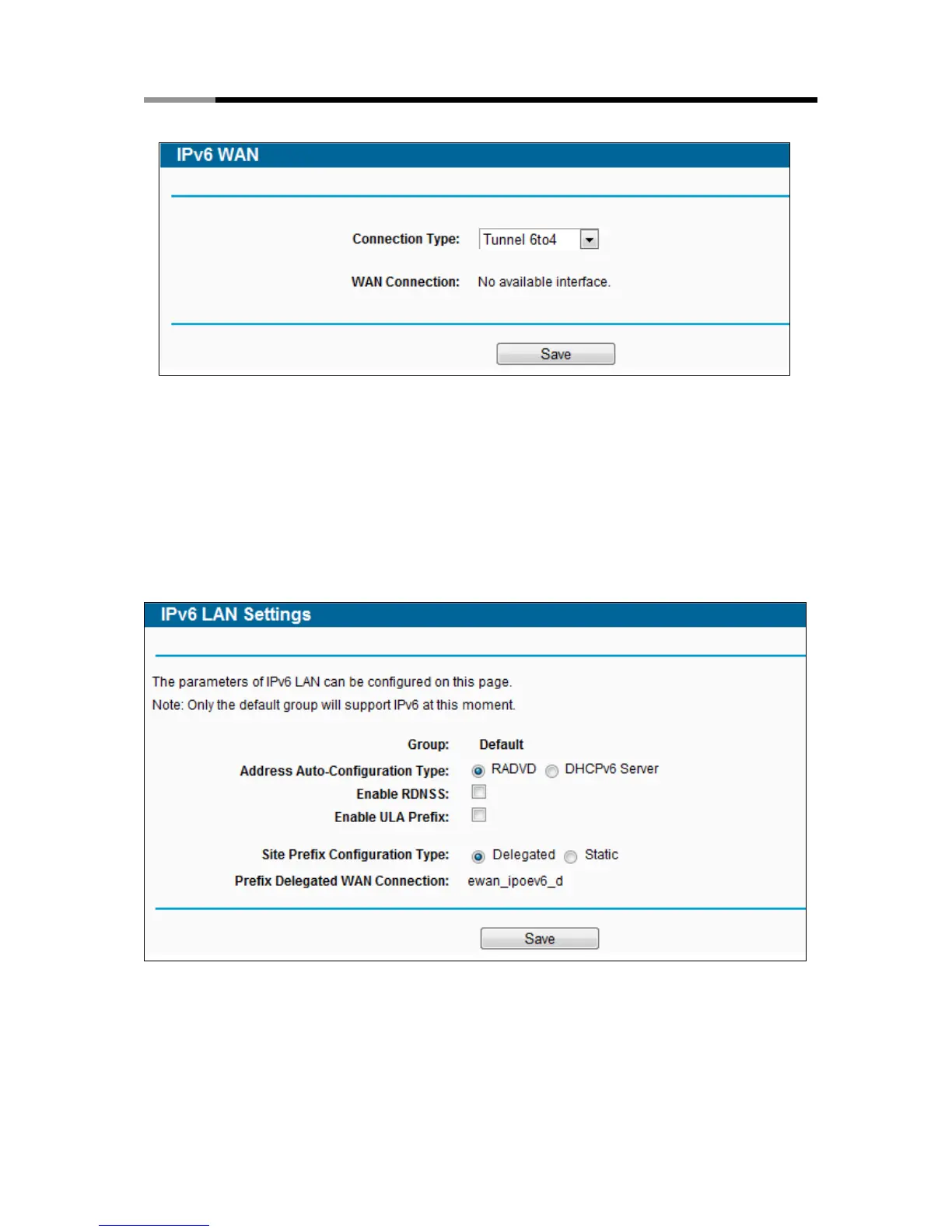
4) Tunnel 6to4
Figure 4-104 Tunnel 6to4
This type is used in the situation that your WAN connection is IPv4 while LAN connection is IPv6.
WAN Connection - Display the available wan connection.
Click the Save button to save your settings.
4.20.3 IPv6 LAN
Figure 4-105 IPv6 LAN
Address Auto-Configuration Type - Choose the IPv6 address auto-configuration type, either
RADVD or DHCPv6 Server.
Site Prefix Configuration Type - Choose the site prefix configuration type, either Delegated
or Static.



 To Next Page