AC750 Wireless Dual Band Gigabit Router RNX-AC750RT User Manual
- 42 -
Step 3: The Wi-Fi Protected Setup LED flashes for two minutes during the Wi-Fi Protected Setup
process.
Step 4: When the WPS LED is on, the client device has successfully connected to the router.
II. Enter the client device’s PIN on the router
Use this method if your client device does not have the WPS button, but has a Wi-Fi Protected
Setup PIN number.
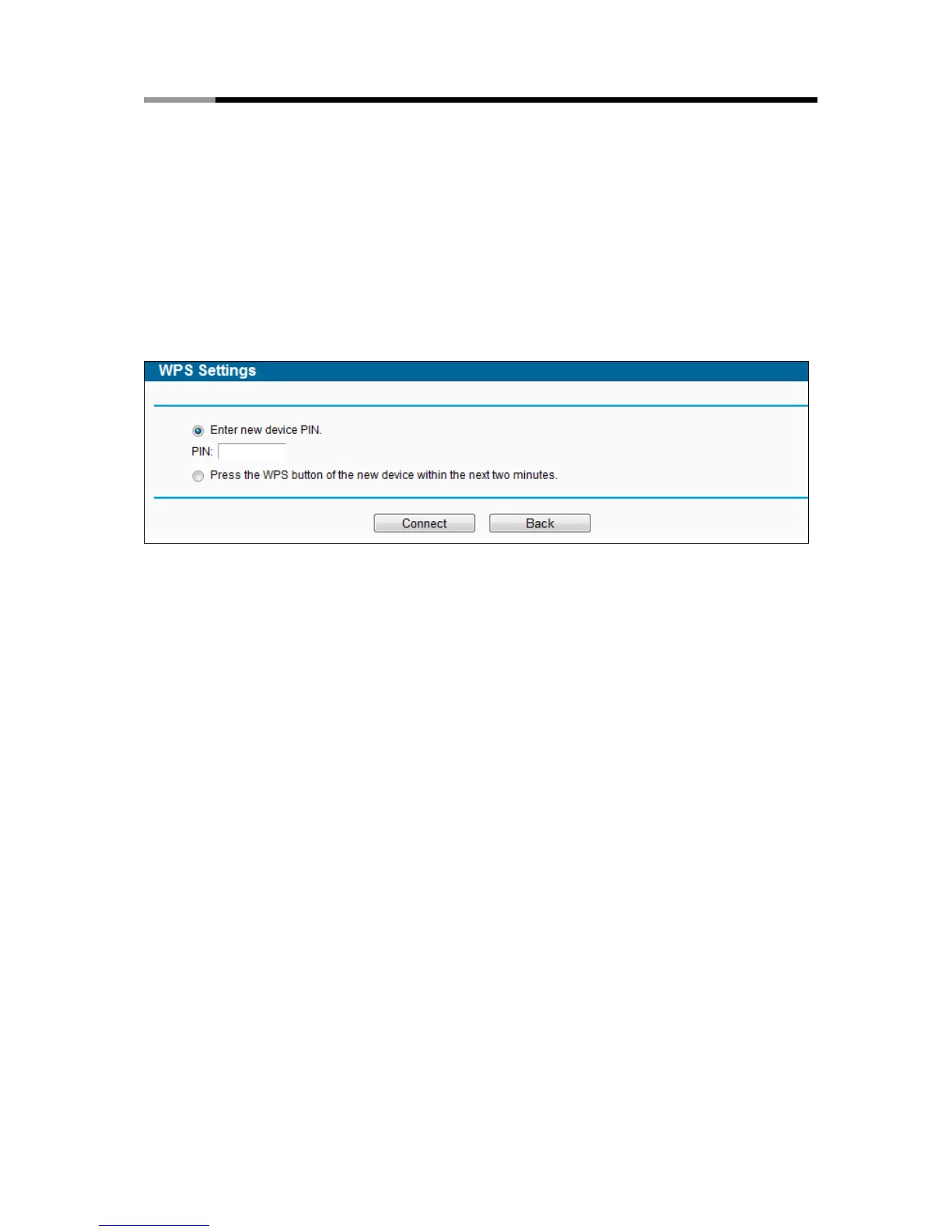
Step 1: Keep the default WPS status as Enabled and click the Add device button in Figure
4-15, then Figure 4-18 will appear.
Figure 4-18 Add A New Device
Step 2: Enter the PIN number from the client device in the field on the WPS screen above. Then
click Connect button.
Step 3: “Connect successfully” will appear on the screen of Figure 4-18, which means the
client device has successfully connected to the router.
III. Enter the router’s PIN on your client device
Use this method if your client device asks for the router’s PIN number.
Step 1: On the client device, enter the PIN number listed on the router’s Wi-Fi Protected Setup
screen, shown in Figure 4-15 (It is also labeled on the bottom of the router).
Step 2: The Wi-Fi Protected Setup LED flashes for two minutes during the Wi-Fi Protected
Setup process.
Step 3: When the WPS LED is on, the client device has successfully connected to the router.
Note:
1) The WPS LED on the router will light green for five minutes if the device has been
successfully added to the network.
2) The WPS function cannot be configured if the Wireless Function of the router is disabled.
Please make sure the Wireless Function is enabled before configuring the WPS.
4.6.3 Wireless Security
Choose menu “Wireless 2.4GHz → Wireless Security”, you can configure the security settings
of your wireless network. There are five wireless security modes supported by the router:
WPA-Personal, WPA2-Personal, WPA-Enterprise, WPA2-Enterprise, and WEP.



 To Next Page