AC750 Wireless Dual Band Gigabit Router RNX-AC750RT User Manual
- 76 -
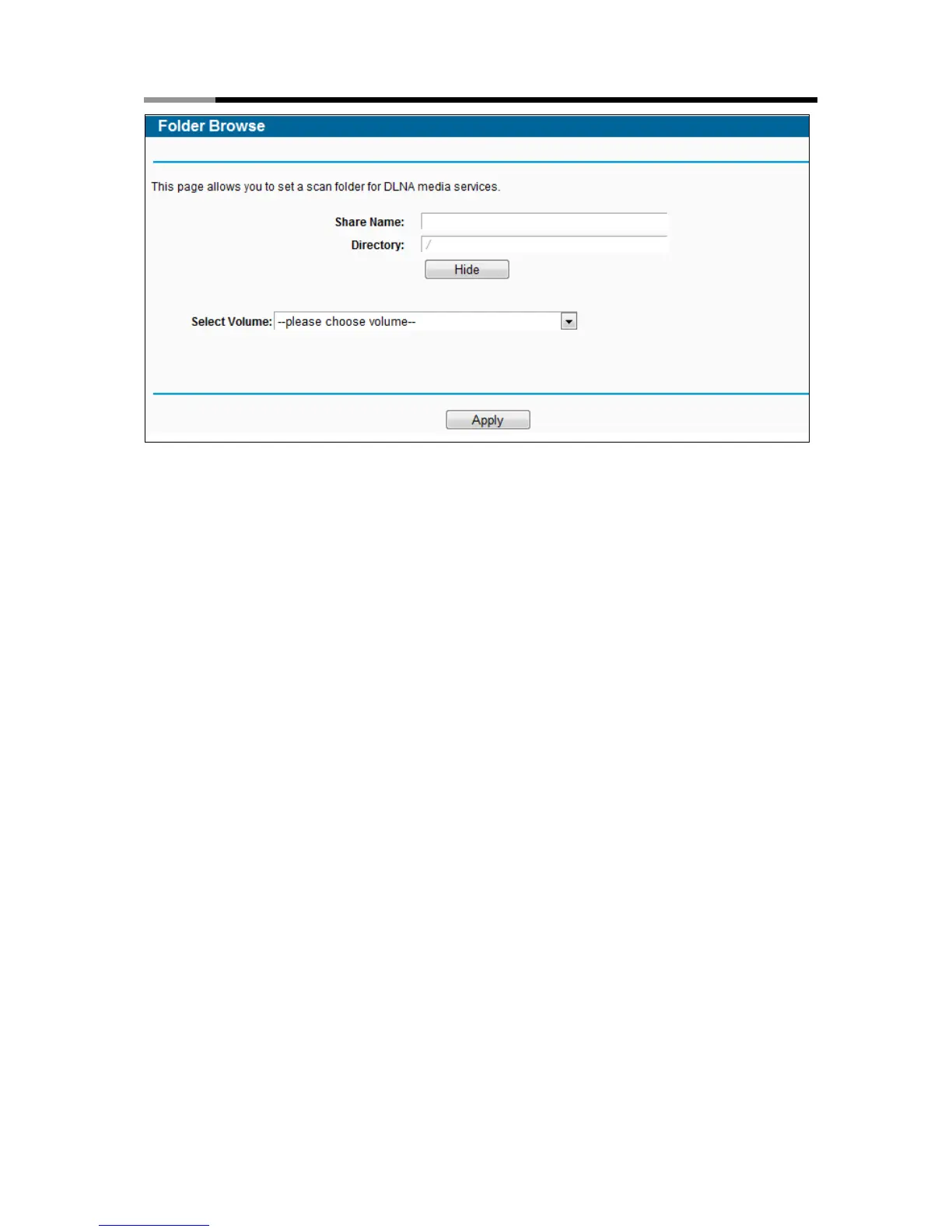
Figure 4-57 Add New Folder
Share Name - You can enter a display name for the share folder.
Directory - Displays the location of this folder.
Browse – Click the button to select the folder to share.
Apply - Click the button to save your settings.
3. Click the Scan Now button to scan all the share folders immediately. You can also select the
Auto-scan, at the same time, select an auto scan interval time by drop-down list. In this case,
the media server will auto scan the share folders.
Note:
The max share folders number is 6. If you want share a new folder when the number has been
reached to be 6, you can delete a share folder and then add a new one.
4.11 NAT
Choose “NAT”, and you can enable or disable the NAT and Hardware NAT Control feature. The
NAT Rules and Hardware NAT will work properly only when the NAT Control feature is enabled.



 To Next Page