AC750 Wireless Dual Band Gigabit Router RNX-AC750RT User Manual
- 124 -
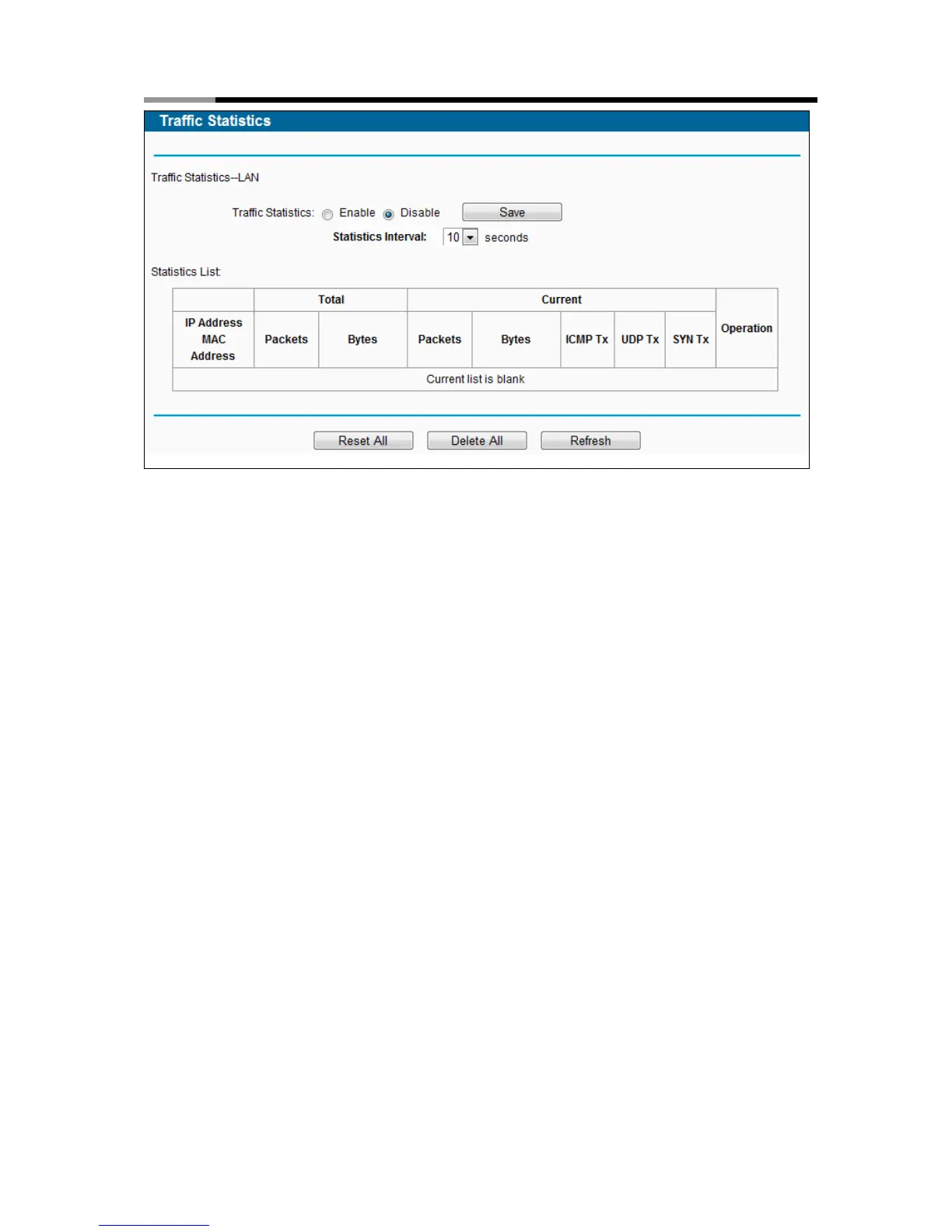
Figure 4-116 Statistics
Statistics Status - Enable or Disable. The default value is disabled. To enable it, click the
Enable button. If it is disabled, the function of DoS protection in Security settings will be
disabled.
Statistics Interval (5-60) - The default value is 10. Select a value between 5 and 60
seconds in the drop-down list. The Packets Statistic interval indicates the time section of the
packets statistic.
Click Reset All to reset the values of all the entries to zero.
Click Delete All to delete all entries in the table.
Click the Refresh button to refresh immediately.



 To Next Page