ULTRIX-FR12 Installation Guide (v4.0) Hardware Overview • 15
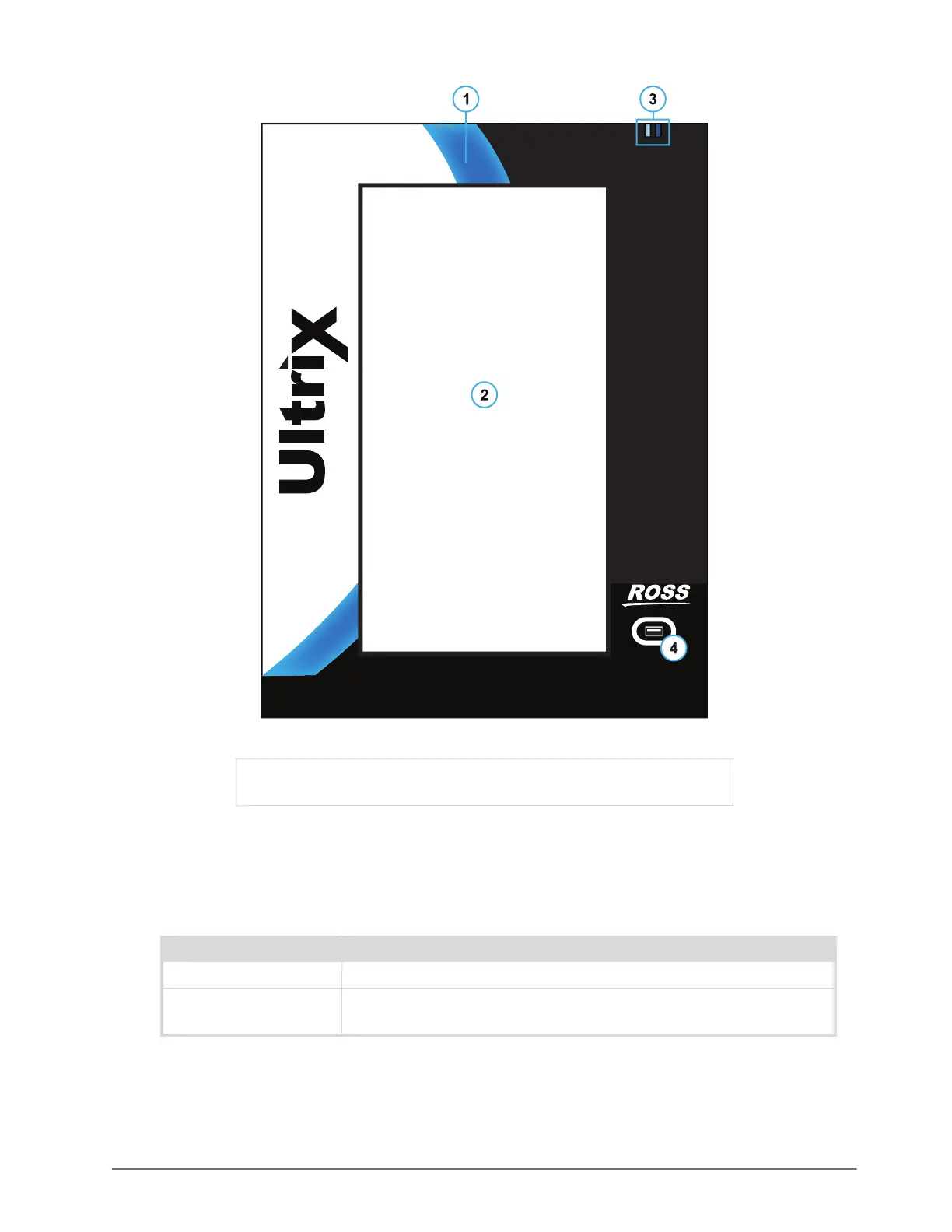
Figure 2 Example of an ULTRIX-FR12 —Front Panel
1. Front Panel Wave Light
The front panel provides various system status indication via the 'wave light'. The concave section
of the black front panel bezel emits light of various colors to indicate system function.
2. Display Panel
The touchscreen provides a simple and intuitive DashBoard interface to configure and monitor
the ULTRIX-FR12.
1) Front Panel Wave Light 3) ENET Port LEDs
2) Display Panel 4) USB Port
Table 3 Front Panel Wave Light
Status Description
Blue When lit blue, this indicates normal operation.
Red When lit red, this indicates a serious issue that requires immediate
attention.



 To Next Page