26 • Powering the ULTRIX-FR12 ULTRIX-FR12 Installation Guide (v4.0)
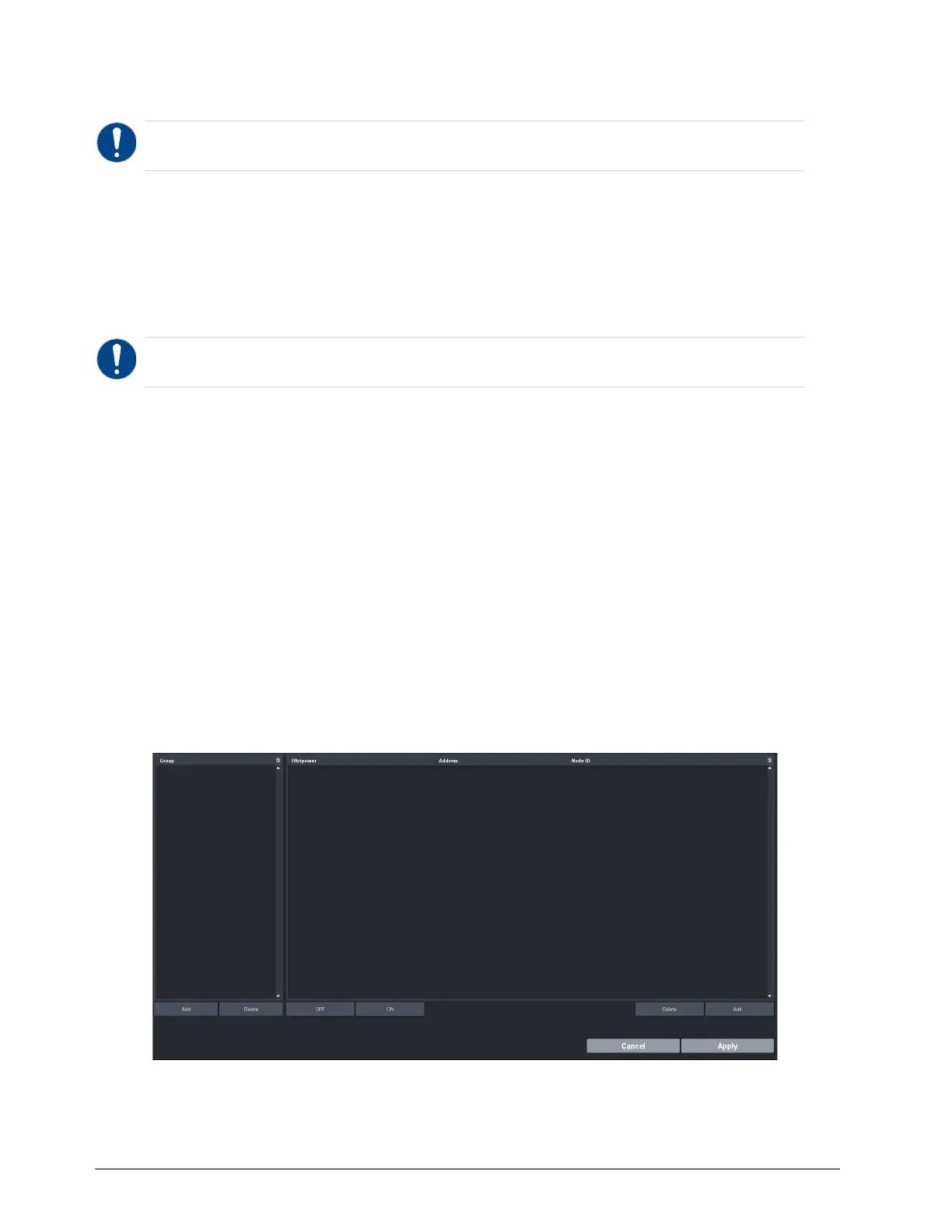
Ultripower Manager
The ULTRIX-FR12 requires multiple Ultripower power supply units (with a minimum of two units). It
is required that these power cycle together. The primary Ultricore BCS has the Ultripower Manager
feature to group up to 4 Ultripower units. When the Ultripower Group output state is changed, via
the Ultripower Manager interface, the grouped units will follow suit.
Refer to the Ultripower User Guide for details on connecting an Ultripower to a power source.
To set up an Ultripower group
1. Connect each Ultripower unit to mains AC and your facility network.
2. Configure Ultripower network IP addresses via DashBoard > Walkabout. Refer to the
Ultripower User Guide for details.
3. Change the names of the Ultripower units for easy identification in the DashBoard Tree View.
4. Add the Ultripower units to the DashBoard Tree View. Refer to the Ultripower User Guide.
5. For each Ultripower, navigate to the Setup tab and ensure the output ports are grouped
together.
6. Locate the Ultricore BCS node in the Tree View of DashBoard.
7. Expand the main Ultricore BCS node.
8. Expand the Ultricore BCS sub-node to display a list of sub-nodes in the Tree View.
9. Expand the Devices sub-node.
10. Double-click the Ultripower Manager sub-node.
The Ultripower Manager interface displays.
11. Click Add under the Group pane.
The Group pane displays a new entry “
New Group”.
Notice — The Ultripower units must be grouped prior to connecting the power connections to the
ULTRIX-FR12 chassis.
Notice — Do not connect the Ultripower units to the ULTRIX-FR12 until the Ultripower units are
configured and grouped.



 To Next Page