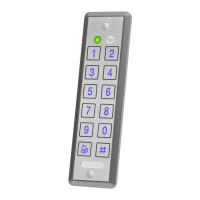
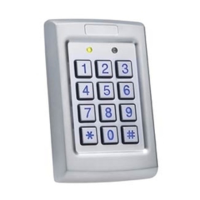
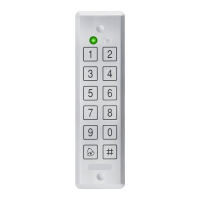
C o ntro lle r Func tio na lity
AYC-Fx4 a nd AYC-G x4 fa mily ma nua l Pa g e 29
6.2.2. Bypass Mode
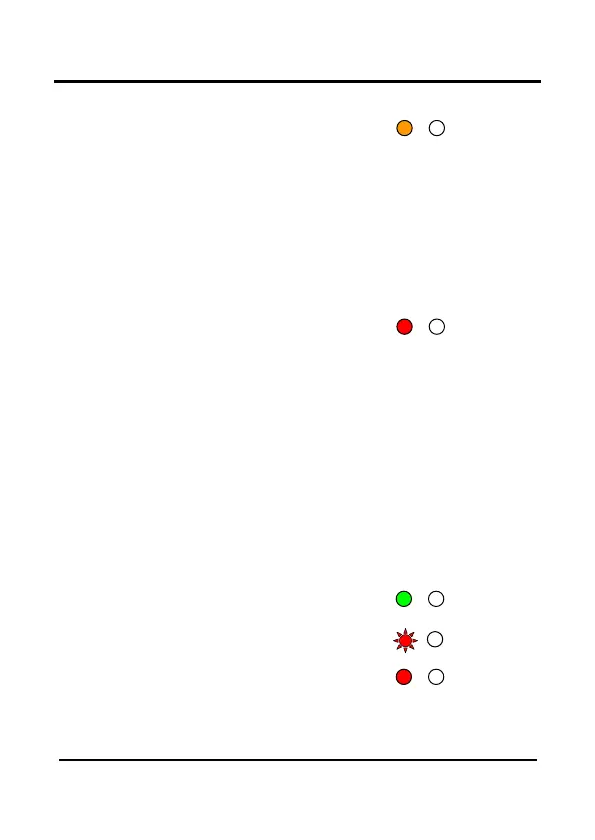
MODE LED is orange
In Byp a ss Mo d e , a c c e ss to the p re m ise s is d e p e nd e nt o n whe the r
the c o ntro lle r's Lo c k Strike Re la y is p ro g ra m me d fo r Fa il Sa fe
O p e ra tio n o r Fa il Se c ure O p e ra tio n. Whe n the Lo c k Strike is
p ro g ra mme d fo r Fa il Se c ure O p e ra tio n, the d o o r is lo c ke d until the
"*" b utto n is p re sse d . Whe n the Lo c k Strike is p ro g ra mme d fo r Fa il
Sa fe O p e ra tio n, the d o o r is c o nsta ntly unlo c ke d .
6.2.3. Secure Mode
MODE LED is red
O nly Se c ure a nd Ma ste r Use rs c a n a c c e ss the p re mise s d uring the
Se c ure d Mo d e .
A Se c ure Use r must e nte r the ir Prim a ry a nd Se c o nd a ry C o d e s to
g a in e ntry. Afte r e nte ring the ir Prima ry C o d e the Do o r LED will fla sh
g re e n fo r 10 se c o nd s, d uring w hic h the Se c o nd a ry C o d e must b e
e nte re d . A Ma ste r Use r o nly ne e d s to p re se nt the ir c o d e o nc e to
g a in e ntry.
6.2.4. Changing the Modes of Operation
Changing from Normal Mode to Secure Mode
The d e fa ult fa c to ry se tting fo r the No rm a l / Se c ure c o d e is 3838.
1) Ente r the No rm a l / Se c ure
c o d e
• Mo d e LED will fla sh re d
2) Pre ss the “ # ” ke y to c o nfirm
the m o d e c ha ng e .
• Mo d e LED will turn re d
Mode/Transmit
Door/Program
Mode
Door/Program
Mode
Door/Program


 To Next Page
 Loading...