C o ntro lle r Func tio na lity
AYC-Fx4 a nd AYC-G x4 fa mily ma nua l Pa g e 45
Auxiliary Mode 9
Auxilia ry input func tio n: Re d LED c o ntro l
Auxilia ry o utput a c tiva te d by: Va lid use r c o d e , Auxilia ry c o d e
E.g . In a uxilia ry m o d e 9, the c o ntro lle r c a n func tio n a s a two -d o o r
c o ntro lle r a nd a lso p ro vid e ind ic a to r func tio na lity c o ntro l. The
a uxilia ry re la y is c o nne c te d to the lo c k o n the se c o nd d o o r. The
a uxilia ry se tting d e fine s the d o o r o p e n time fo r the se c o nd d o o r.
The a uxilia ry inp ut is use d to c o ntro l the ind ic a to r. If the a uxilia ry
inp ut is o p e n the Do o r ind ic a to r will fla sh re d ; if the a uxilia ry inp ut is
c lo se d the Do o r ind ic a to r will fla sh g re e n.
No te :
This mo d e take s c o ntro l o f the Do o r ind ic a to r LED.
The ind ic a to r LED will no t b e lit whe n:
A va lid c o d e is e nte re d
While in se c ure mo d e , whe n w a iting fo r a se c o nd a ry c o d e .
6.9.13. Setting the Lockout Feature
In c a se the c o ntro lle r is p re se nte d with wro ng c o d e s,
c o nse c utive ly se ve ra l tim e s the unit g o e s into lo c ko ut mo d e .
Whe n a lo c ko ut o c c urs, the c o ntro lle r ke yp a d a nd re a d e r a re
lo c ke d so no c o d e s c a n b e e nte re d until the se t lo c ko ut p e rio d
e xp ire s. During Lo c ko ut, Mo d e LED is O ff, Do o r LED fla she s Re d ,
a nd the c o ntro lle r b e e p s e ve ry two se c o nd s. The d e fa ult se tting
fo r the Lo c ko ut Fe a ture is 4000 (Lo c ko ut Disa b le d )
Using the lo c ko ut fe a ture is hig hly re c o mme nd e d , e spe c ia lly
whe n se le c ting to use sho rt PIN c o de le ng th (4 o r 5 d ig its).
1) Ente r the Pro g ra mming
Mo d e .
2) Pre ss 6 to e nte r Me nu 6.
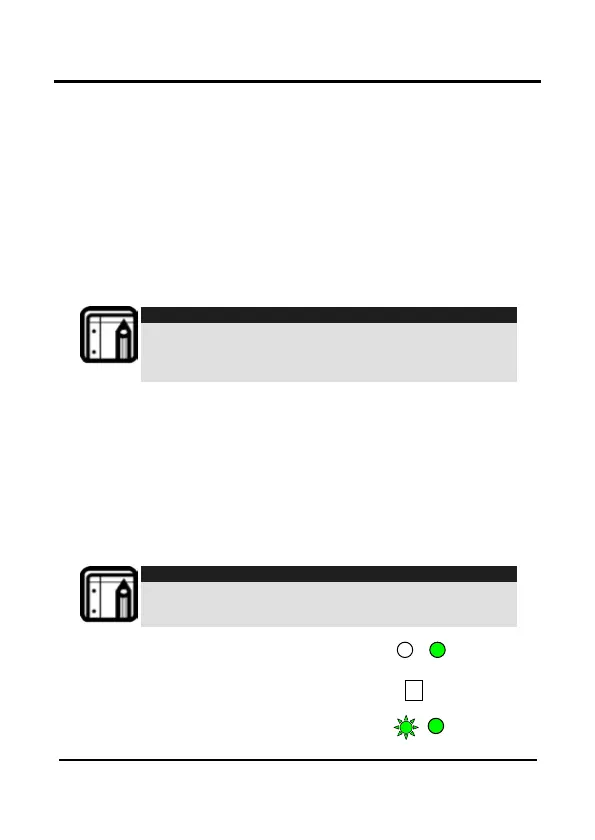
• The Mo d e LED will fla sh
g re e n
Door/Program


 To Next Page
 Loading...